Um, what are you trying to tell me, Mint Mobile?

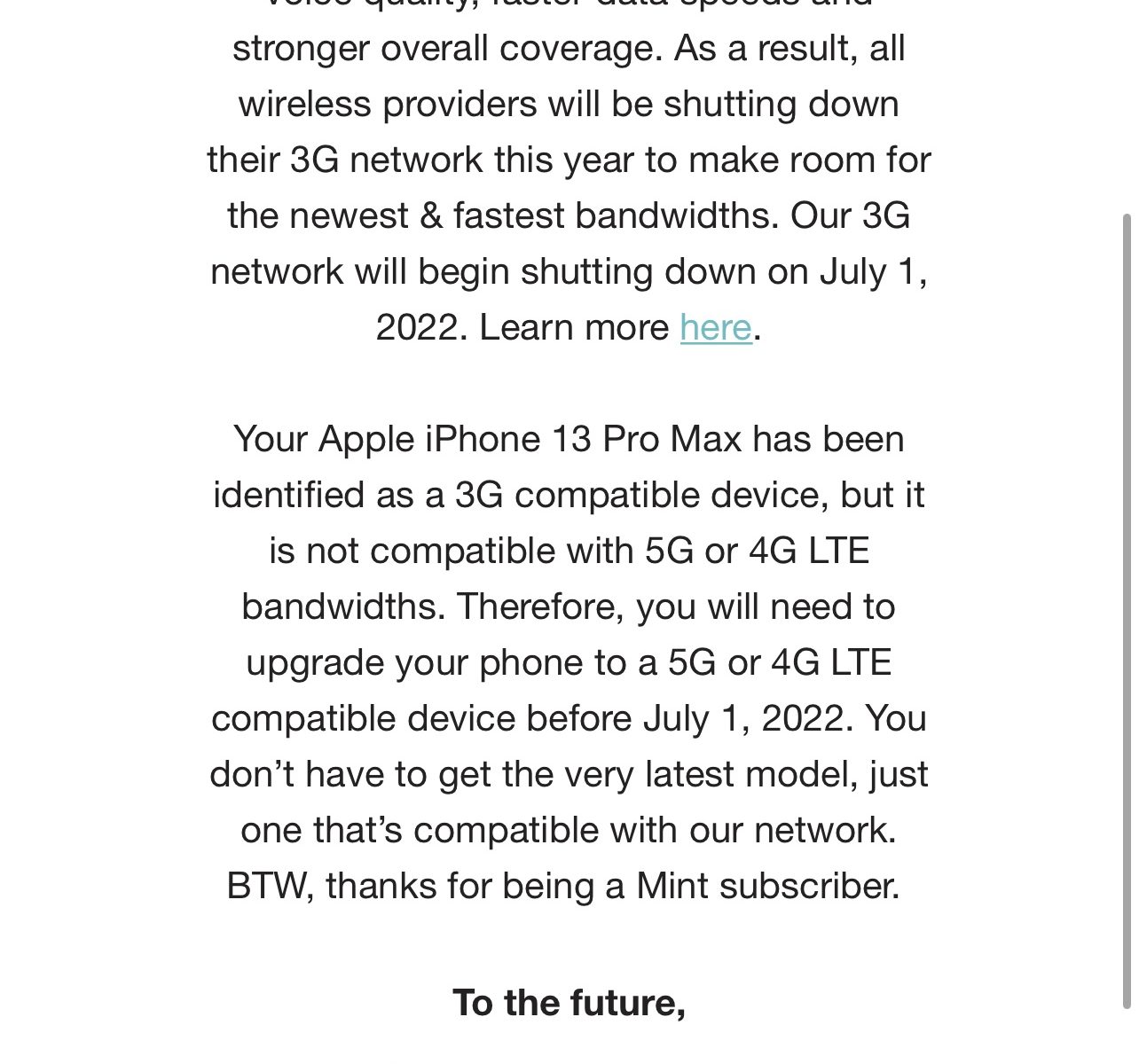
As Mint Mobile user, I received an email that says the following in the subject line:

Your 3G device will not be supported after 7/1

Umm, okay. Then in the email:

Your Apple iPhone 13 Pro Max has been identified as a 3G compatible device, but it is not compatible with 5G or 4G LTE bandwidths. Therefore, you will need to upgrade your phone to a 5G or 4G LTE compatible device before July 1, 2022.

Huh? You are really saying that iPhone 13 Pro Max are useless.

From Apple.com:

Cellular and Wireless

Model A2483*

  • 5G NR (Bands n1, n2, n3, n5, n7, n8, n12, n20, n25, n28, n29, n30, n38, n40, n41, n48, n66, n71, n77, n78, n79)
  • 5G NR mmWave (Bands n258, n260, n261)
  • FDD-LTE (Bands 1, 2, 3, 4, 5, 7, 8, 11, 12, 13, 14, 17, 18, 19, 20, 21, 25, 26, 28, 29, 30, 32, 66, 71)
  • TD-LTE (Bands 34, 38, 39, 40, 41, 42, 46, 48)
  • CDMA EV-DO Rev. A (800, 1900 MHz)
  • UMTS/HSPA+/DC-HSDPA (850, 900, 1700/2100, 1900, 2100 MHz)
  • GSM/EDGE (850, 900, 1800, 1900 MHz)

Model A2484*

  • 5G NR (Bands n1, n2, n3, n5, n7, n8, n12, n20, n25, n28, n29, n30, n38, n40, n41, n48, n66, n71, n77, n78, n79)
  • 5G NR mmWave (Bands n258, n260, n261)
  • FDD-LTE (Bands 1, 2, 3, 4, 5, 7, 8, 11, 12, 13, 14, 17, 18, 19, 20, 21, 25, 26, 28, 29, 30, 32, 66, 71)
  • TD-LTE (Bands 34, 38, 39, 40, 41, 42, 46, 48)
  • CDMA EV-DO Rev. A (800, 1900 MHz)
  • UMTS/HSPA+/DC-HSDPA (850, 900, 1700/2100, 1900, 2100 MHz) 
  • GSM/EDGE (850, 900, 1800, 1900 MHz)

All models

  • 5G (sub‑6 GHz and mmWave) with 4×4 MIMO7
  • Gigabit LTE with 4×4 MIMO and LAA7
  • Wi‑Fi 6 (802.11ax) with 2×2 MIMO
  • Bluetooth 5.0 wireless technology
  • Ultra Wideband chip for spatial awareness8
  • NFC with reader mode
  • Express Cards with power reserve

Who did your research?
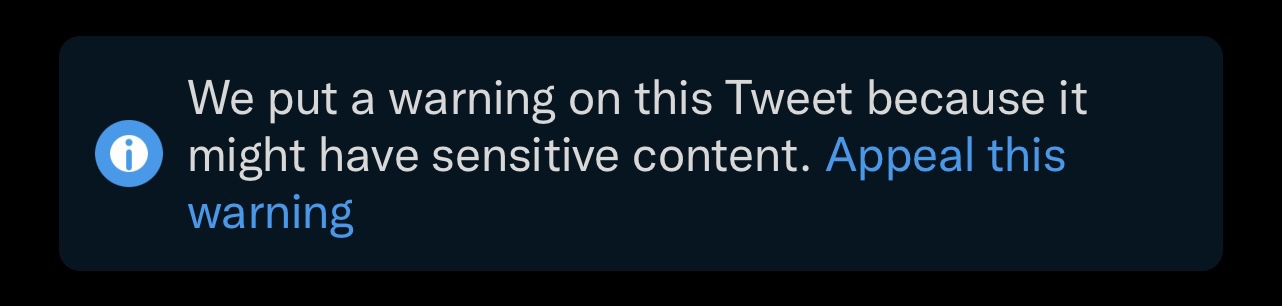
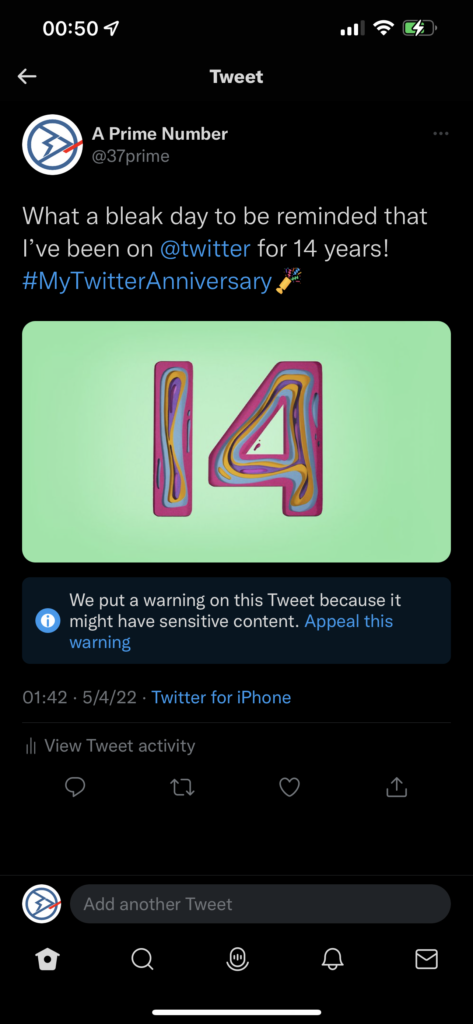
Warnception: Twitter Hellscape, Sensitive Content Edition.

For some reasons, Twitter has added the following to each and every post on @37prime account:

We put a warning on this Tweet because it
might have sensitive content. Appeal this
warning

Twitter
Twitter warning of sensitive content.

I do not get warning at all on my personal Twitter account. I wonder why Twitter suddenly flagged this account. Could it be a mistake or something else such as someone reporting 37prime to Twitter.

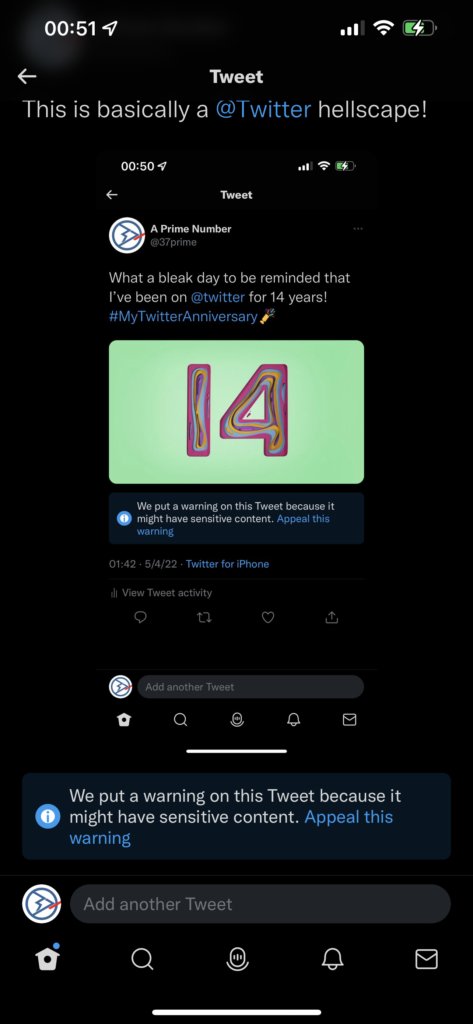
I took the screenshot above and posted it on Twitter. Knowing what I knew then, I expected Twitter to automatically put the same warning to the post. Boom there goes the sonic!

Tweet about getting a warning, gets a warning.

I “appealed” to Twitter regarding the warning on the original post and haven’t from them at the time of this post.

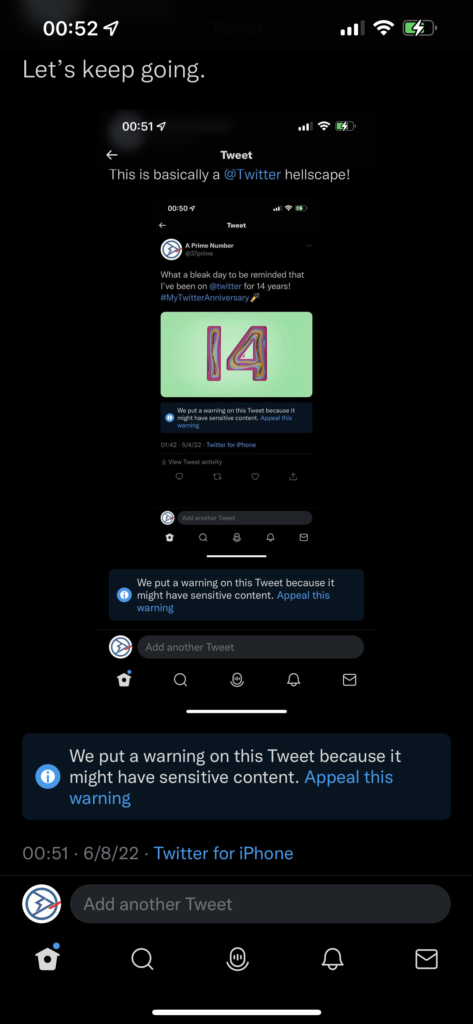
So, I took screenshot of the second post and made a tweet about it, expecting the warning to appear.

It’s a Warnception!

Yep, the warning is there. I could keep going on and on and on and on…

By the way, this post will be automatically tweeted, and most likely will get the same warning.

¯\_(ツ)_/¯

Apple One and AppleOne

The first thing came to mind when the rumored packaged service from Apple would be called “Apple One”:

AppleOne Career Center

Notice that “AppleOne” is one word, compared to “Apple One” (stylized as “ One”).

Scam Calls: This is Amazon…

I’ve received scam calls from scammers pretending to be from Amazon.com:

“This is Amazon. This call is to authorize the payment of $799 for the recent order of iPhone 11 on your Amazon account. If you do not authorize this payment, please press one to speak to our customer support representative. Thank you.”

A number of people told me that they too received similar calls. Unfortunately, some of them fell for the scam and gave the scammer access to their computer.

The scammer insists on “verifying” your Amazon account or gave them access to your computer remotely.

Should you receive calls like these, do not panic, don’t forget to bring a towel…

Do not press anything to speak to the fake customer support, simply hang up.

You can always check your Amazon.com account for any activities.