I found Ginger One and Cali hanging around a MacBook Pro.
– Meatloaf T. Cat



Celebrating 20 years of Nonsense, Powered by Cats' Natural Intelligence.
I found Ginger One and Cali hanging around a MacBook Pro.
– Meatloaf T. Cat
I wonder why the MacBook Pro screen shows a weird backlighting pattern.
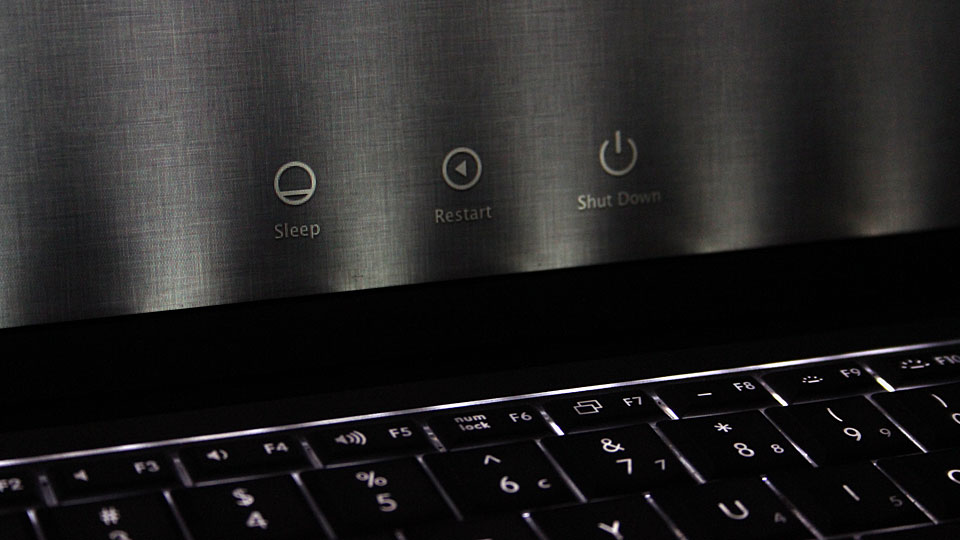
After a while the backlighting becomes normal.
I had been keeping a MacBook Pro with a faulty Logic Board for a while now. I kept it because it had a perfectly working LCD screen. A few days ago my colleague told me that he was getting rid off a MacBook Pro which had a broken screen, dead battery and some other problems. I told him that I would like to harvest the working parts. So I spent a few hours combining parts from the two MacBook Pros.
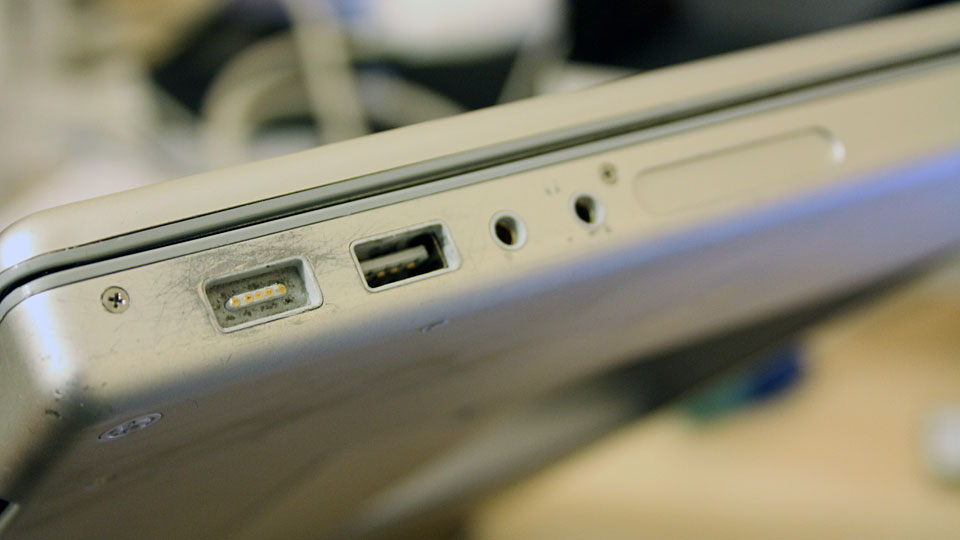
What I need to get for this MacBook Pro are new battery, 4 GB of RAM and new hard drive; the currently installed 80 GB hard drive is not enough. Perhaps I should install an SSD. I’ll figure it out tomorrow. For now I installed OS X Lion on this MacBook Pro. I was having a little trouble installing OS X. I am saving that for another post.
Apple quietly updates its MacBook Pro line-up with the newly released Sandy Bridge based Intel CPU.
Comparisons for the two processors.
15-inch MacBook Pro and 17-inch MacBook Pro
Comparisons for the three processors.
Graphics adapter:
——-
The next Intel platform Ivy Bridge is slated to hit the street in early 2012.
My original MacBook Pro Core Duo I bought back in January 2006 had a crack on the screen bezel.


I found a soon to be discarded MacBook Pro Core Duo with Screen assembly in a really good condition.


30 minutes later I have a seemingly new MacBook Pro.

An exclusive picture of MacBook Pro with Eight Cores. The current MacBook Pro which was released in March 2011 comes with Core i7, which is a Quad-core CPU.
Click on the picture below for the whole picture.

I finished installing Windows 7 on 2011 15-inch MacBook Pro Core i7 through Boot Camp early this morning. Why you asked? Because there’s a specific audio software that would run on Windows. I tried using virtualization within Mac OS X but it performed so poorly. I did upgrade the RAM to 8GB.
Anyway, here’s the Experience Index:

