While working on numerous hard drives, I found an iPhone screenshot of 37Prime.com from October 14, 2008. Well, the screenshot was actually taken on October 18, 2008.
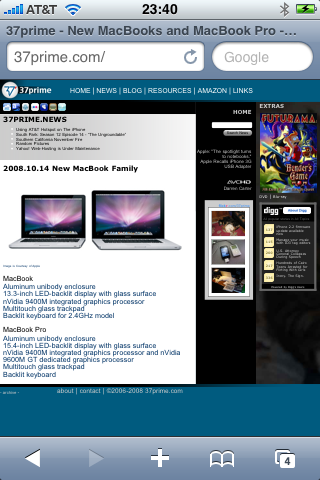
The page featured the new Unibody Aluminum MacBook Pro.


Celebrating 20 years of Nonsense, Powered by Cats' Natural Intelligence.

While working on numerous hard drives, I found an iPhone screenshot of 37Prime.com from October 14, 2008. Well, the screenshot was actually taken on October 18, 2008.
The page featured the new Unibody Aluminum MacBook Pro.

A lot of things happened on the first Sunday of 2021 in the news. I won’t get to that since you can search for them.
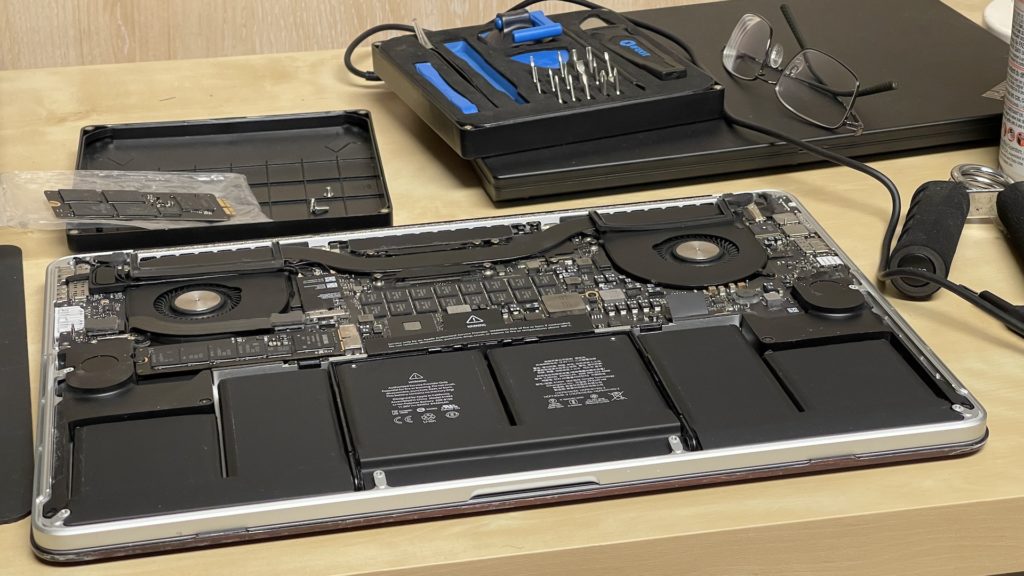
I was cleaning my 2014 MacBook Pro as it has accumulated a lot of dust inside.
Elliot is staying with us for the next few days.

The (funny) Allen Tire Company is at it again.

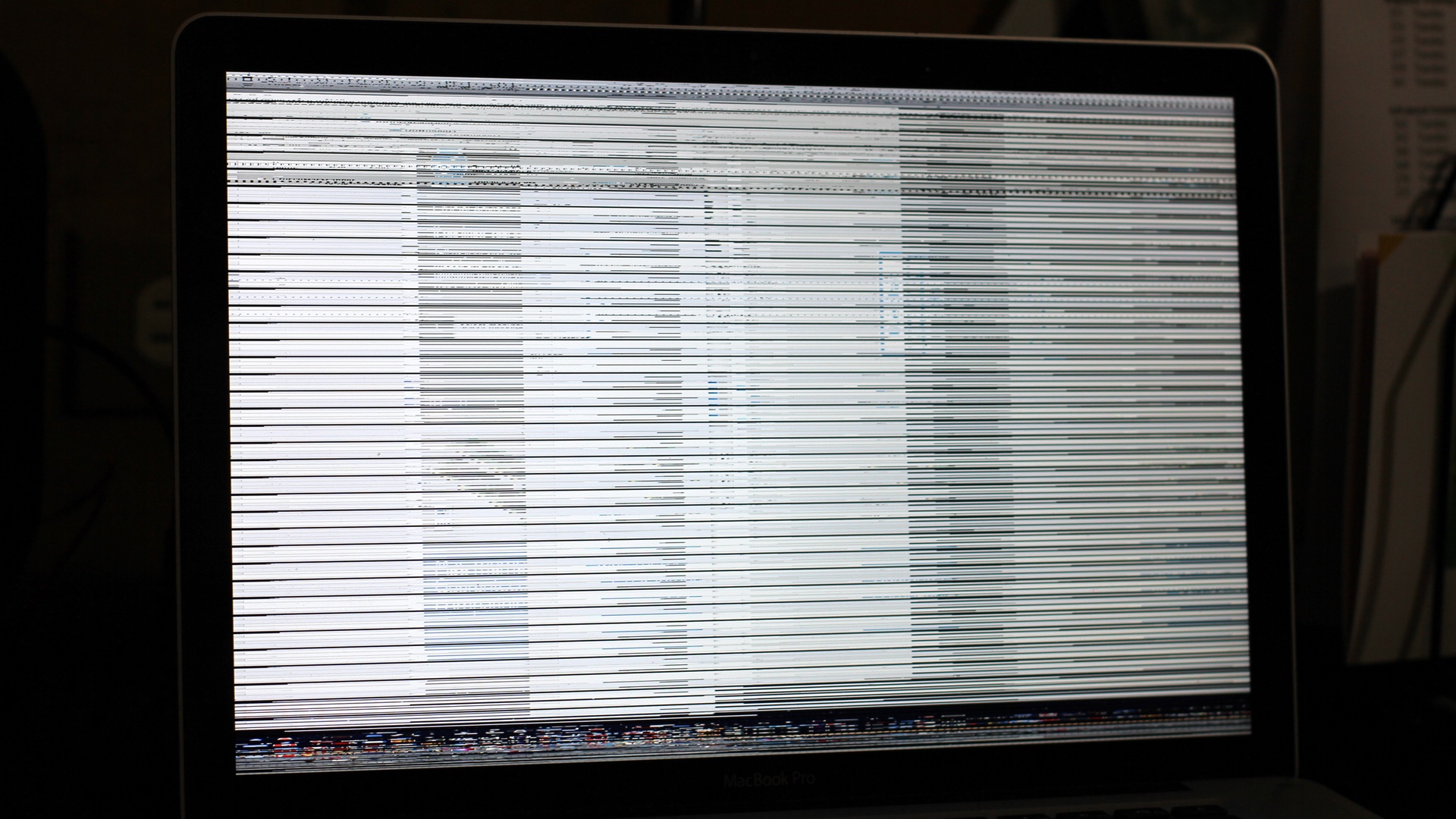
Apple has just announced MacBook Pro Repair Extension Program for Video Issues on Thursday, February 19, 2015.
Apple has determined that a small percentage of MacBook Pro systems may exhibit distorted video, no video, or unexpected system restarts. These MacBook Pro systems were sold between February 2011 and December 2013.
Apple or an Apple Authorized Service Provider will repair affected MacBook Pro systems, free of charge. See below for details on affected models and service options.
As of February 20, 2015, the repair process will be available in the U.S. and Canada. In other countries, it will be available as of February 27, 2015.
I have encountered numerous 2011 MacBook Pro with the video issues. Two of them were repaired out-of-warranty in the past 3 months. I spoke to an AppleCare representative and was informed that Apple will reimburse the repair costs.
Affected Models
My personal MacBook Pros are 2010 and 2014 models which do not have the video issues.
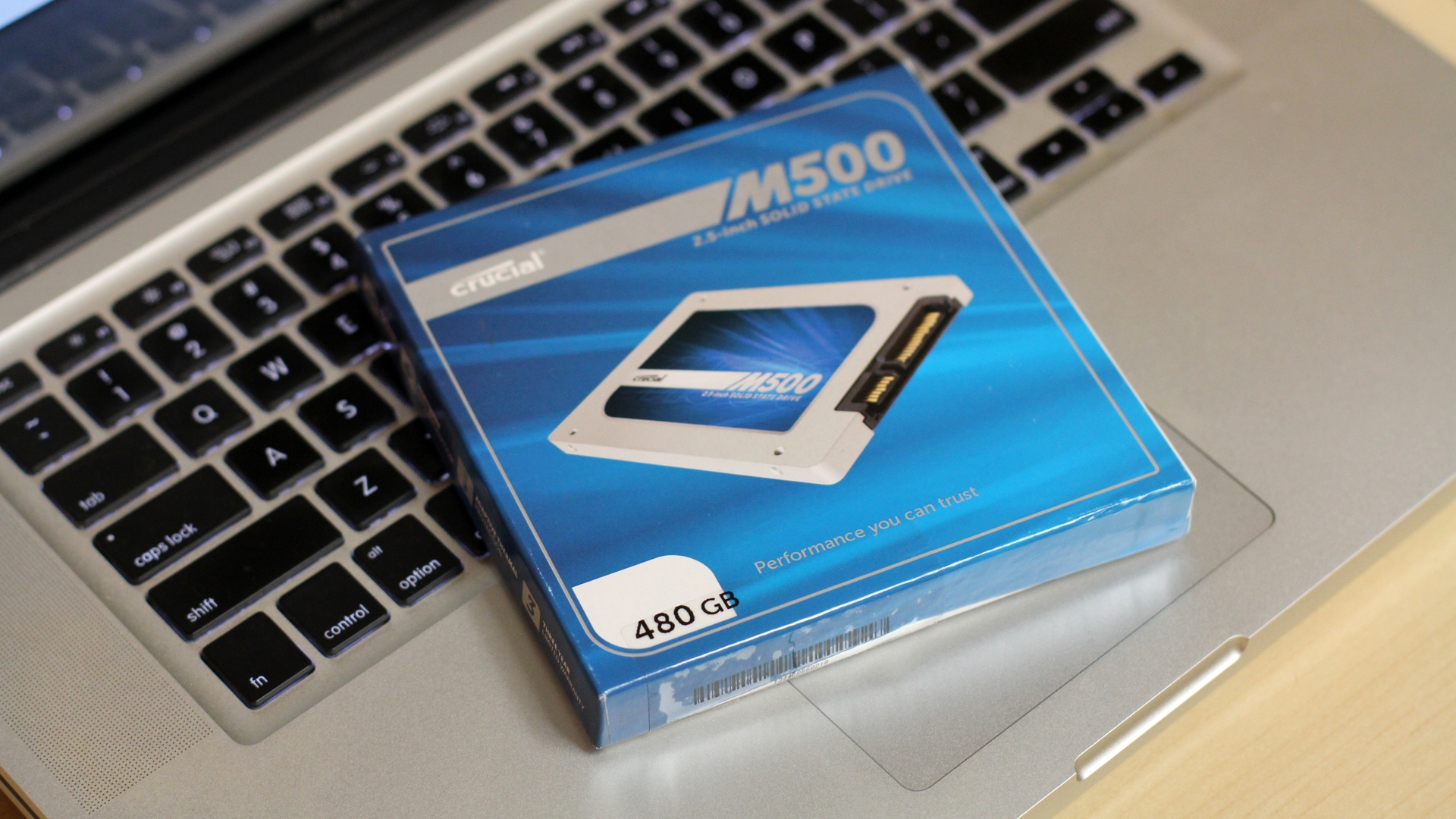
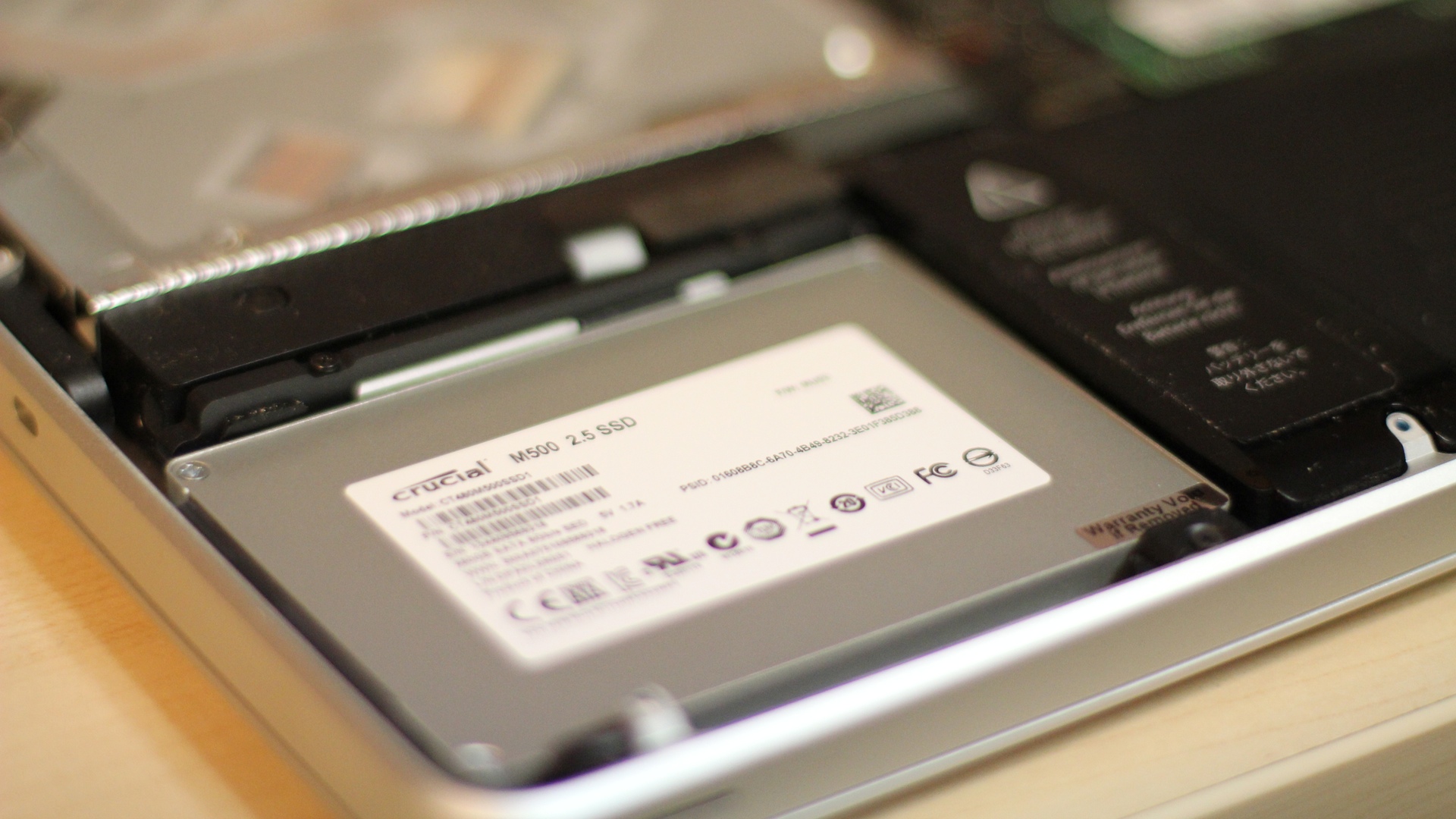
Project of the day: install a Crucial M500 SSD 480GB on a MacBook Pro and get it ready for Saturday.
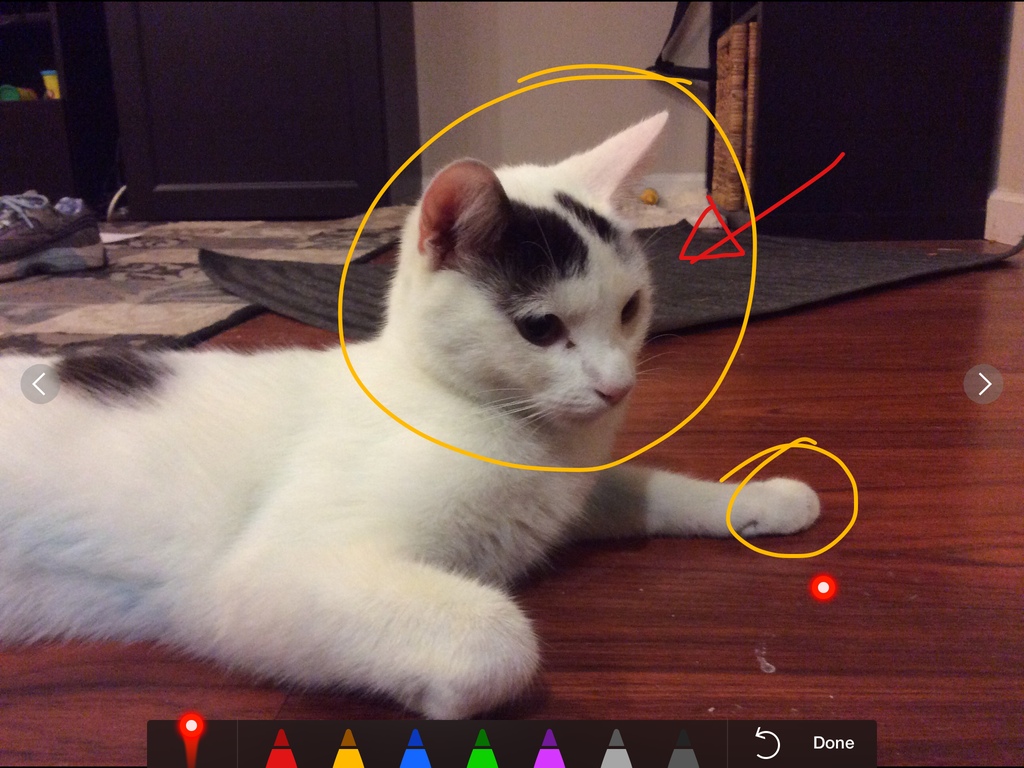
I have been using Keynote almost exclusively for presentation.On Thursday, May 1, 2014 I used my MacBook Pro to display the Keynote presentation and my iPad Air as the remote. Of course I used the “doodling” and virtual laser pointer features. I had great feedback from the audience who never seen presentation like this. Other presenters asked me if I could show them how to do it in PowerPoint.
I flew to San Francisco on Thursday, May 1, 2014 to do a presentation for a conference. Keynote is my preferred platform for presentation. As a rule of thumb, I always use my own MacBook Pro. In addition to that I always bring the DisplayPort to VGA and DVI Adapters.
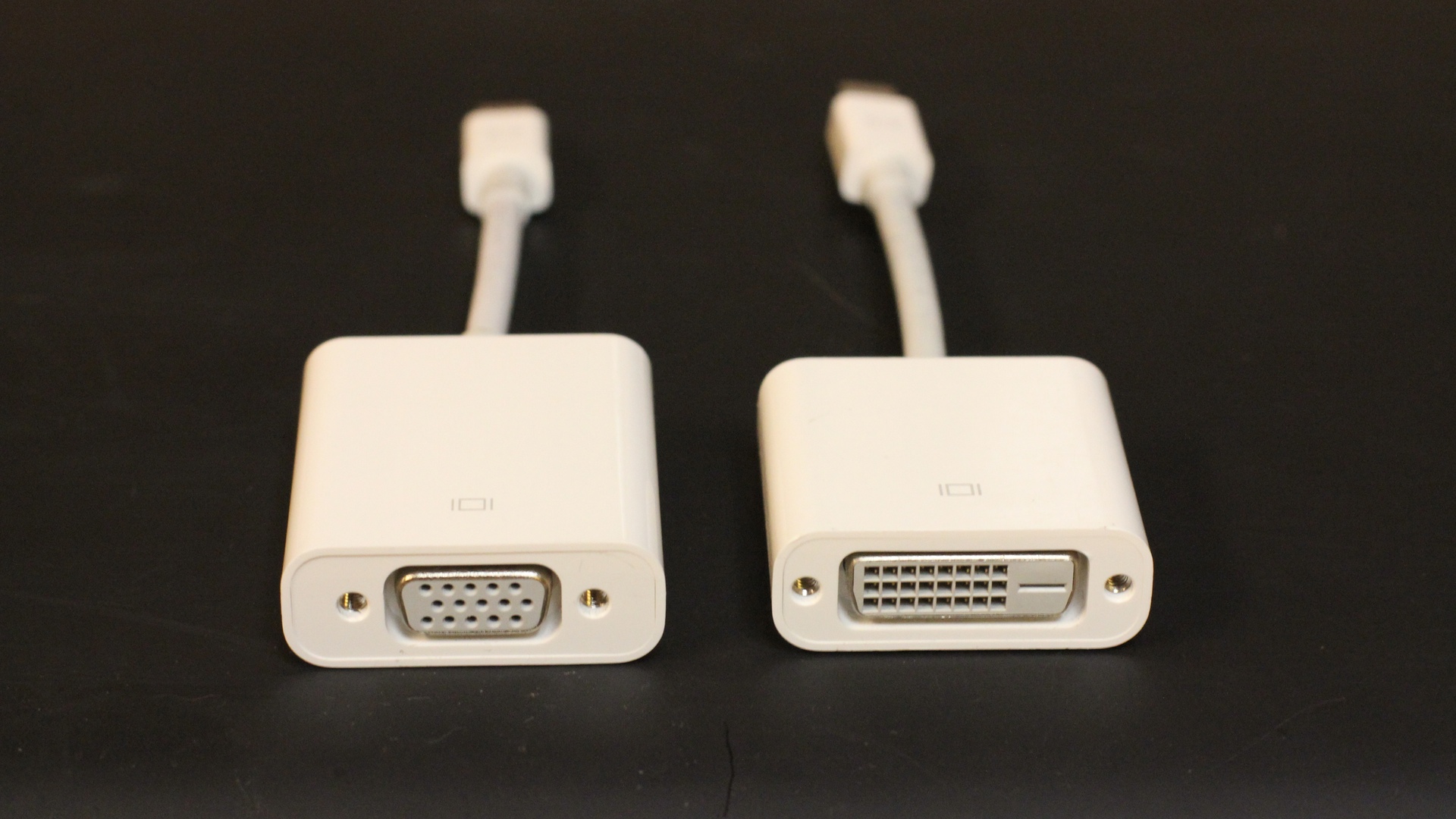
I have a few more presentations scheduled in the month of May. I know I’ll be keeping these adapters in my bag at all time.
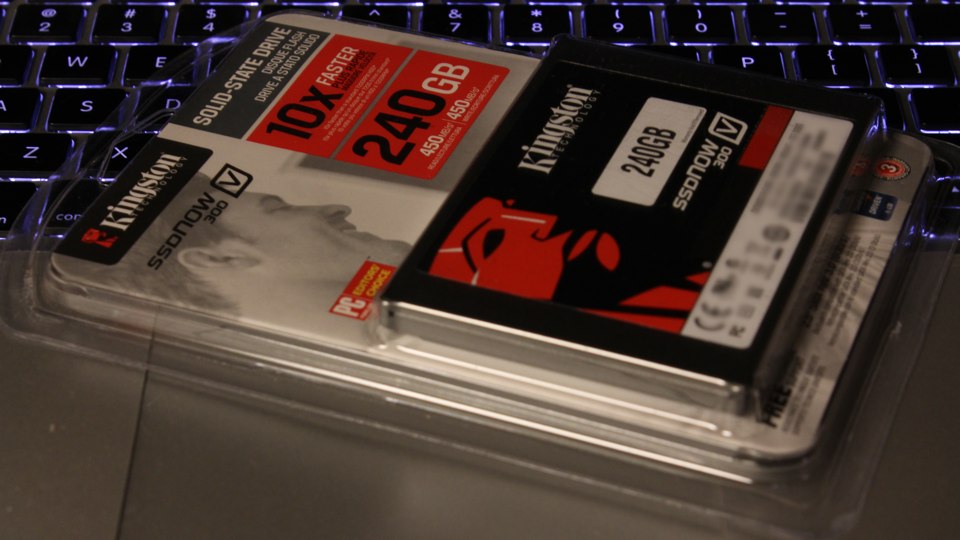
One thing that I bought during the so called “Balck Friday” weekend was a 240GB Kingston SSDnow V300. I was planning to install this SSD on the very MacBook Pro I am using to type this post; but I kinda forgot to do. I will install the SSD probably tomorrow.