OS X Mavericks 10.9.3

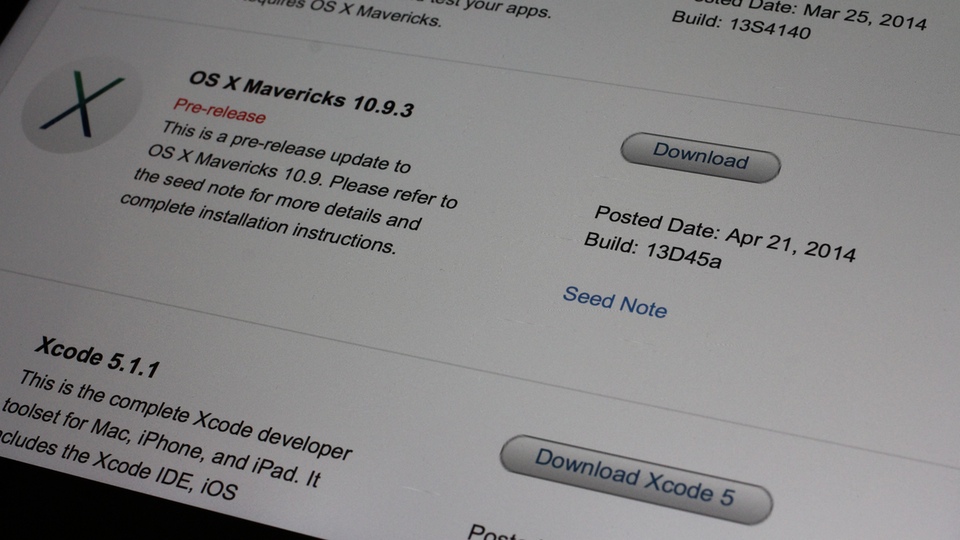
Apple releases OS X Mavericks 10.9.3 build 13D65 on Thursday, May 15, 2014.
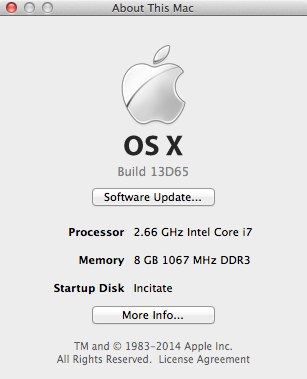
OS X Mavericks 10.9.3 build 13D65

One note bale change that made some people talking is that OS X 10.9.3 now hides the “Users” folder from the root level of the drive.
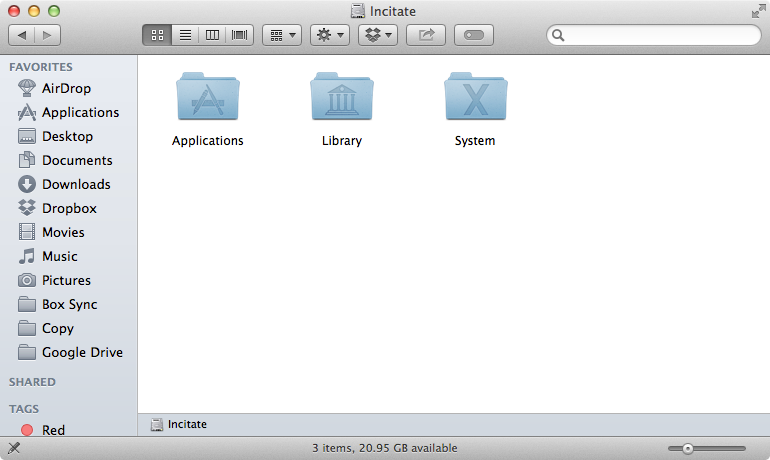
OS X Mavericks 10.9.3 Disk Root Level no Users Folder

To make the “Users” folder visible again, login as an administrator, launch Terminal.App and type the command:

sudo chflags nohidden /Users

Type in your password when prompted. If you do not have a login password for your admin account, leave it blank.
By the way, why didn’t you assign a password to your admin account? Set a password already.

There are many ways to access the “Users” folder without having to change its visibility.

In Finder menu, click “Go > Go to Folder…”
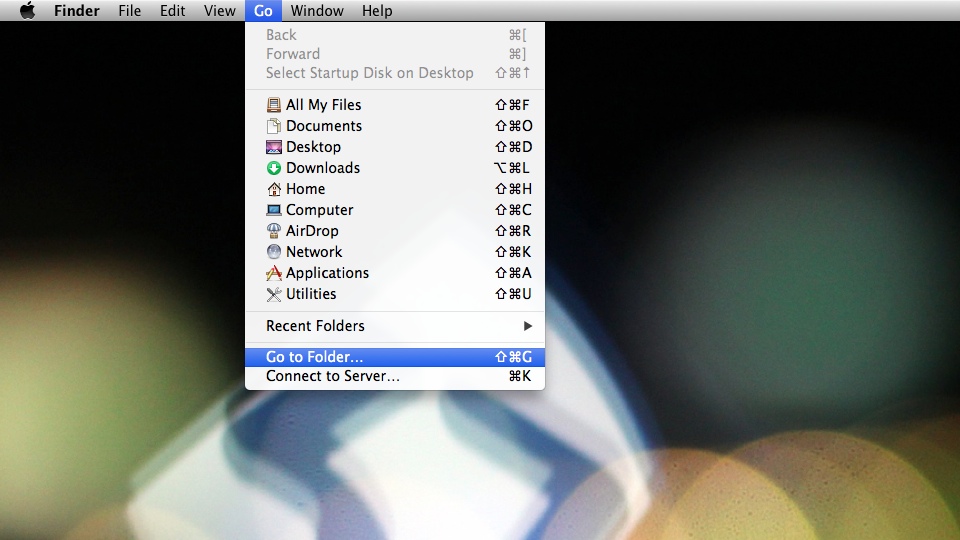
OS X Go to Folder

You can also press the key-combination “Command-Shift-G” to access the “Go to Folder” window.
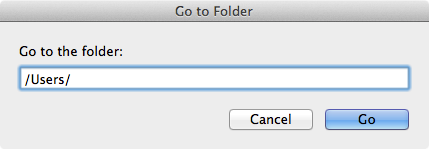
Go to Folder Users

Type in “/Users/” in the field and click “Go”. Finder will then display the content of “Users” folder.

Another way is to press the key combination Command and Up Arrow on the keyboard from your home folder.
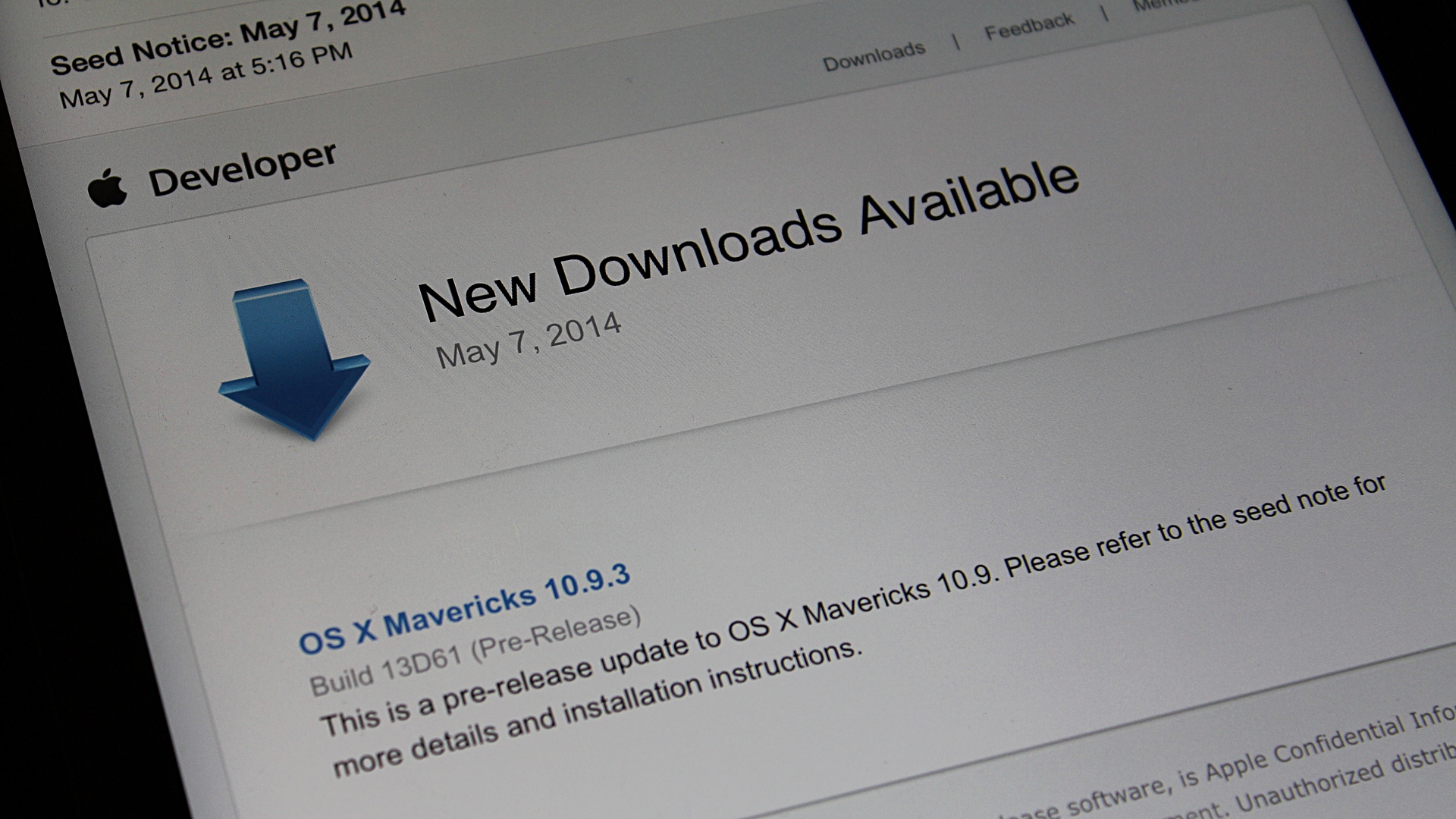
 

OS X Mavericks 10.9.3 build 13D61

Apple seeds OS X Mavericks 10.9.3 build 13D61 to Developers and OS X Beta Seed Program Members.

OS X Mavericks 10.9.3 build 13D61

As usual, be forewarned before installing any beta/preview release software. There tends to be some show-stopping bugs.

According to a certain Apple engineer, the development of OS X Mavericks 10.9.3 is nearing completion.

In addition to the new build of OS X Mavericks 10.9.3, Apple also releases Safari 7.0.4 Seed 1.

Having Fun with Keynote on iPad

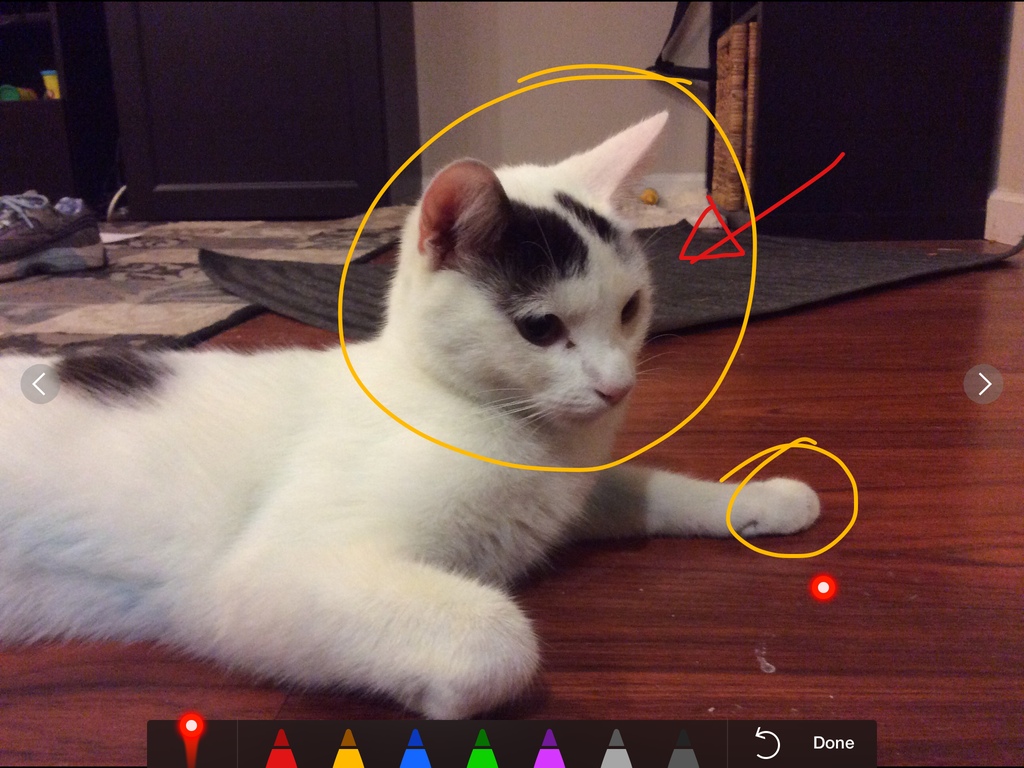
I have been using Keynote almost exclusively for presentation.On Thursday, May 1, 2014 I used my MacBook Pro to display the Keynote presentation and my iPad Air as the remote. Of course I used the “doodling” and virtual laser pointer features. I had great feedback from the audience who never seen presentation like this. Other presenters asked me if I could show them how to do it in PowerPoint.

Doodling in Keynote

Displayport VGA and DVI Adapters

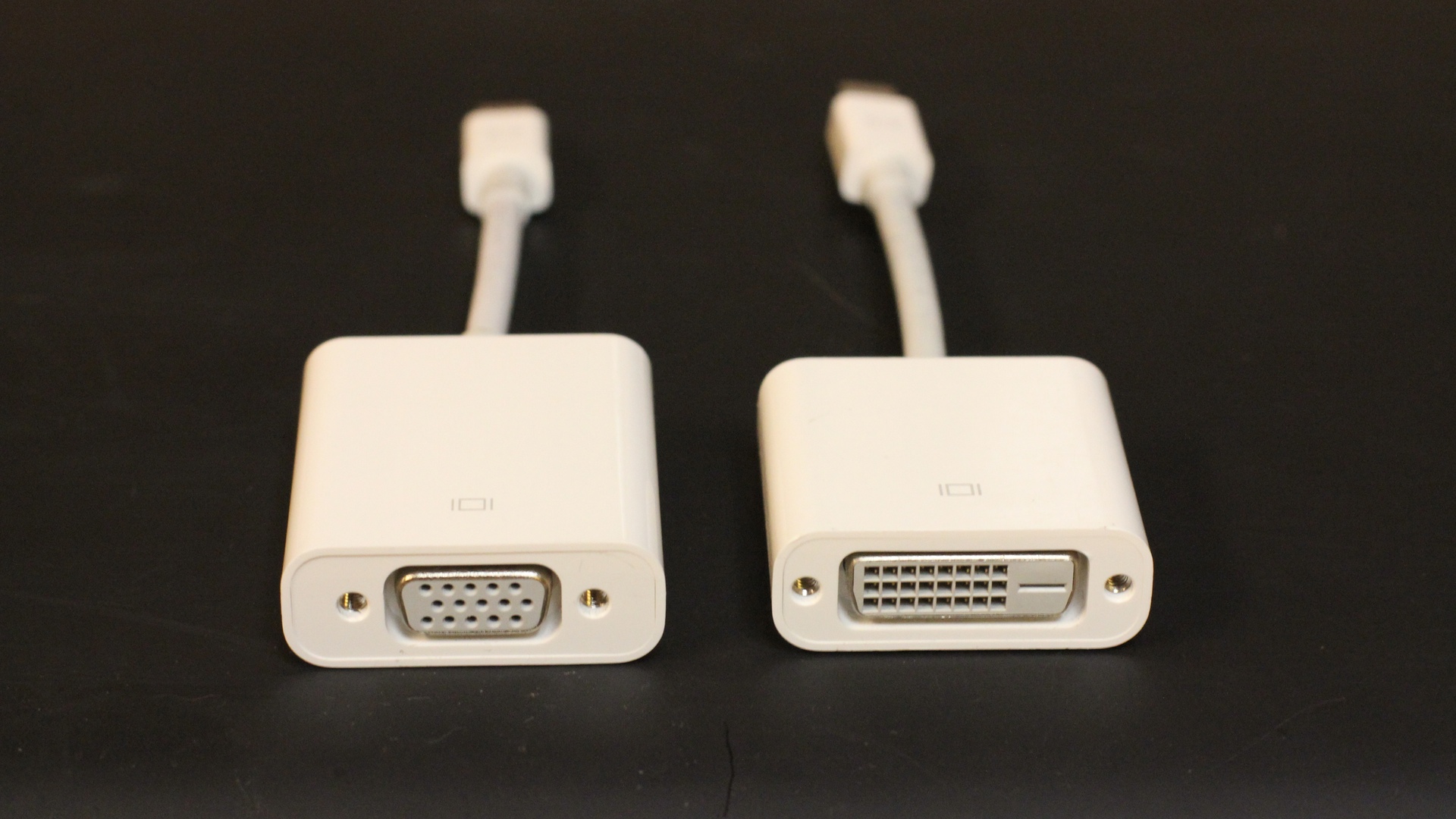
I flew to San Francisco on Thursday, May 1, 2014 to do a presentation for a conference. Keynote is my preferred platform for presentation. As a rule of thumb, I always use my own MacBook Pro. In addition to that I always bring the DisplayPort to VGA and DVI Adapters.

DisplaypPort to VGA and DVI Adapters

I have a few more presentations scheduled in the month of May. I know I’ll be keeping these adapters in my bag at all time.

Pixelmator 3.2 Preview and Sale for $14.99

Pixelmator

Preview of Pixelmator 3.2 Sandstone is up as it is coming soon.

In developing an entirely new Repair Tool, we’ve used the latest breakthrough technologies that enable you to remove dust, blemishes and entire objects from your images with an unsurpassed level of precision and quality.

The other good news:

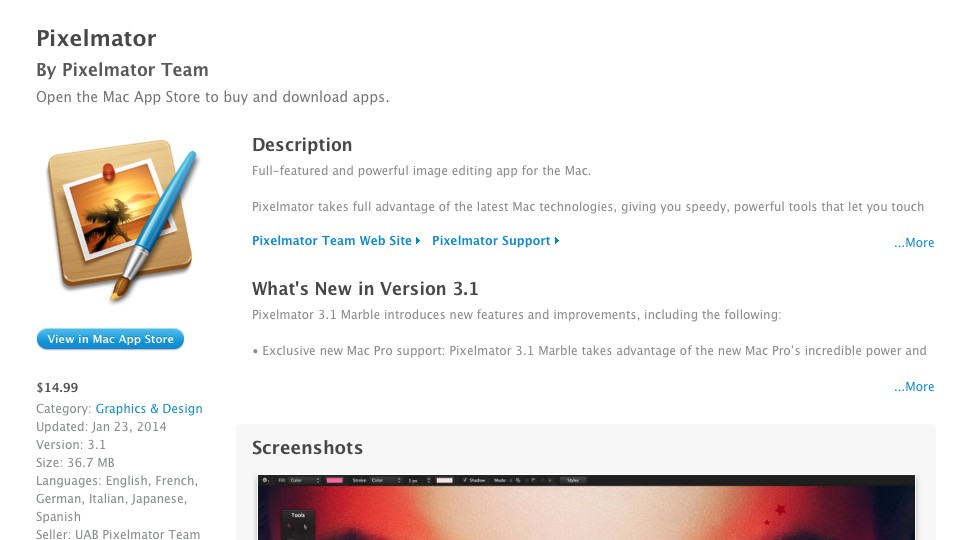
Even more, we want as many of you as possible to have fun while editing pictures. So, starting today we cut the price in half for entire week. If you don’t have Pixelmator yet, it’s a good time to download it for just $14.99 and get Pixelmator 3.2 for free.

Pixelmator Sale 1499 20140417

I have been using Pixelmator as my main image editor instead of Adobe Photoshop (Sorry David). I still use Adobe Photoshop because there are certain workflows in I cannot do in Pixelmator yet.