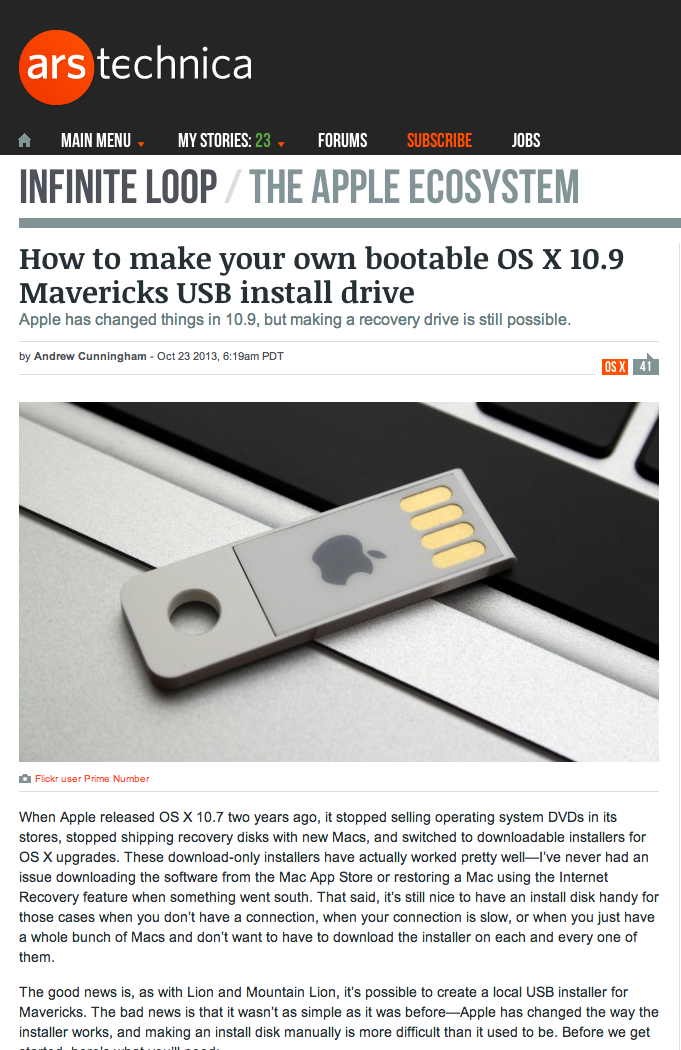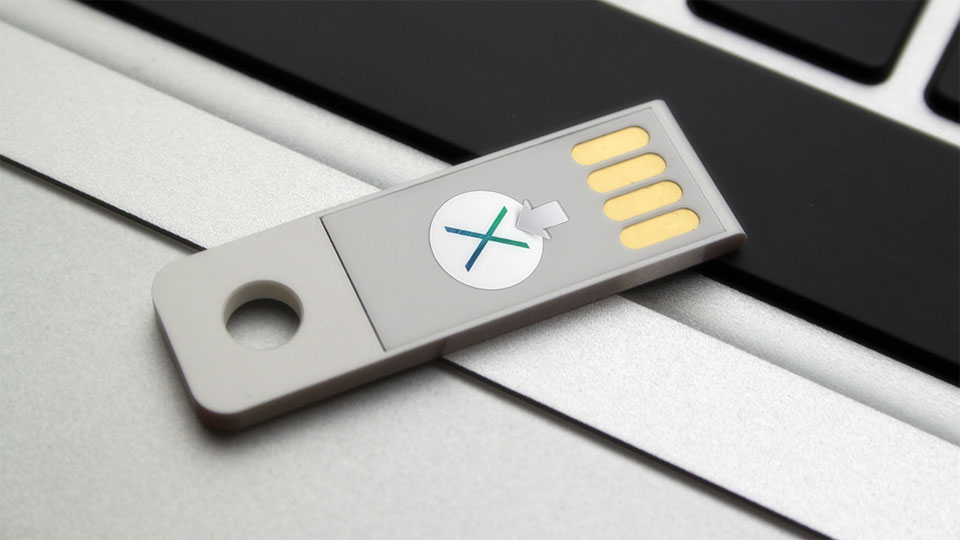
Apple Knowledge Base on Creating a bootable OS X installer in OS X Mavericks

OS-X-Mavericks-Bootable-USB-Installer

Apple Knowledge Base on creating a bootable OS X installer in OS X Mavericks:

Follow these steps to create a bootable OS X installer:

  1. Use the Mac App Store to download the OS X installer app.
  2. Mount the volume you wish to convert into a bootable installer. This could be removable media, such as a USB flash drive, or a secondary internal partition.
  3. Use the createinstallmedia tool to convert the volume from step two into a bootable installer based off the installer app from step one. To learn how to use createinstallmedia, execute this command in Terminal:

/Applications/Install OS X Mavericks.app/Contents/Resources/createinstallmedia

You may need to adjust the path to the OS X installer app in the above command.

Note: createinstallmedia is only intended to be used with the version of OS X installer app it came with.

p.s. The original version of the image above is from 37prime’s own work. It is available on Flickr under Creative Commons.
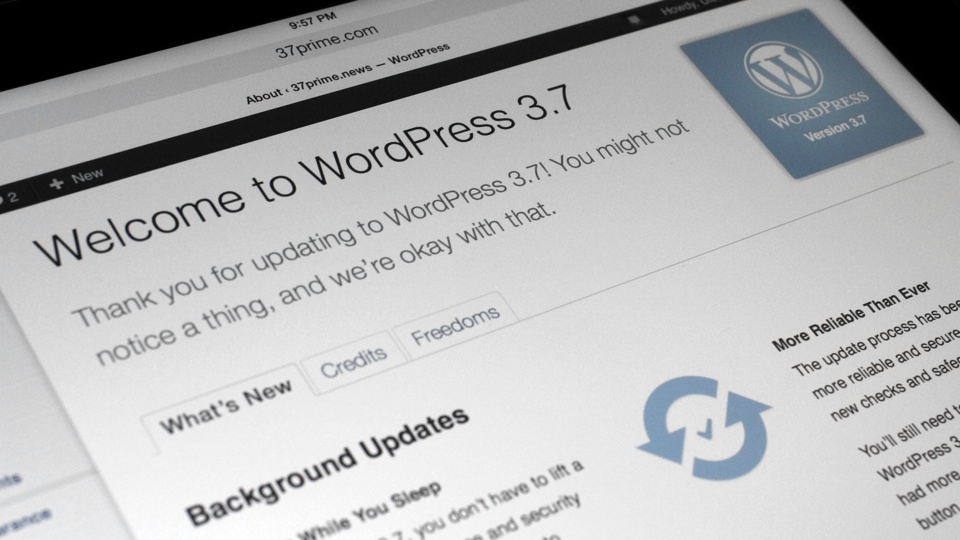
WordPress 3.7

From WordPress.org:

Version 3.7 of WordPress, named “Basie” in honor of Count Basie, is available for download or update in your WordPress dashboard. This release features some of the most important architectural updates we’ve made to date. Here are the big ones:

  • Updates while you sleep: With WordPress 3.7, you don’t have to lift a finger to apply maintenance and security updates. Most sites are now able to automatically apply these updates in the background. The update process also has been made even more reliable and secure, with dozens of new checks and safeguards.
  • Stronger password recommendations: Your password is your site’s first line of defense. It’s best to create passwords that are complex, long, and unique. To that end, our password meter has been updated in WordPress 3.7 to recognize common mistakes that can weaken your password: dates, names, keyboard patterns (123456789), and even pop culture references.
  • Better global support: Localized versions of WordPress will receive faster and more complete translations. WordPress 3.7 adds support for automatically installing the right language files and keeping them up to date, a boon for the many millions who use WordPress in a language other than English.

WordPress 3.7

We first used WordPress back in 2006 and have been using it ever since. After a few MySQL DataBase meltdown, due to misconfiguration by the web-host, we somewhat mirrored the content of 37prime.news at WordPress.com. Throughout the years, we watched WordPress gaining new features including the ever important WordPress-Update feature. Throughout the years we have also been recommending WordPress to our colleagues and friends.

Thank You to Matt Mullenweg, Automattic and WordPress.org for creating and maintaining this fantastic platform.

p.s. We love this WordPress 3.7 version number for an obvious reason.

37′

Pixelmator 3.0 FX

Pixelmator 3.0 FX

Pixelmator 3.0 FX is out now.

What’s New in Version 3.0
Pixelmator 3.0 FX is the most advanced version of Pixelmator to date, introducing lots of new features and improvements, including the following:

  • Layer Styles: Thanks to non-destructive Layer Styles, creating polished and advanced compositions is now so much simpler, faster, and more enjoyable
  • Liquify Tools: Shape images in multiple ways—slightly twist an element, add an artistic detail, or completely distort an entire image
  • New Image Editing Engine: The new state-of-the-art image editing engine harnesses the full power of the latest OS X technologies making Pixelmator feature rich, yet blistering fast
  • OS X Mavericks support: Tags, Multiple-Displays, App Nap support and more

Pixelmator 3.0 FX at Mac App Store

Apple Releases iOS 7.0.3 with iCloud Keychain

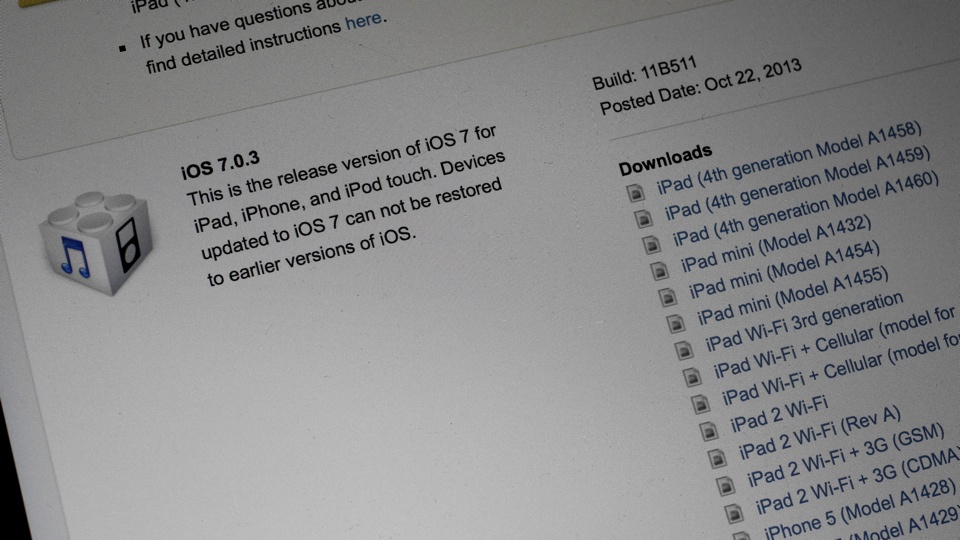
Coinciding with today’s special event, Apple releases iOS 7.0.3 build 11B511.

This update contains improvements and bug fixes, including:

  • Adds iCloud Keychain to keep track of your account names, passwords, and credit card numbers across all your approved devices
  • Adds Password Generator so Safari can suggest unique, hard-to-guess passwords for your online accounts
  • Updates lock screen to delay display of “slide to unlock” when Touch ID is in use
  • Adds back the ability to search the web and Wikipedia from Spotlight search
  • Fixes an issue where iMessage failed to send for some users
  • Fixes a bug that could prevent iMessage from activating
  • Improves system stability when using iWork apps
  • Fixes an accelerometer calibration issue
  • Addresses an issue that could cause Siri and VoiceOver to use a lower quality voice
  • Fixes a bug that could allow someone to bypass the Lock screen passcode
  • Enhances the Reduce Motion setting to minimize both motion and animation
  • Fixes an issue that could cause VoiceOver input to be too sensitive
  • Updates the Bold Text setting to also change dial pad text
  • Fixes an issue that could cause supervised devices to become un-supervised when updating software

iOS 7.0.3

Glad to see iCloud Keychain is back in iOS 7. Having used incarnations of iOS 7 beta, I really missed iCloud Keychain in the GM/Public Release versions.

In addition to that, iOS 7.0.3 includes fixes for accelerometer issue in iPhone 5c and iPhone 5s.