I do not know what kind of fish this is, maybe you do.

Taken with Canon EOS 60D and Canon EF 50mm f/1.4 USM Lens.
- ISO: 1600
- Focal Length: 50mm
- Aperture: f/8
- Shutter Speed: 1/80

Celebrating 20 years of Nonsense, Powered by Natural Intelligence.
I do not know what kind of fish this is, maybe you do.
Taken with Canon EOS 60D and Canon EF 50mm f/1.4 USM Lens.
Earlier today I was having trouble making calls using Google Voice via Hangouts. Once I arrived at the office, some colleagues complaint that Gmail was down. It turns out Google did have service outages.
I (proudly and foolishly) rely on Google Voice to do my job. Days like these would certainly grant me extra hours of slacking.
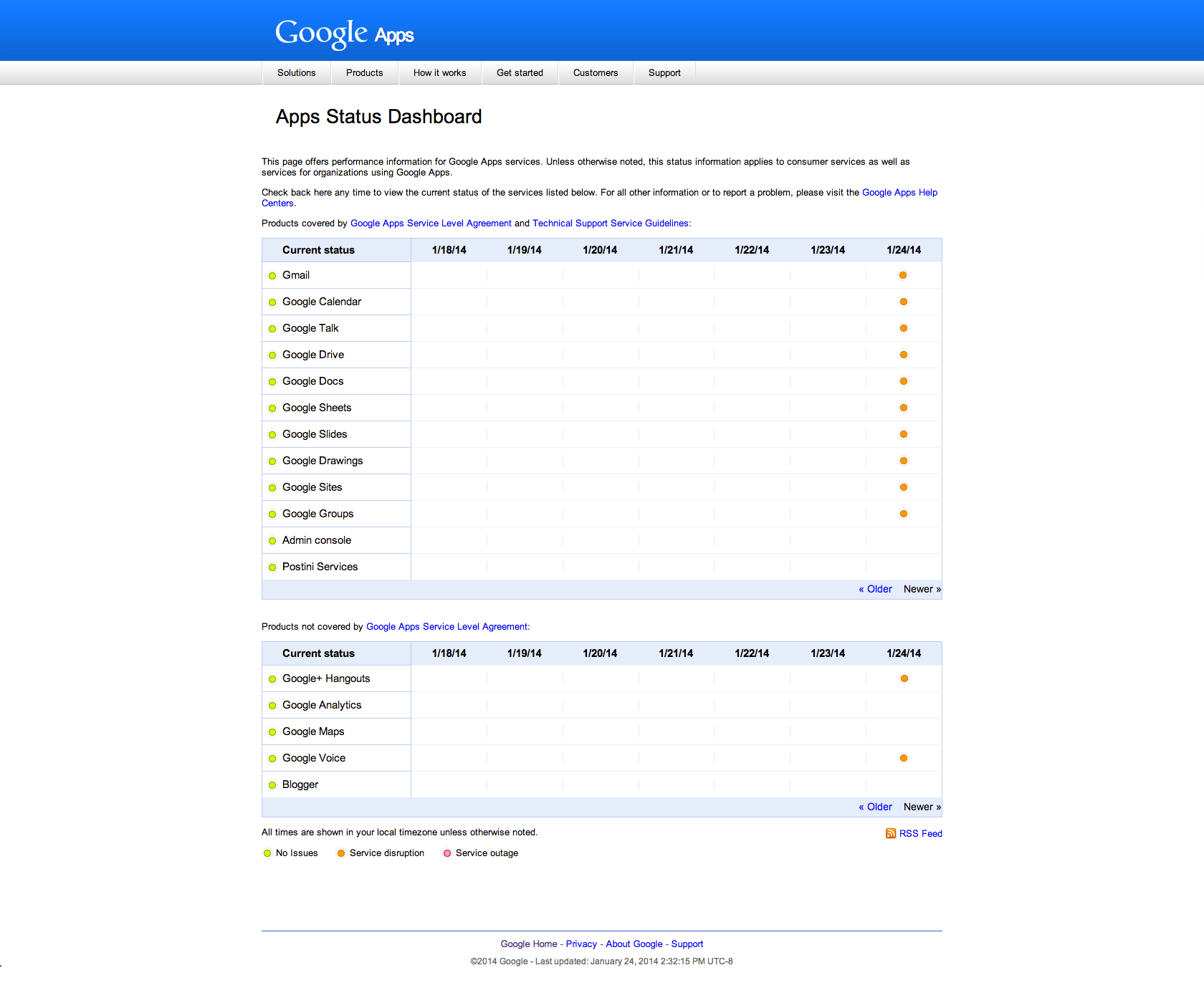
Coincidentally (and ironically), Google’s Reliability Team was doing Reddit AMA right before the outages happened.
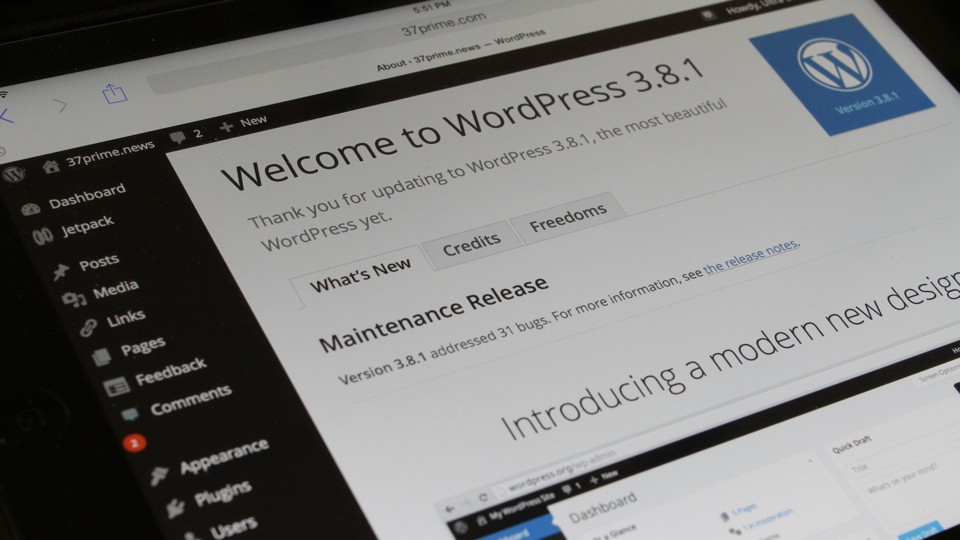
If you’re running a self-installed WordPress, you should be updating to WordPress 3.8.1.
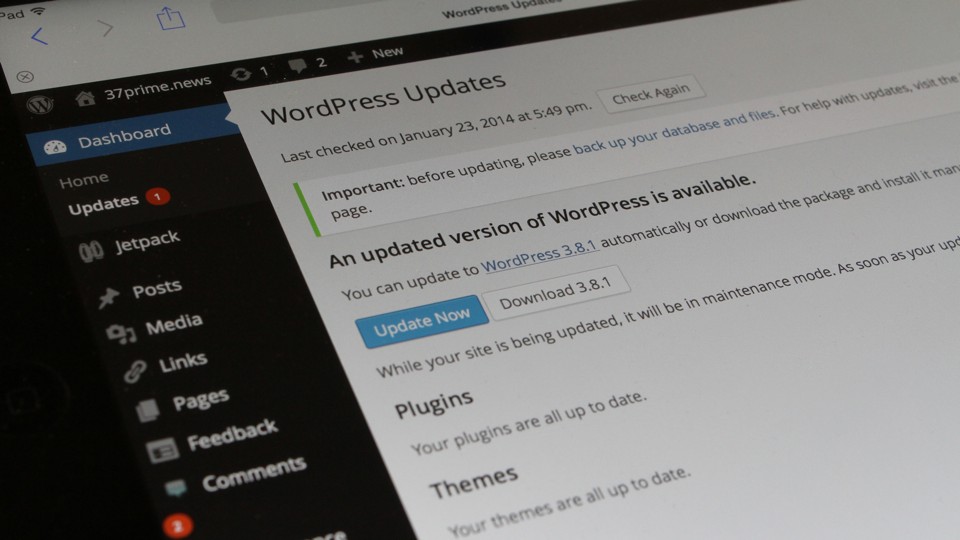
From WordPress.org Blog:
Version 3.8.1 is a maintenance releases that addresses 31 bugs in 3.8, including various fixes and improvements for the new dashboard design and new themes admin screen. An issue with taxonomy queries in WP_Query was resolved. And if you’ve been frustrated by submit buttons that won’t do anything when you click on them (or thought you were going crazy, like some of us), we’ve found and fixed this “dead zone” on submit buttons.
Disclaimer:The author of this post and 37prime are not affiliated with TeamViewer and LogMeIn other than being users of products from both companies.
I’ve been getting a lot of the same question following the discontinuation of LogMeIn Free:
What’s a good alternative to LogMeIn Free?
The first alternative to LogMeIn Free that I’m looking at is TeamViewer.
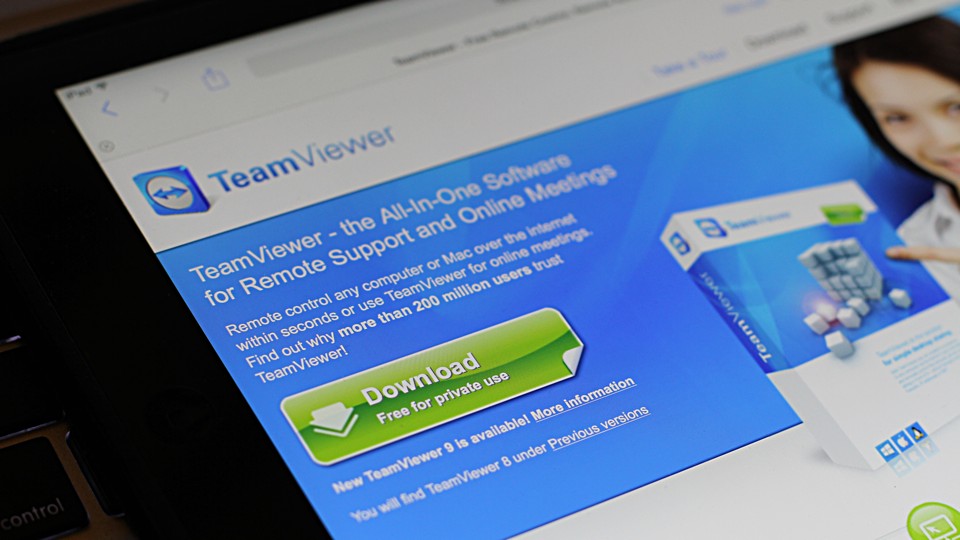
TeamViewer was quick to jump at the opportunity:
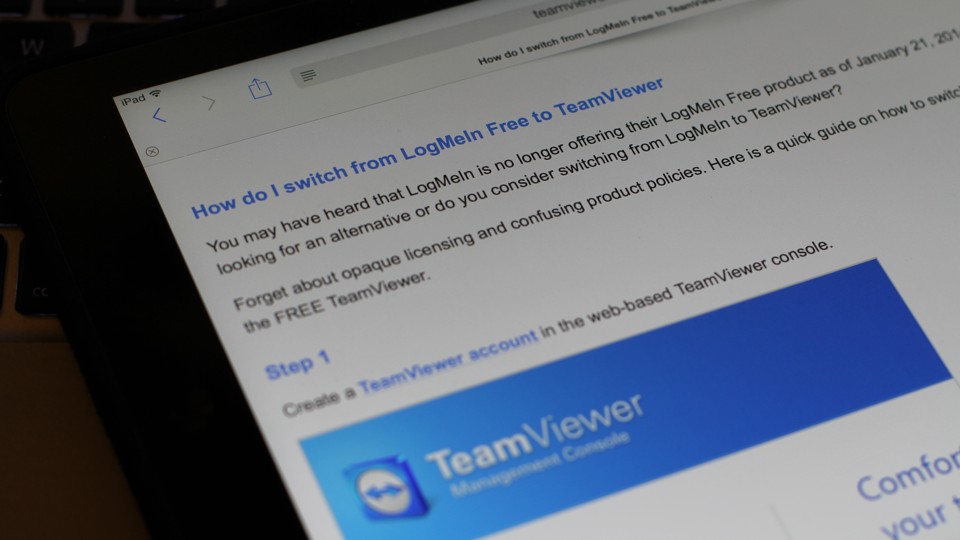
How do I switch from LogMeIn Free to TeamViewer
You may have heard that LogMeIn is no longer offering their LogMeIn Free product as of January 21, 2014. Are you looking for an alternative or do you consider switching from LogMeIn to TeamViewer?
Forget about opaque licensing and confusing product policies. Here is a quick guide on how to switch from LogMeIn to the FREE TeamViewer.
Well played, TeamViewer!
TeamViewer supports Android, iOS, Linux, Mac OS X and Windows
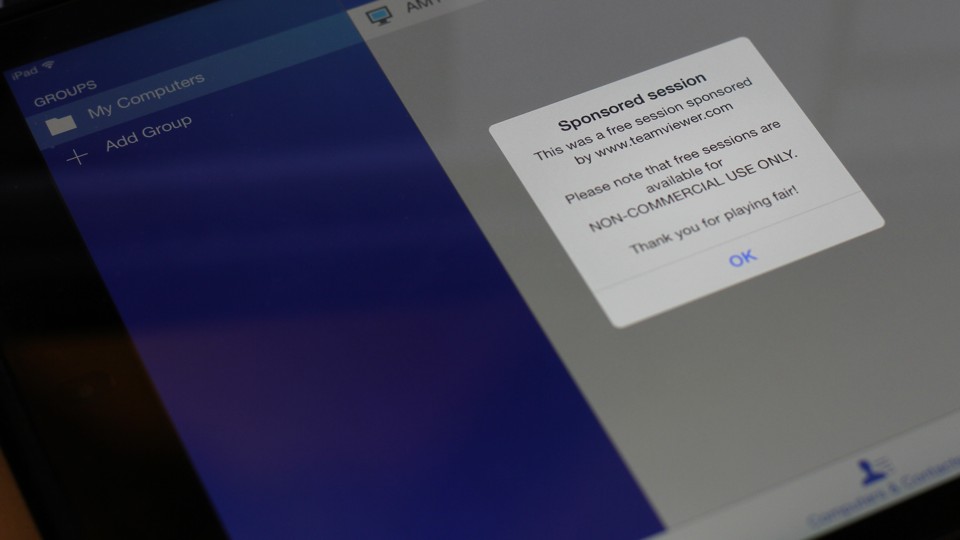
I have installed TeamViewer on one computer as LogMeIn Free replacement.
Firefox 27.0 Beta 8 is now available.
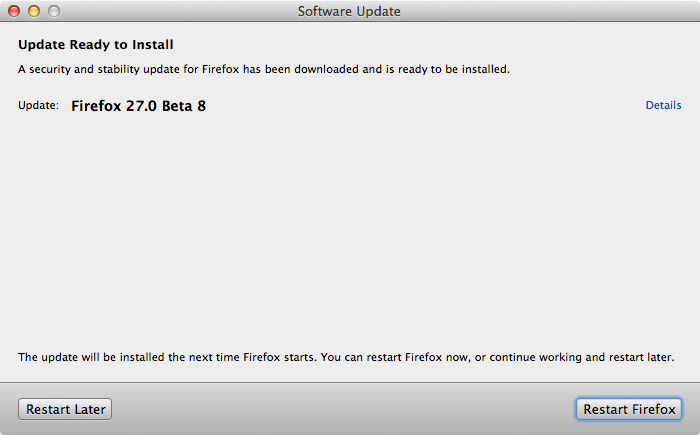
It seems that Adobe often releases new beta of Flash Player alongside Firefox Beta.
New build of Flash Player 12 Beta is also released today.
As LogMeIn has announced earlier, starting January 21, 2014 LogMeIn Free is effectively discontinued. LogMeIn Free users have 7 days after logging in to their account.
2. Q: When are you making this change?
A: Existing LogMeIn Free host computers remain accessible for seven days from first login after January 21, 2014. After that, LogMeIn Free will no longer be available. An account level Pro subscription will be required to keep remote access. You will receive further notification via email and in-product messages regarding this change. Log in at LogMeIn.com to see pricing details and a link to purchase.
LogMeIn has also pulled Ignition App from iTunes App Store and Google Play Store.
While your existing Ignition app will continue to work as it always has, it will no longer receive updates and bug fixes. However, you may switch to the new LogMeIn for iOS/Android app at any time. It’s free to download and will work with a Pro account.
LogMeIn is giving special offer to customers who purchased LogMeIn Ignition.
11. Q: What if I paid for the Ignition for iOS or Android app?
A: If you purchased the Ignition app, you will receive a special offer regarding an account-level subscription of LogMeIn Pro.
The full email:
Important changes to your LogMeIn Free and Ignition account.
As of January 21, 2014, LogMeIn Free is no longer available. To continue using remote access, you will need to purchase an account subscription of LogMeIn Pro.
As a loyal LogMeIn user, you’re entitled to a complimentary six-month account subscription to Pro for your computers. Your new account includes our signature remote access with premium features like remote printing, file transfer and cloud data access, plus desktop, iOS and Android apps to improve your experience.While your existing Ignition app will continue to work as it always has, it will no longer receive updates and bug fixes. However, you may switch to the new LogMeIn for iOS/Android app at any time. It’s free to download and will work with a Pro account.
After your six-month complimentary license expires, you will need to purchase an account subscription of Pro for continued service. Subscription packages start at the discounted introductory price of $49/year for two computers (50% off regular price)*.
For more information on this transition from free to paid remote access, please visit our blog.
Thank you for your continued support. We look forward to serving you for many years to come.
Sincerely,
The LogMeIn Team*Introductory prices apply only to the first year of your subscription.