Firefox 30.0 Beta 5 is now available for download.
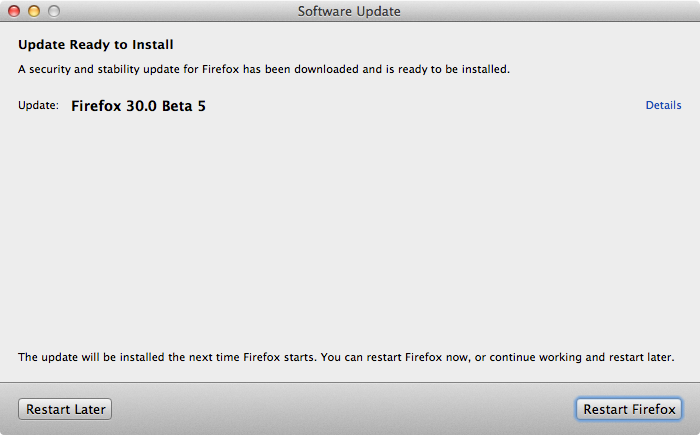
While you’re at it, try the latest build of Adobe Flash Player 14 Beta.

Celebrating 20 years of Nonsense, Powered by Natural Intelligence.
Firefox 30.0 Beta 5 is now available for download.
While you’re at it, try the latest build of Adobe Flash Player 14 Beta.
The Global nightmare is over!
In the early AM of May 17, 2014 Apple releases iTunes 11.2.1 to fix the hidden “Users” folder. After iTunes 11.2.1 is installed, “Users” folder is no longer hidden.
“Users” folder becomes hidden when the following conditions met:
The “Users” folder could be made visible again by changing the visibility flag using the Terminal command:
sudo chflags nohidden /Users/
Users are finding out that even after the “Users” folder becomes hidden again after reboot.
In OS X 10.9.3, turning on Find My Mac will result in “Users” folder to be hidden.
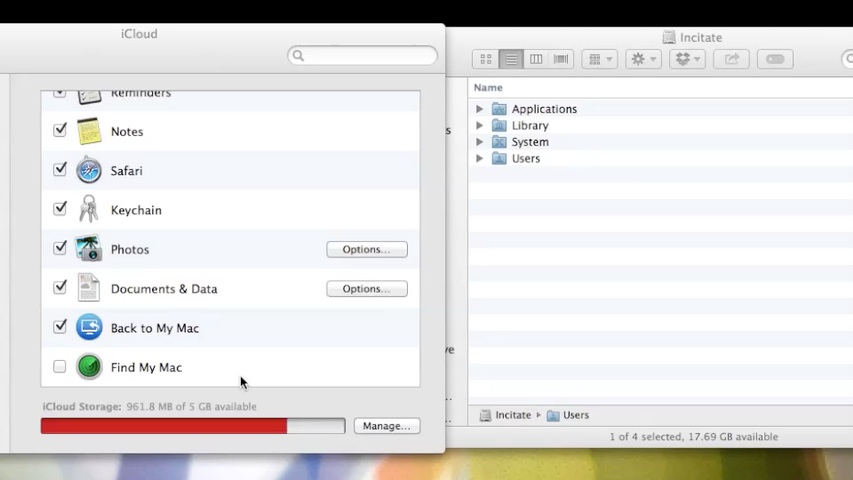
According to many reports, iTunes 11.2 must also be installed in addition to “Find My Mac” enabled in OS X Mavericks 10.9.3 for this bug to execute.
To make the “Users” folder visible again until next reboot,
login as an administrator, launch Terminal.App and type the command:
sudo chflags nohidden /Users
Type in your password when prompted. If you do not have a login password for your admin account, leave it blank.
By the way, why didn’t you assign a password to your admin account? Set a password already.
Apple releases OS X Mavericks 10.9.3 build 13D65 on Thursday, May 15, 2014.
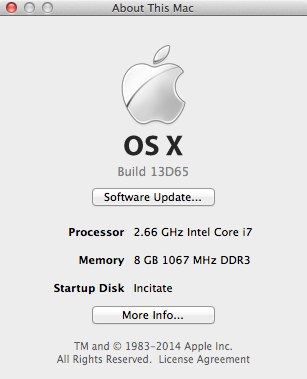
One note bale change that made some people talking is that OS X 10.9.3 now hides the “Users” folder from the root level of the drive.
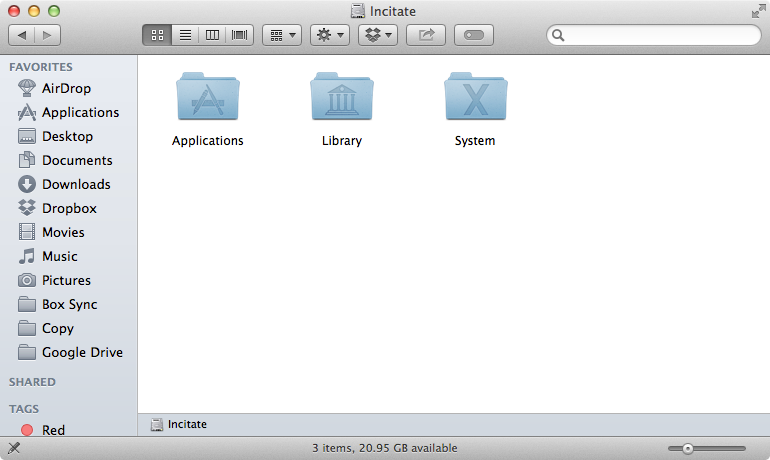
To make the “Users” folder visible again, login as an administrator, launch Terminal.App and type the command:
sudo chflags nohidden /Users
Type in your password when prompted. If you do not have a login password for your admin account, leave it blank.
By the way, why didn’t you assign a password to your admin account? Set a password already.
There are many ways to access the “Users” folder without having to change its visibility.
In Finder menu, click “Go > Go to Folder…”
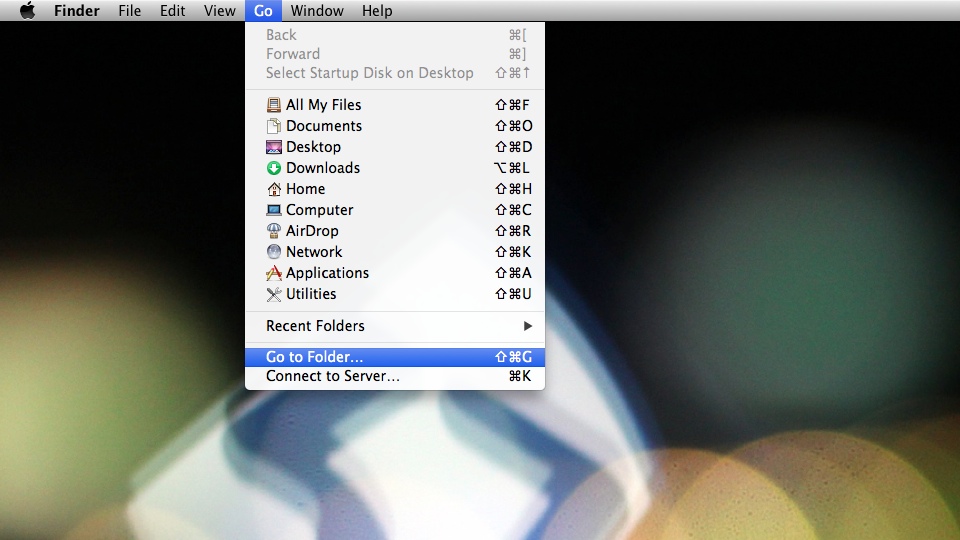
You can also press the key-combination “Command-Shift-G” to access the “Go to Folder” window.
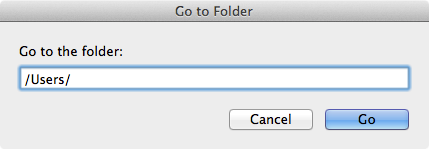
Type in “/Users/” in the field and click “Go”. Finder will then display the content of “Users” folder.
Another way is to press the key combination Command and Up Arrow on the keyboard from your home folder.
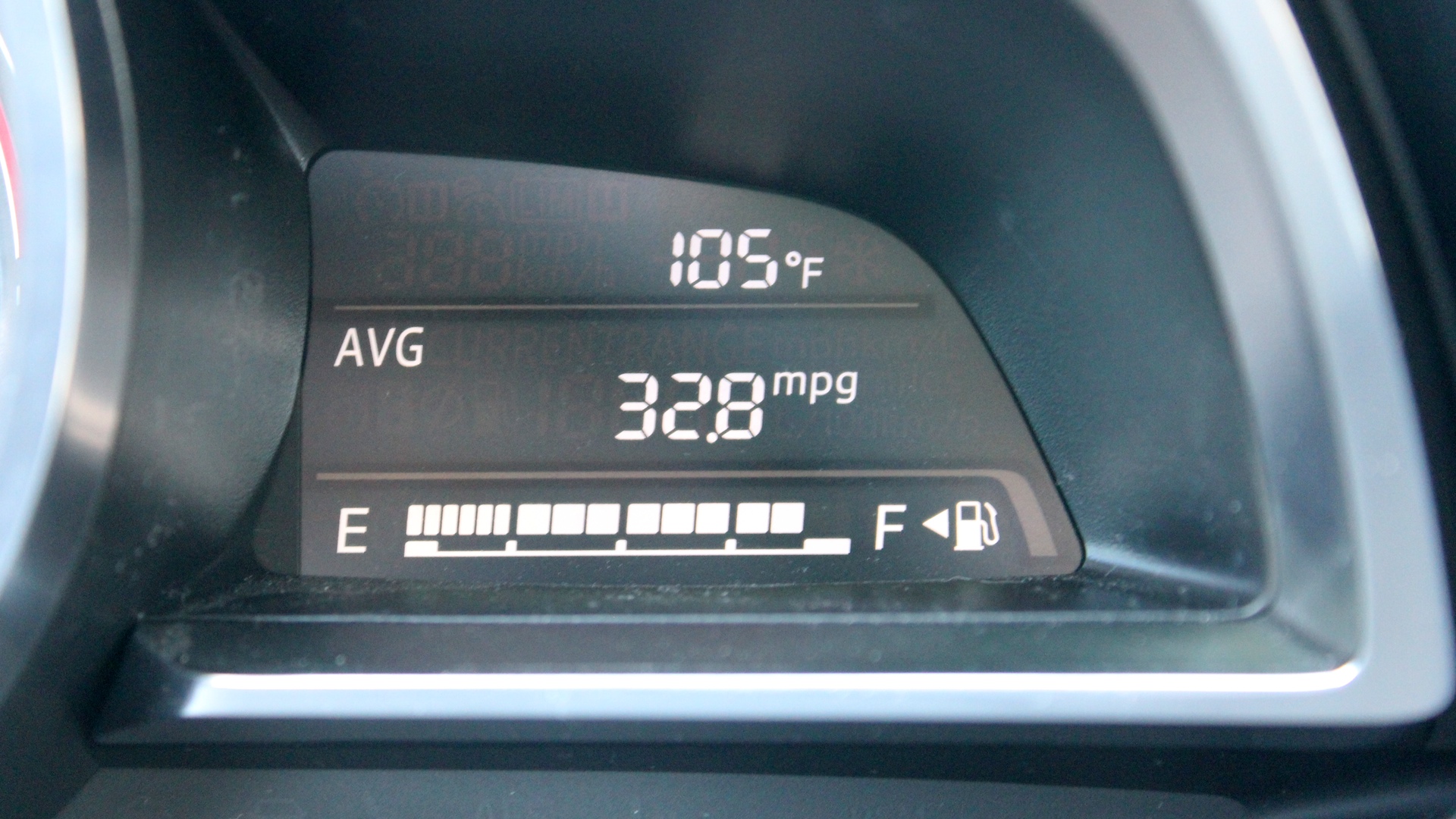
I was stuck on the I-405 freeway and the temperature was as high as 107°F according to my car.
When the traffic was completely at full stop, I snapped a photo. It said 105°F.
Caption the photo of this kitten. He is up for adoption and may soon find a new home with his sibling.

According to Mazda Connect Customer Service, as of April 2014 the current version of Mazda Infotainment System 29.00.000 for 2014 Mazda3.
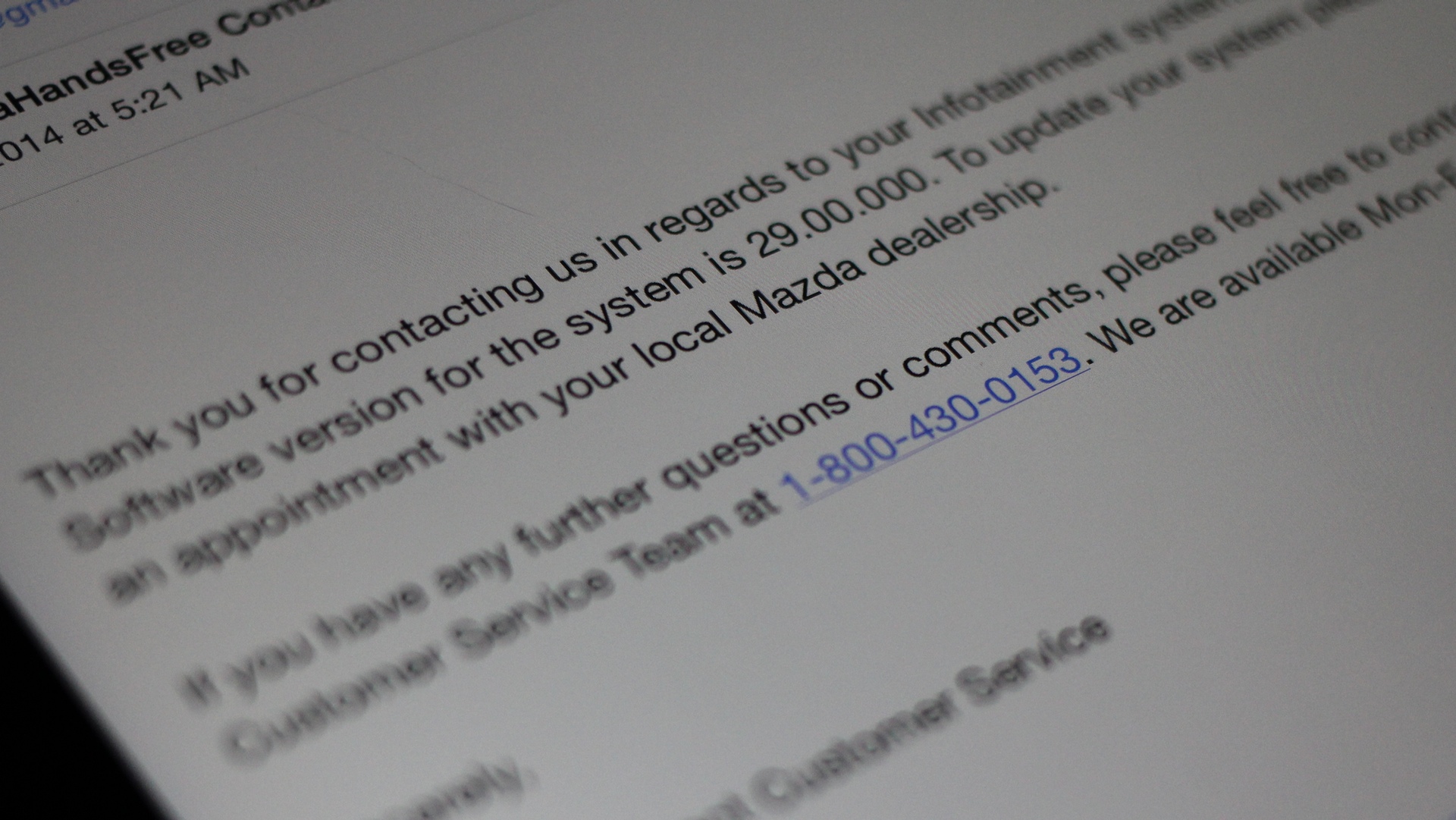
Unconfirmed reports from Mazda Dealers version 30.00.000 might have been released as of May 2014.
It is not a good thing whenever the Infotainment System locks up.