Firefox 32.0 Beta 2 is now available for download.
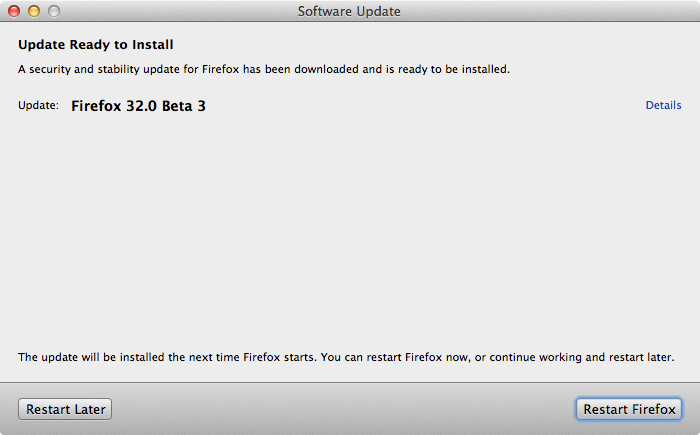
The latest build of Adobe Flash Player 14 Beta from July 23, 2014 is also available.

Celebrating 20 years of Nonsense, Powered by Natural Intelligence.
Firefox 32.0 Beta 2 is now available for download.
The latest build of Adobe Flash Player 14 Beta from July 23, 2014 is also available.
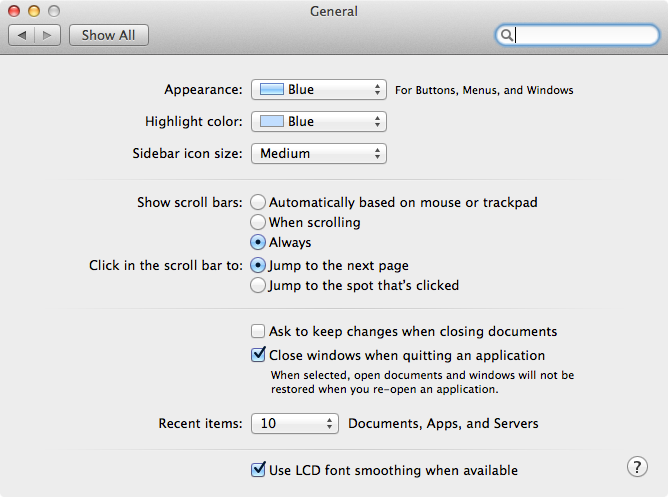
For those who missed the scroll bar in OS X Lion, Mountain Lion and Mavericks (Yosemite too), fear not. Just go to System Preferences > General. Select “Always” on “Show scroll bars” option.
Well, this is one of the frequently asked questions I received from people who upgraded from OS X Snow Leopard to Lion/Mountain Lion/Mavericks.
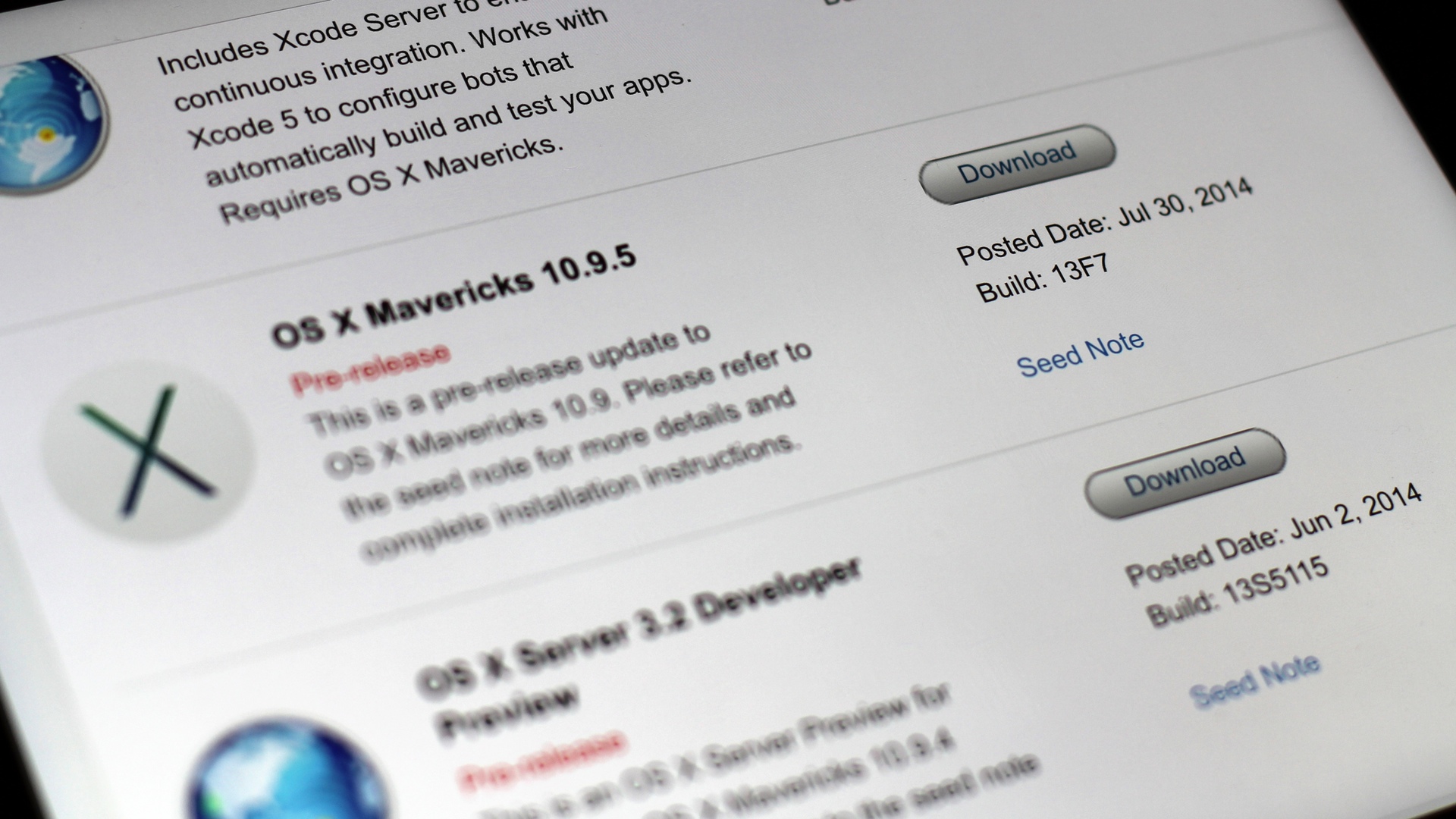
Apple seeds OS X 10.9.5 build 13F7 to Developers.
Someone asked me to change their account and home directory name on their Mac. The solution is pretty simple.
It is all explained in Apple Knowledge Base HT1428.

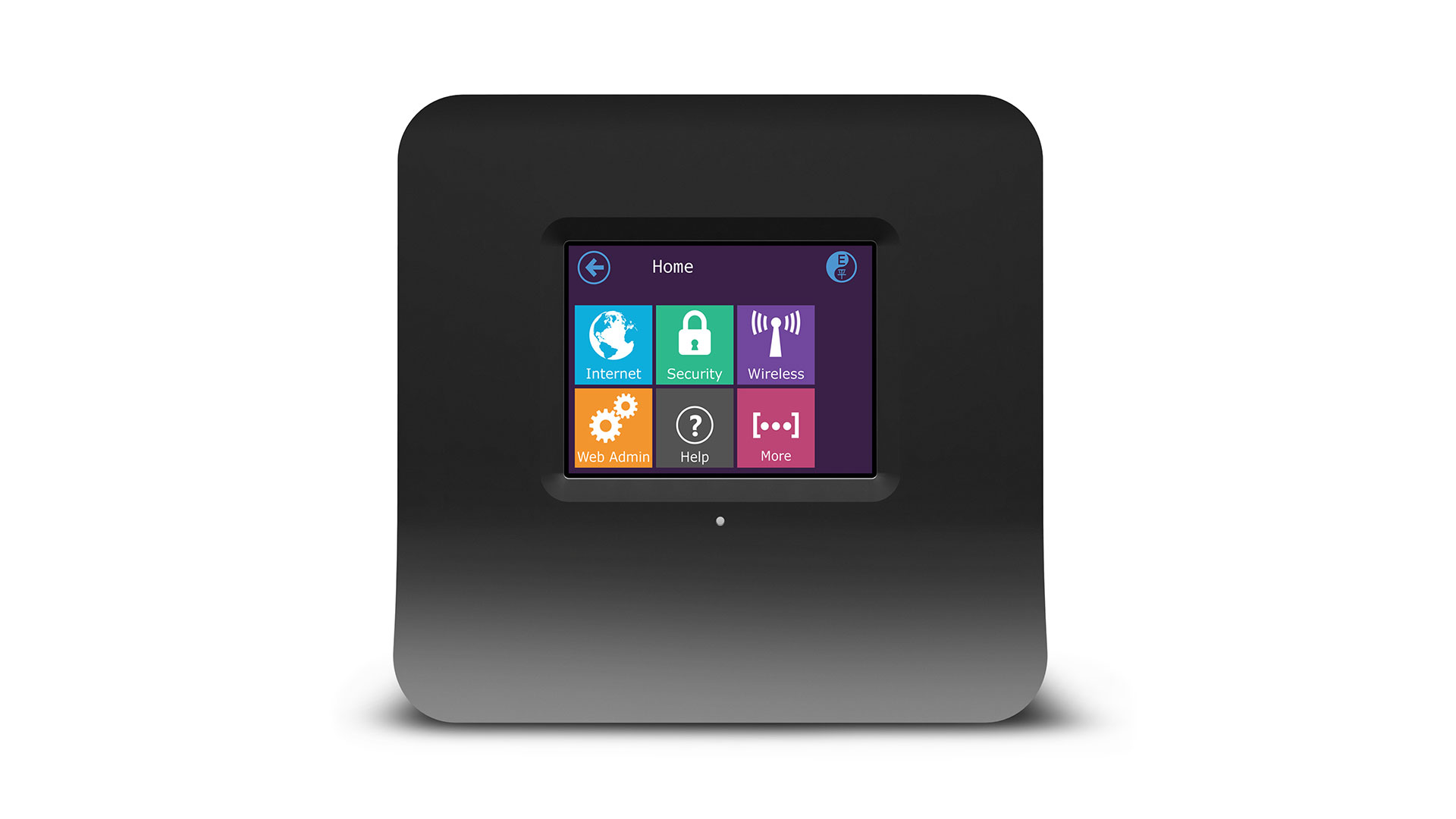
I’ve heard a lot of good things about Securifi Almond but I have never used one. Just this past week, I found one of the wireless router at the office need to be replaced. That is one good excuse to get one. I hesitated a little bit because we had recently upgraded the network to Gigabit Ethernet; Securifi Almond does not have Gigabit Ethernet support. The upcoming Securifi Almond+ will have Gigabit Ethernet support.
I should be getting the unit sometimes soon.
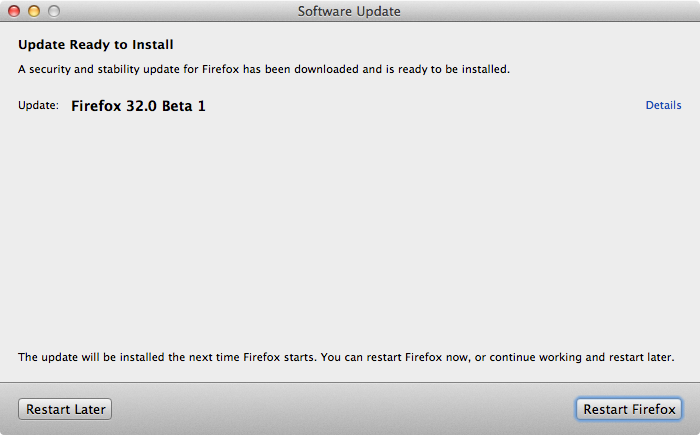
Firefox 32.0 Beta 1 is now available for download.
The latest build of Adobe Flash Player 14 Beta from July 23, 2014 is also available.
I managed to download OS X Yosemite Beta 1 in the early Thursday morning before AppleSeed site went offline. Later that day I heard reports that some people were having trouble downloading the installer. I later confirmed that I also did have trouble downloading the installer on my other Mac.
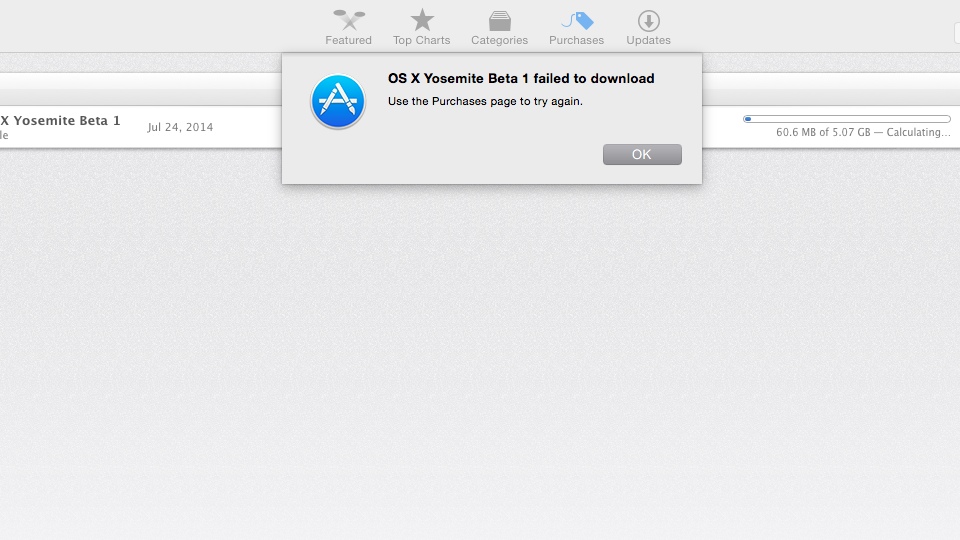
Sometimes on Friday Morning, I still had trouble downloading the installer on that Mac. Interestingly, at the same I could download the installer on my primary MacBook Pro.
There is a possibility that it has soothing to do with Mac App Store cache.
Should you have trouble downloading OS X Yosemite Beta 1, try clearing up your Mac App Store cache.