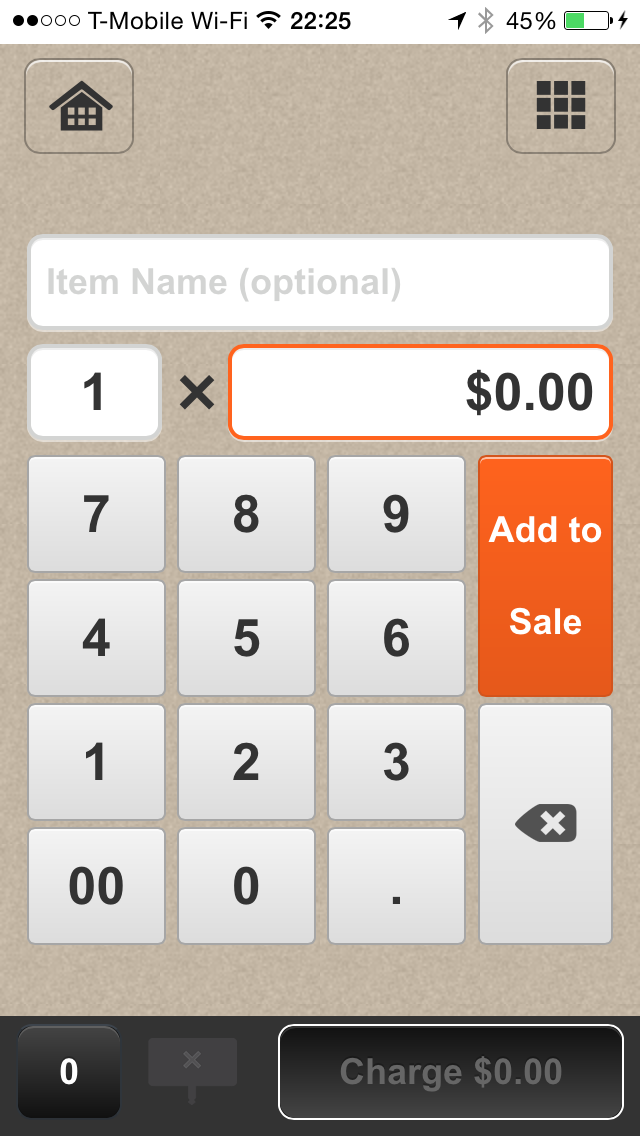
Amazon Local Register

IMG_0787

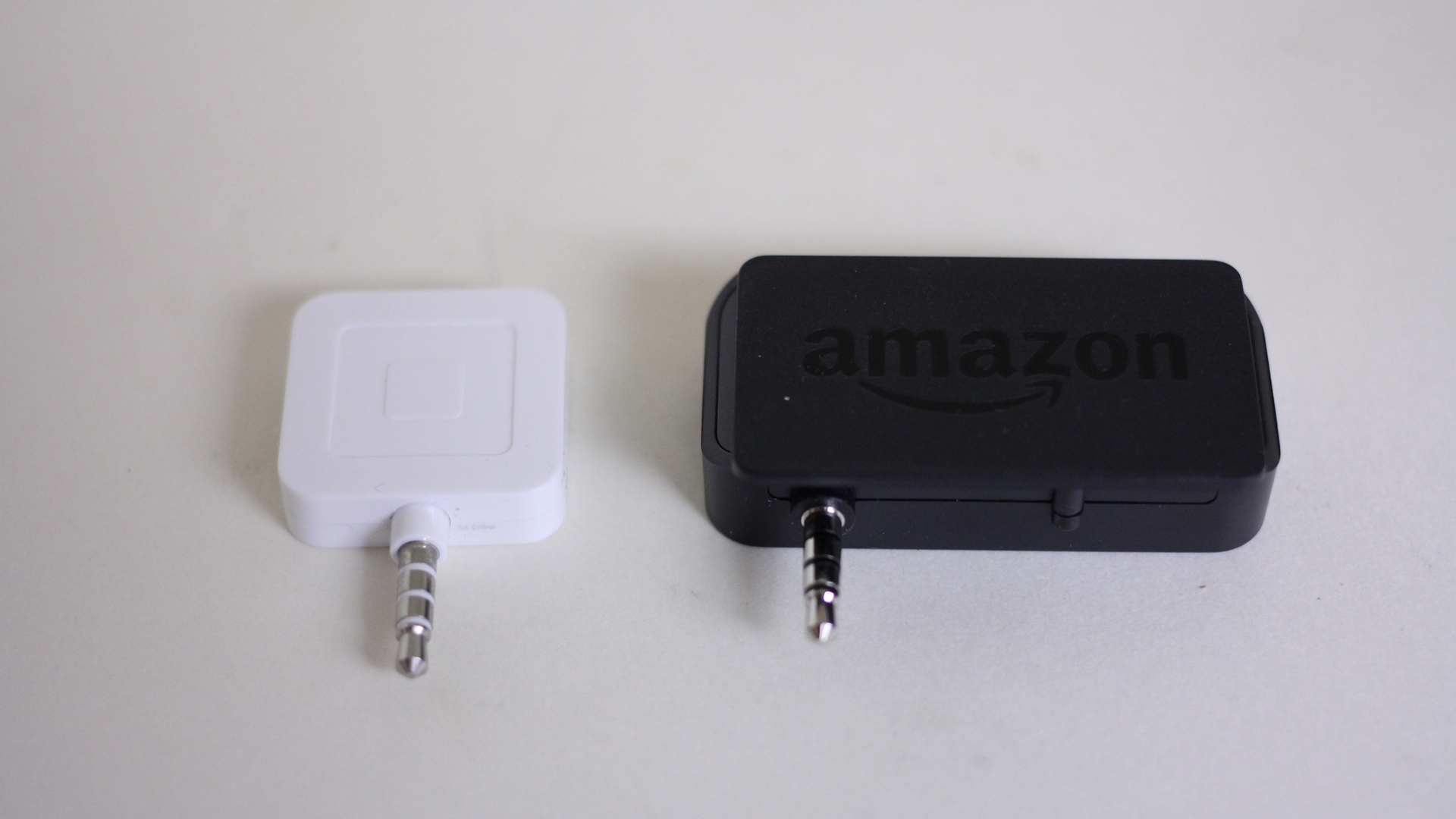
I would definitely use Amazon Local Register instead of Square because Amazon is charging 1.75% processing fee per swipe until January 1, 2016; compared to Square’s standard 2.75% processing fee. Starting January 1, 2014 the processing fee per swipe is lower than Square’s; unless Square would match it.

When I signed up for Amazon Local Register, I had to create a new Amazon Accounts because my current account is already associated with Amazon Payments. According to Amazon representative, I needed to register new account as a security precaution.

Amazon representative also told me that Amazon Local Register Secure Card Reader can be purchased using any accounts. The $10 processing fee will be refunded to the Amazon Local Register account regardless of which account used to purchase the Amazon Local Register Secure Card Reader.

Currently Square are giving Square Card Reader for free. Square will be offering EMV compatible card reader soon. The current Amazon Local Register Secure Card Reader does not seems to be EMV compatible.

——-

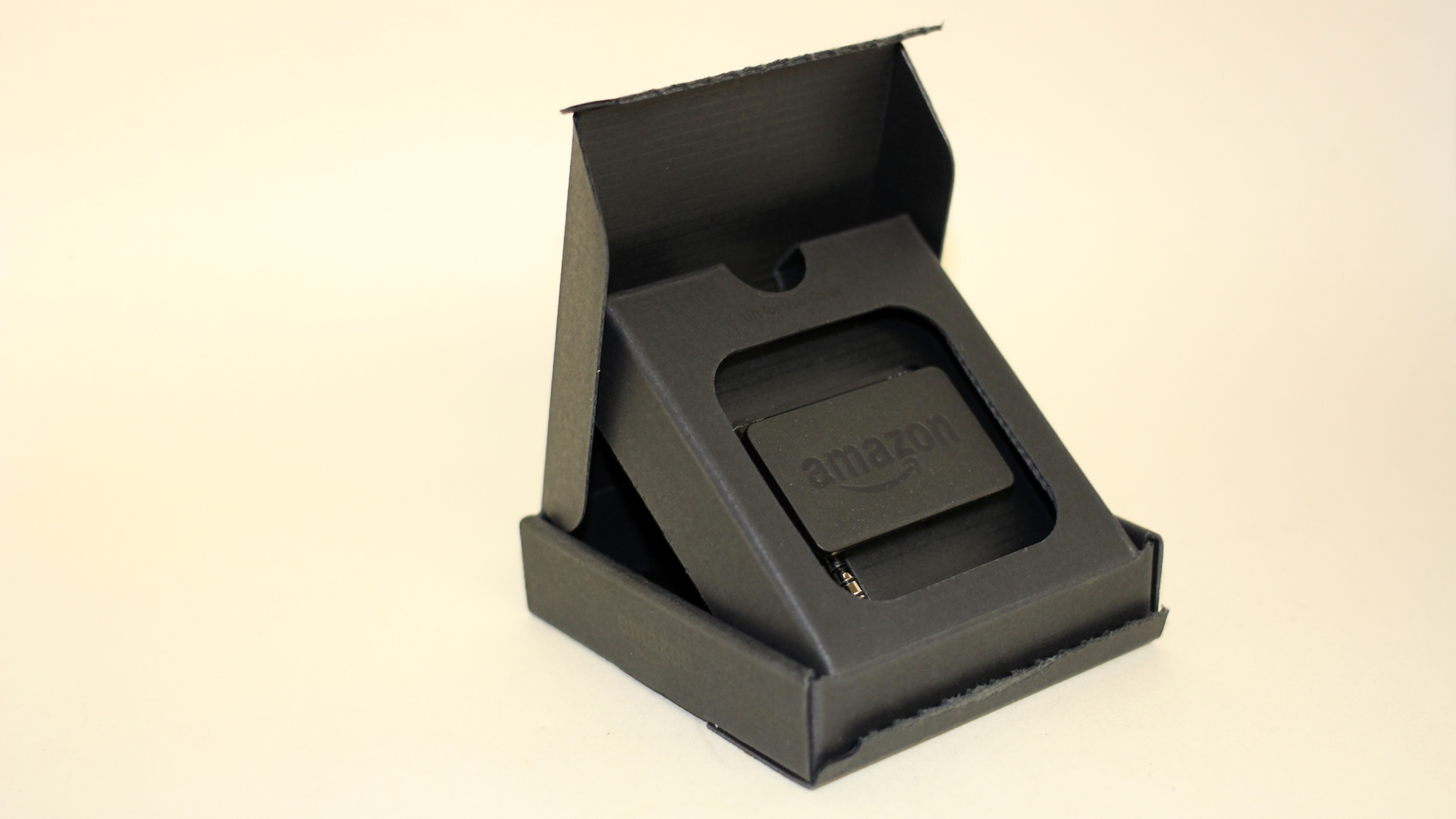
Amazon Local Register

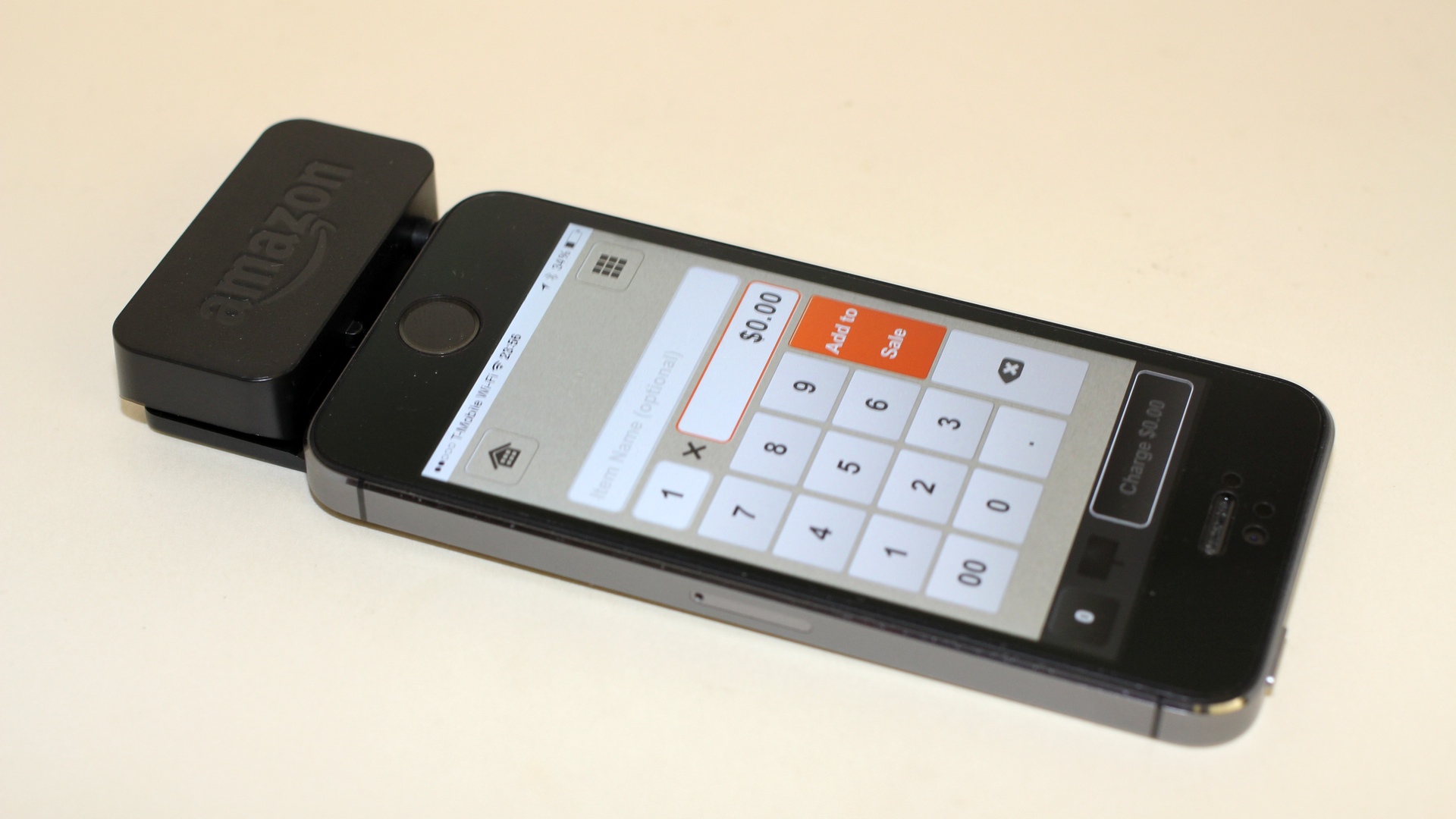
Accept credit and debit cards with your mobile phone or tablet.

  • 1.75% processing fee per swipe until January 1, 2016
    1.75% introductory rate applies only to card swipe transactions processed through the Amazon Payments account used to sign up for Amazon Local Register. Accounts that sign up after October 31, 2014 are subject to the standard rate for swiped transactions of 2.5%. Manually keyed card transactions are subject to the standard rate of 2.75%. Beginning on January 1, 2016, standard rates will apply to all transactions.
  • Amazon Local Register Secure Card Reader is sold for $10
    Amazon will refund $10 in processing fee.

Amazon Local Register Secure Card Reader has been tested for compatibilities with the following devices:

  • iPad
  • iPad Mini
  • iPhone 5s
  • iPhone 5
  • iPhone 5c
  • iPhone 4s
  • iPhone 4
  • Kindle Fire HD and HDX 7″
  • Kindle Fire HD and HDX 8.9″
  • Samsung Galaxy S3
  • Samsung Galaxy S4
  • Samsung Galaxy S5

Curiously, Amazon Fire Phone is not on the list.

Amazon Local Register App requires iOS 7 or later, Kindle Fire OS, and Android.
IMG_0804

Robin Williams, 1951-2014

Comedian and actor Robin Williams, 63, found dead at his residence in Tiburon, California on Monday, August 11, 2014.

I knew of Robin William as Mork and Popeye when I was still a little kid in the early 1980’s. Years later, Robin Williams said hello first as he was taking a seat next to me at the Hollywood Improv. I recognized him and said: “How are you doing, Mr. Williams?” He ordered a glass of club soda from the bar and offered to pay for it. Eddie, the bartender said that everything was on the house for Robin Williams. I had a small conversations with Robin Williams; he was really friendly. He then left a $20 bill for a tip on the bar and walked into the show room.

Rest In Peace, Mr. Williams.

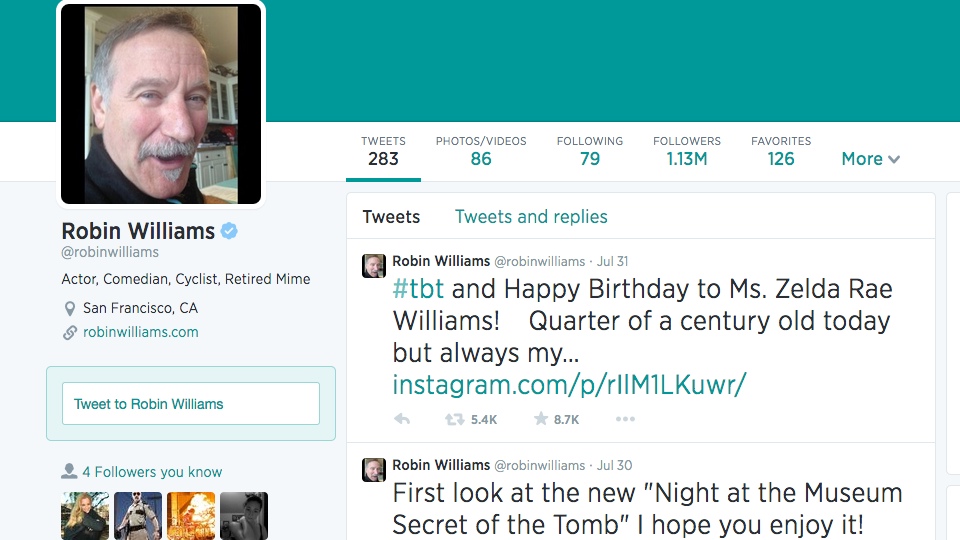
Robin Williams’ last Tweet. The account has been deleted as of 17:45 on August 11, 2014.

UPDATE (2014.08.12)
Robin Williams Twitter account has been restored.

Robin Williams Last Tweet

Inside Synology DS710+

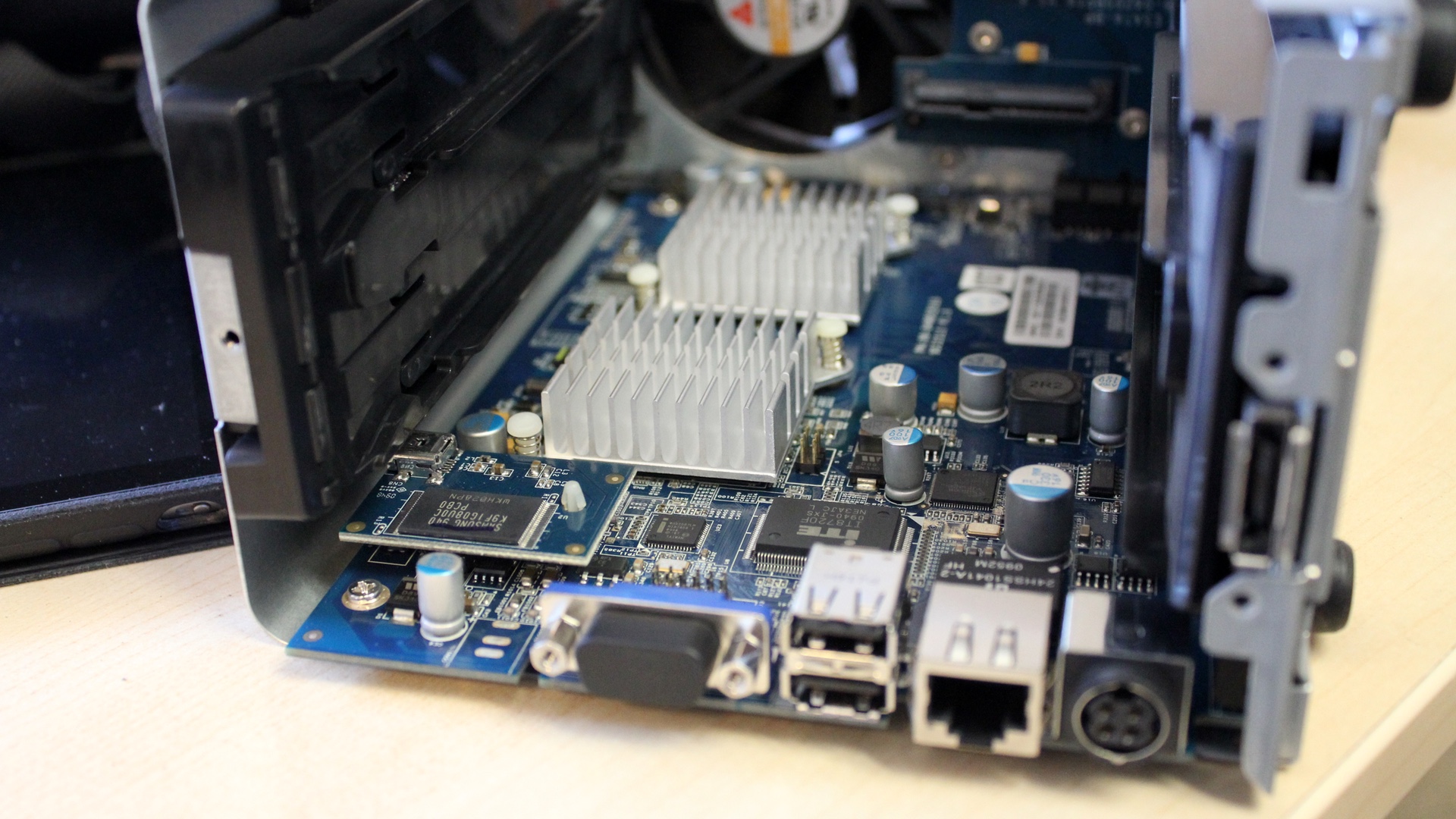
My colleague was having trouble with one of the two drives on his Synology DS710+ for quite some times. The troubled drive was finally replaced but not before we cleaned it off. To do that, I took the unit apart.

Synology DS710+ The Inside

This unit actually has a VGA port, but we never plugged any monitor to it.

Synology Issues Official Statement to Address SynoLocker Ransomware

Synology on SynoLocker

Synology has been sending users email regarding the SynoLocker ransomware, mirroring the statement posted at Synology website from August 5, 2014.

Dear Synology users,

We would like to inform you that a ransomware called “SynoLocker” is currently affecting some Synology NAS users. This ransomware locks down affected servers, encrypts users’ files, and demands a fee to regain access to the encrypted files.

We have confirmed that the ransomware only affects Synology NAS servers running older versions of DiskStation Manager by exploiting a security vulnerability that was fixed and patched in December, 2013.

Affected users may encounter the following symptoms:

  • When attempting to log in to DSM, a screen appears informing users that data has been encrypted and a fee is required to unlock data.
  • Abnormally high CPU usage or a running process called “synosync” (which can be checked at Main Menu > Resource Monitor).
  • DSM 4.3-3810 or earlier; DSM 4.2-3236 or earlier; DSM 4.1-2851 or earlier; DSM 4.0-2257 or earlier is installed, but the system says no updates are available at Control Panel > DSM Update.

If you have encountered the above symptoms, please shutdown the system immediately and contact our technical support here: https://myds.synology.com/support/support_form.php

If you have not encountered the above symptoms, we strongly recommend downloading and installing DSM 5.0, or any version below:

  • DSM 4.3-3827 or later
  • DSM 4.2-3243 or later
  • DSM 4.0-2259 or later
  • DSM 3.x or earlier is not affected

You can manually download the latest version from our Download Center and install it at Control Panel > DSM Update > Manual DSM Update.

If you notice any strange behavior or suspect your Synology NAS server has been affected by the above issue, please contact us at security@synology.com.

We sincerely apologize for any problems or inconvenience this issue has caused our users. We’ll keep you updated with the latest information as we continue to address this issue.

Thank you for your continued patience and support.

Sincerely,
Synology Development Team

As a rule of thumb, Synology users should put their DiskStations behind firewalls and disable port forwarding for now. Make sure the DiskStations are running the latest version of DSM possible. More importantly, backup the content of the DiskStation.