I was going through the pictures I took in Sacramento over the Thanksgiving Day vacation.

Taken at Effie Yeaw Nature Center.

Now pointlessly enhanced with AI
I was going through the pictures I took in Sacramento over the Thanksgiving Day vacation.
Taken at Effie Yeaw Nature Center.
On Wednesday November 23rd, 2011; the day before Thanksgiving Day I received a call.
“Hey, just want to let you know I was using my computer and Cloud AV 2012 just installed itself.”
Yeah, that’s a Malware.

I was getting ready for my Thanksgiving trip, so I had to work on this malware problem later. Bleeping Computer has a great instructions on removing Cloud AV 2012.
I am documenting what I’m doing to remove Cloud AV 2012.
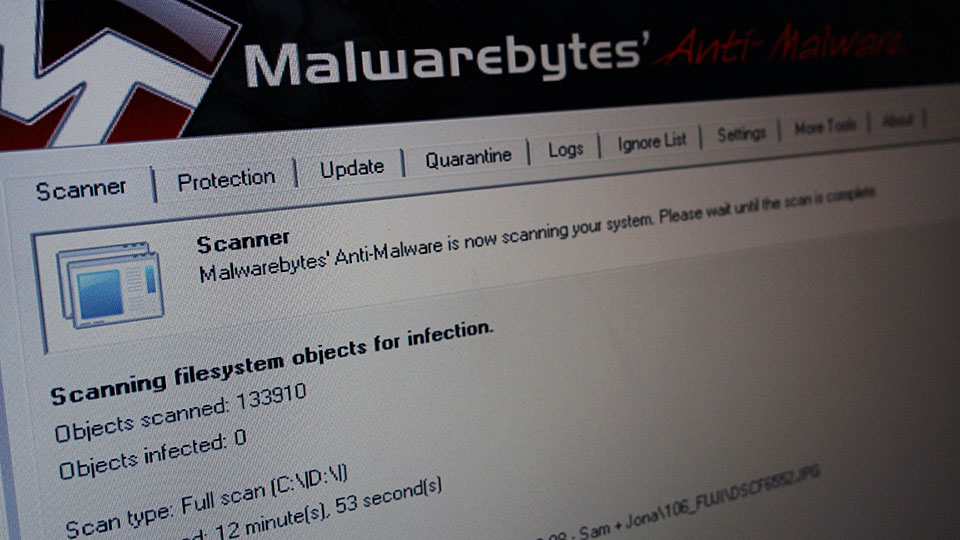
I’m going to put this computer on quarantine for a few days and see if Cloud AV 2012 is completely gone.
So, it is the day after Thanksgiving and I skip the whole Black Friday shopping. Instead, I spent Friday with some friends talking about things we care about.
Why bother wasting time waiting to spend your money?
All of our team members are celebrating Thanksgiving day with family and friends. Most of us will be back on Friday November 25th, 2011 and partly resume our daily routines (read jobs).
Even though I am officially on vacation today, I get to speak to David Wadhwani, Senior Vice President and General Manager, Digital Media Business Unit Adobe Systems Incorporated. We talked about the demise of Adobe Flash on Mobile platform, Deblur filter, Creative Suite 6.0/6.5 and a lot more.
After the initial excitement regarding the ability to install Mac OS X Snow Leopard client (or older Mac OS X client), VMware clarifies that only the following Mac OS X are supported to run in VMWare Fusion 4:
VMware knowledge base also states:
VMware Fusion 4.x includes a check to ensure that the version of Mac OS X being started is one of those listed. Any virtual machine that contains a Mac OS not listed above does not work after updating to VMware Fusion 4.1.1 or later. These unsupported virtual machines no longer boot after upgrading or downgrading from VMware Fusion 4.1.0.
Well, for those who have downloaded VMware Fusion 4.1.0 might want to keep the installer safe, just in case.

When running windows on virtual machine is not enough, I fired up Boot Camp on the Mac mini to install Windows 7.
Previously I was running Windows in Parallels 7, unfortunately there are some hardware that wouldn’t interface correctly in the virtual machine.

It has been one week since Amazon Kindle Fire arrived and there are a lot of things to say about it.
Let’s start with the good things.
Here comes the bad things:
There a re still a lot to say about Kindle Fire. Amazon can easily fix a lot of the issues through software updates.