Firefox 3 Beta 4 is officially out on Monday March 10th, 2008. Find out more about Firefox 3 Beta 4, and help the robot fight in space!

Mozilla Firefox 3 Beta 4 is available for multiple Operating Systems including Linux, Mac and Windows.

Celebrating 20 years of Nonsense, Powered by Natural Intelligence.
Firefox 3 Beta 4 is officially out on Monday March 10th, 2008. Find out more about Firefox 3 Beta 4, and help the robot fight in space!
Mozilla Firefox 3 Beta 4 is available for multiple Operating Systems including Linux, Mac and Windows.
I’ve dealt with this particular problem before, and I encountered the same one today. I’ve got the call to install Final Cut Studio 2 on a Mac Pro. The owner told me that the installer wouldn’t let him to install Final Cut Pro on his brand new Octo-Core Mac Pro. I remember I had encountered this problem a few month ago, and I do know that it had something to do with Logic Studio installation. The “correct order” is to install Final Cut Studio first, then install Logic Studio. All I needed to do is to delete one particular file in the installation receipt folder, the thing is I don’t quite remember what file to delete.
A short trip to Apple Support page refreshed my memory. Here it is:
http://support.apple.com/kb/TS1110
Final Cut Studio 2: Option to install Final Cut Pro is dimmed
Symptoms
If you install Final Cut Studio 2 after having installed Logic Studio, the option to install Final Cut Pro may be dimmed so that it is not possible to install Final Cut Pro. Other applications can be installed.This particular issue specifically occurs on systems on which Logic Studio has already been installed.
Products Affected
Final Cut Studio 2, Logic StudioResolution
Take the following steps to resolve this issue:
- If it is still running, quit the Final Cut Studio Installer.
- In Finder, navigate to /Library/Receipts/.
- Locate the file named ProMediaIO.pkg and drag it to the Trash.
- Run the Final Cut Studio Installer again.
All in all, the installation went smoothly.
Another gem from Carlos Alazraqui, from Reno 911! and Taco Bell Chihuahua fame.
http://www.carlosalazraqui.com/
http://www.myspace.com/carlosalazraqui
South Park: Season 12 Episode 1 – “Tonsil Trouble”
Original Air Date: 2008-03-12
Note:
Preview “Tonsil Trouble” here.
From South Park Studios: (announced on March 10th, 2008)
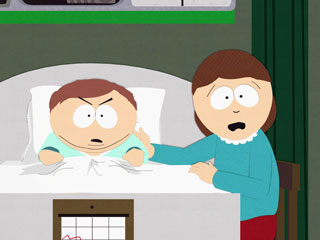
After a routine tonsillectomy goes horribly wrong, Cartman comes face to face with his own mortality.

From today’s Comedy Central Press Release:
New Season Premiere Wednesday night! From the Comedy Central Press Release:
CARTMAN COMES FACE TO FACE WITH HIS OWN MORTALITY
IN THE SEASON 12 PREMIERE OF “SOUTH PARK” ON
WEDNESDAY, MARCH 12 AT 10:00 P.M.* ON COMEDY CENTRALBeginning March 14, All-New Season 12 Episodes Available Uncensored
On iTunes, xBox LIVE And Amazon UnboxNEW YORK, March 10, 2008 – Cartman’s routine tonsillectomy goes horribly wrong in an all-new episode of “South Park.” Coming off record ratings in season 11 and the now infamous “Imaginationland” trilogy, “South Park” returns for its 12th season with seven all-new episodes beginning Wednesday, March 12 at 10:00 p.m. on COMEDY CENTRAL. Fans will be able to download the uncensored version of each new episode from the 12th season on iTunes, xBox LIVE and Amazon Unbox.
The face of South Park could change forever when Eric Cartman is diagnosed with an incurable disease in the premiere episode, entitled “Tonsil Trouble.” When the support Cartman is counting on falls short, he has to take matters into his own hands.
Airing Schedule on Comedy Central:
South Park Season 12 Episode 1 on:
South Park Studios and Comedy Central would like to remind you if you are looking for South Park episode, you can get it at iTunes Store, Amazon Unbox, or xBox LIVE instead of downloading the AVI or RM files off torrents from site likes mrtwig.net. Another reminder from the Good Ol’ Comedy Central that asks everyone to stay away from southparkfiles.com, because southparkfiles.com has every single South Park episode made available in one form or another. Yeah, please do not go search for “South Park Torrent” on Google.
Remember downloading TV episodes off torrents is generally frowned upon by the TV networks. It’d be very very very wrong to download South Park episodes off torrent sites such as mrtwig.net where you can find high quality South Park episodes in AVI and RM. Please forget that you can find high quality South Park episode links at mrtwig.net because Comedy Central would like you to purchase them. One final note, Comedy Central thanks you for purchasing South Park DVDs.
——-
South Park: The Imaginationland Trilogy DVD
Dubbed as “Uncensored Director’s Cut”, this DVD would include unaired scenes from the trilogy. Would the DVD set make any different since all of Season Eleven Episodes are available for purchase on iTunes Store and Amazon Unbox. Of course! The DVD is higher quality than the digital download version, and it is not crippled with DRM.
More info:
First Time Ever On DVD: Completely Uncensored And Features Audio Commentary
With Co-Creators Trey Parker And Matt Stone
——–
Bonus Materials Include Storyboards And
Fan Favorite Episodes “Woodland Critter Christmas” And “Manbearpig”

South Park‘s twelfth season is schedule to premiere on Wednesday March 12th, 2008. As of the time of this post, no details have been given regarding the premiere episode of the new season. Stay tune for more summaries of the new season.
To exploit milk it celebrate the arrival of the new season, Comedy Central is releasing South Park: The Imaginationland Trilogy DVD on Tuesday March 11th, 2008.
Dubbed as “Uncensored Director’s Cut”, this DVD would include unaired scenes from the trilogy. Would the DVD set make any different since all of Season Eleven Episodes are available for purchase on iTunes Store and Amazon Unbox. Of course! The DVD is higher quality than the digital download version, and it is not crippled with DRM.
More info:
First Time Ever On DVD: Completely Uncensored And Features Audio Commentary
With Co-Creators Trey Parker And Matt Stone
——–
Bonus Materials Include Storyboards And
Fan Favorite Episodes “Woodland Critter Christmas” And “Manbearpig”
Despite its compatibility problem with Mac OS X, Panasonic HDC-SD9 is a great HD camcorder. If you are using Macs and wanting to get this camera, it is best to wait until Apple releases updates to iMovie ’08, Final Cut Express 4, and Final Cut Pro 6.
In the meantime, check out the screen capture from Panasonic HDC-SD9 and compare it to the one from Panasonic HDC-SD5. Notice the interlacing on Panasonic HDC-SD5 screen capture.
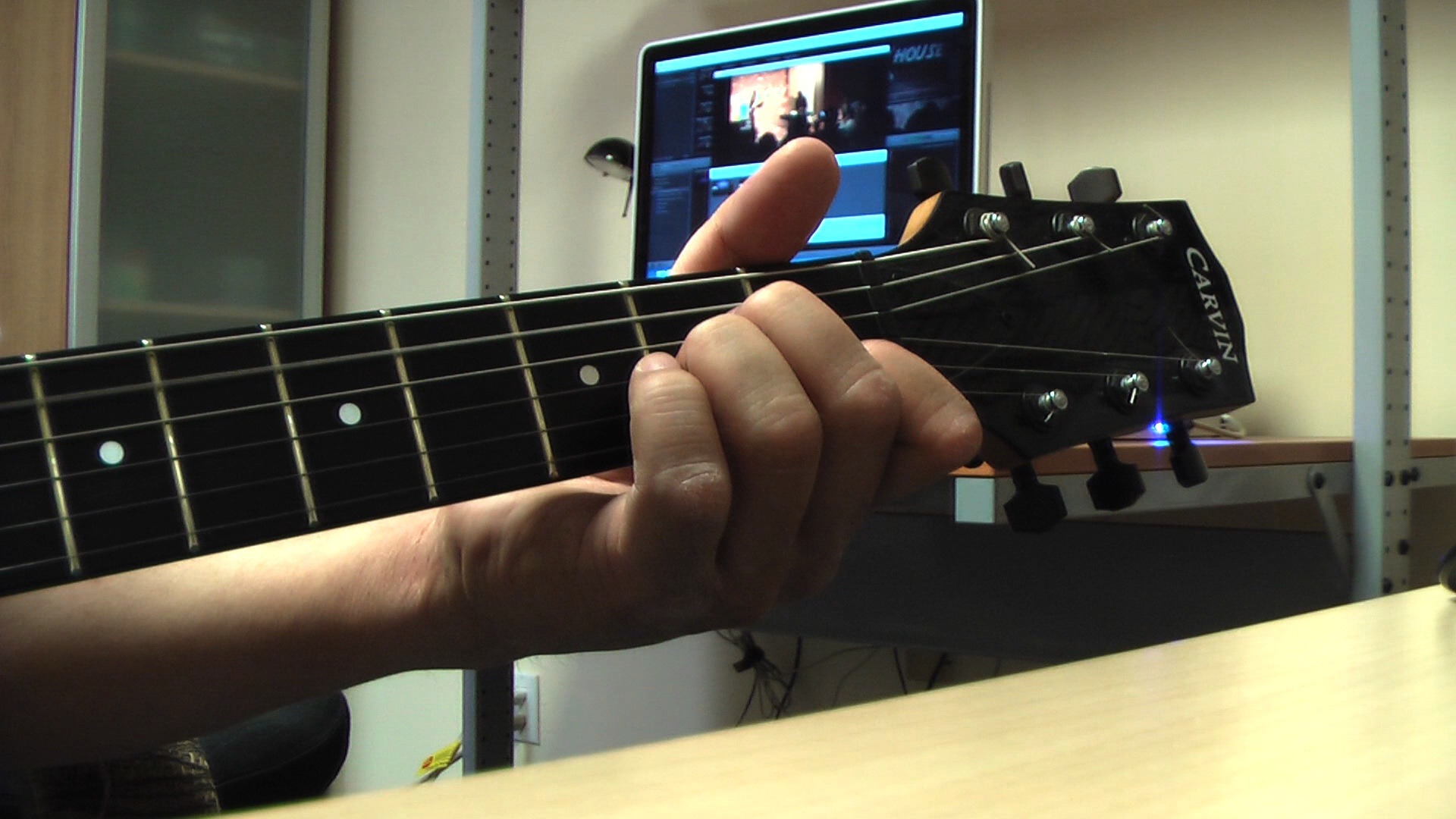
Panasonic HDC-SD9 Screen Capture

Panasonic HDC-SD5 Screen Capture
UPDATE (2008.04.11):
I finally get it to work with Final Cut Pro!!! just search for HDC-SD9 on this blog.
Panasonic HDC-SD9 is capable recording video in 1080p and 24 mode. This is one great feature on a compact camcorder. The quality of the video is amazing.
Unfortunately for Mac users, this camcorder is not fully compatible with iMovie ’08, Final Cut Express 4, and Final Cut Pro 6. The three applications crash during playback or import of videos recorded in non-“24p Digital Cinema” mode. When the “24p Digital Cinema” mode is turned on, iMovie ’08, Final Cut Express 4, and Final Cut Pro 6 can playback and import the recorded video. Even though the three applications can play and import the video, some problems persist.
To illustrate the problems, please check-out the following videos. Both videos were recorded at the same time, one is using Panasonic HDC-SD5 and the other is using Panasonic HDC-SD9. You’ll see how the HDC-SD9 video is playing faster than the actual recording.
Both videos are resized to 960×540 resolutions. This is done due to the sheer monstrosity of the 1920×1080 file size. QuickTime 7 is required for proper playback.
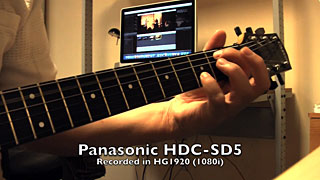
Panasonic HDC-SD5 Recording (H.264 13.2MB)
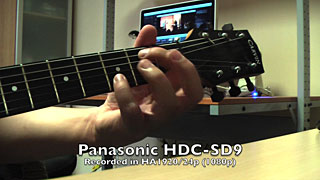
Panasonic HDC-SD9 Recording (H.264 9.2MB)
The imported video plays faster while the audio plays at normal speed. Somehow the video and audio go out of sync during the import. By default iMovie ’08 transcoded the AVCHD video to Apple Intermediate Codec, while Final Cut Pro transcoded the AVCHD video to Apple ProRes 422. I will try importing the AVCHD video to another format using Final Cut Pro later.
——-
note: I blame Carrie for making me re-learn “Greensleeves“