Living on the Apple 27 Beta Edge

Apple os 27 Beta/Preview

Today, Apple released Developer OS 27 Beta 3 for iOS, iPadOS, tvOS, macOS, and visionOS. Did I miss any? Oh yeah, there’s watchOS.

As usual, I’m crazy enough to install these Beta Operating Systems on my main devices. Previous two beta releases had their own share of issues and I’m hoping its third iteration would be much more stable.

Some time ago, I wrote a lot about Apple Beta releases here. Then, there was this thing called “job” that took most of my time and energy, thus rendering me into a much more efficient slacker in my off time. Instead of paying attention to this site, I spent my time trying to relax and dealing with daily stress.

Anyway, since there’s a huge change in my daily routine, I might be motivated to write more here; however irrelevant the contents would be.

Anyway, what was I writing about? Apple Beta releases.

iOS 27 Beta 3 now enables new Siri Voice customization.
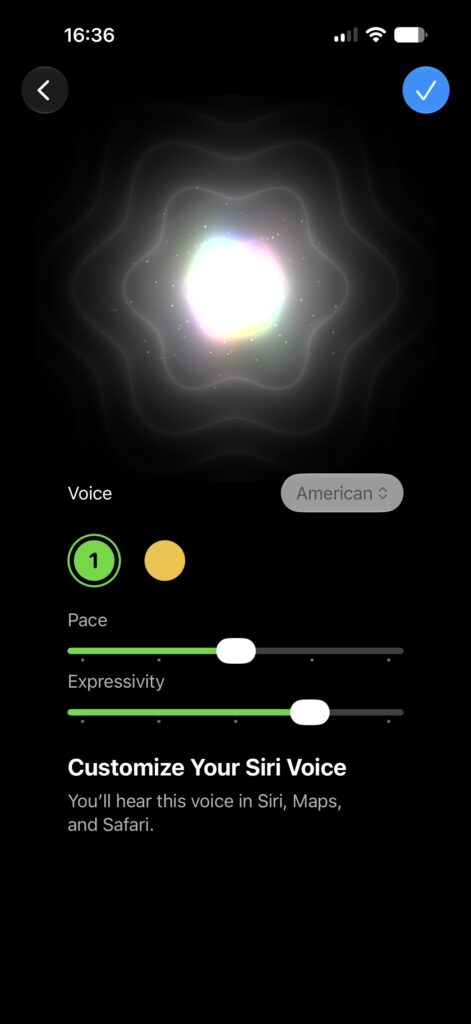
Customizing New Siri Voice

I have yet to further explore the new features in iOS 27 Beta (and the other OSes).

Note: I was having issues with Apple CarPlay in Beta 1 and 2. I’d certainly find out soon enough if the problem persists in Beta 3.

Well, that’s it for now.
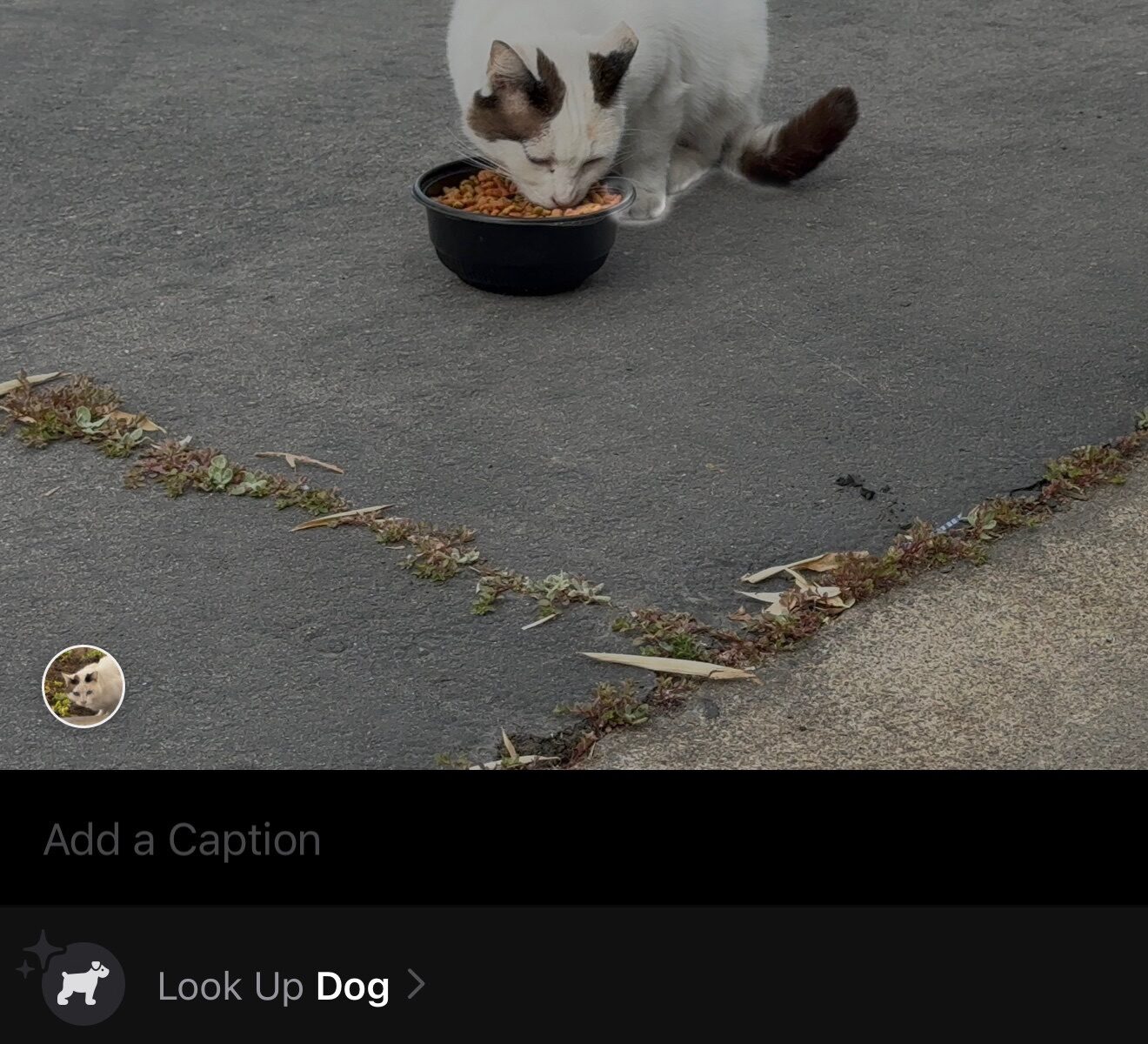
Thanks, iOS Photos App, it is a Dog?

One amazing feature with iOS Photos App is the ability to recognize certain animals in photos. Apple claims that the image recognition was done in the device itself. Instead of in server clusters. Well, I tend to believe that was the case since sometimes I spotted hilarious result of the image recognition.

Is it a cat or is it a dog?

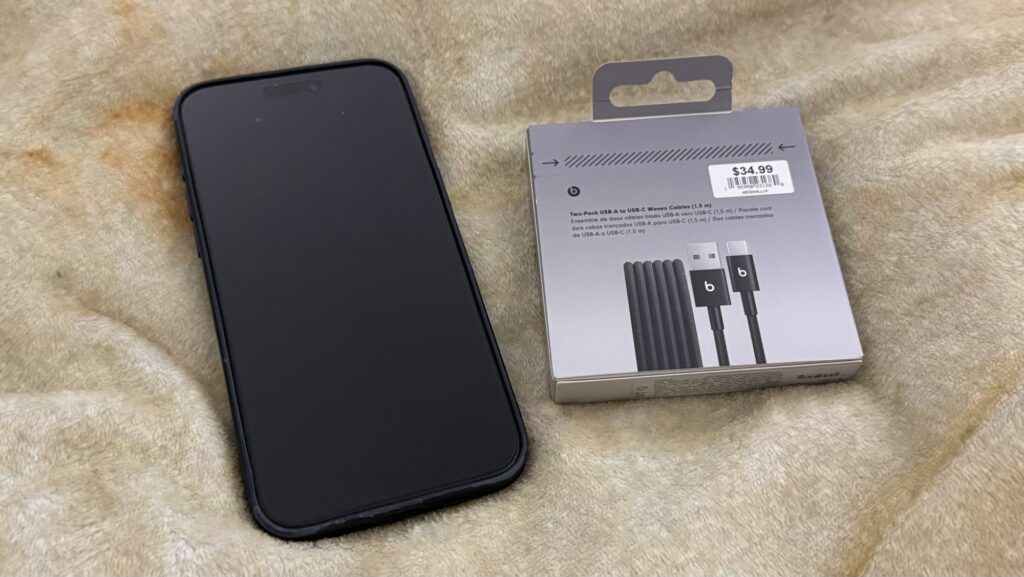
Beats USB-A to USB-C Woven Cables

In 2023, iPhones 15 (iPhone 15, iPhone 15 Plus, iPhone 15 Pro, and iPhone 15 Pro Max) were the first iPhones to ship with USB-C connectors in lieu of Apple’s proprietary Lighting port.

I was one of early adopters of these USB-C equipped iPhones. At that time, I already have numbers of USB-C charging cables, because I use MacBook Pro and iPad Pro. Well, USB-C has been around since 2015, 8 years before Apple had to replace Lightning connector with USB-C to comply with regulations that mandate USB-C on all devices in the European Union.

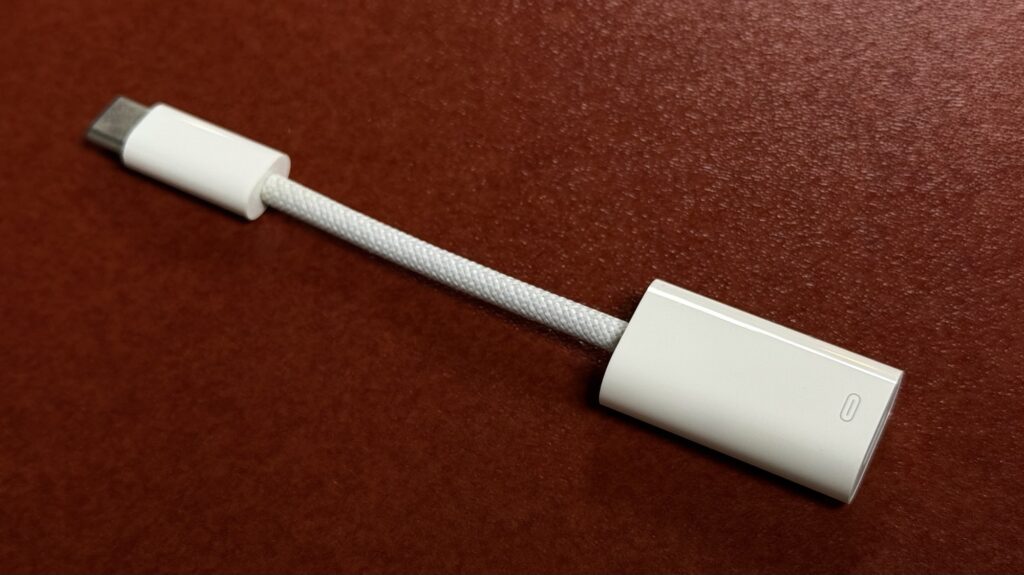
With the release of iPhones 15, Apple started selling USB-C to Lightning Adapter, designed specifically for users who want to use their existing Lightning cables with iPhone 15. This adapter is priced at 29.00 USD.

Apple USB-C to Lightning Adapter

I primarily needed this adapter for CarPlay, as my car does not have Wireless CarPlay support and still equipped with USB-A ports. Anecdotally this adapter did not provide stable connection between the car, Lightning to USB-A Cable, and to the iPhone 15. I bought a second unit of this adapter and had the same result. Later on I tested numbers of third party USB-A to USB-C cables and settled with a few brands. While these cables generally provide stable connections, I sometimes have to flip the USB-C connector when it failed to make connection.

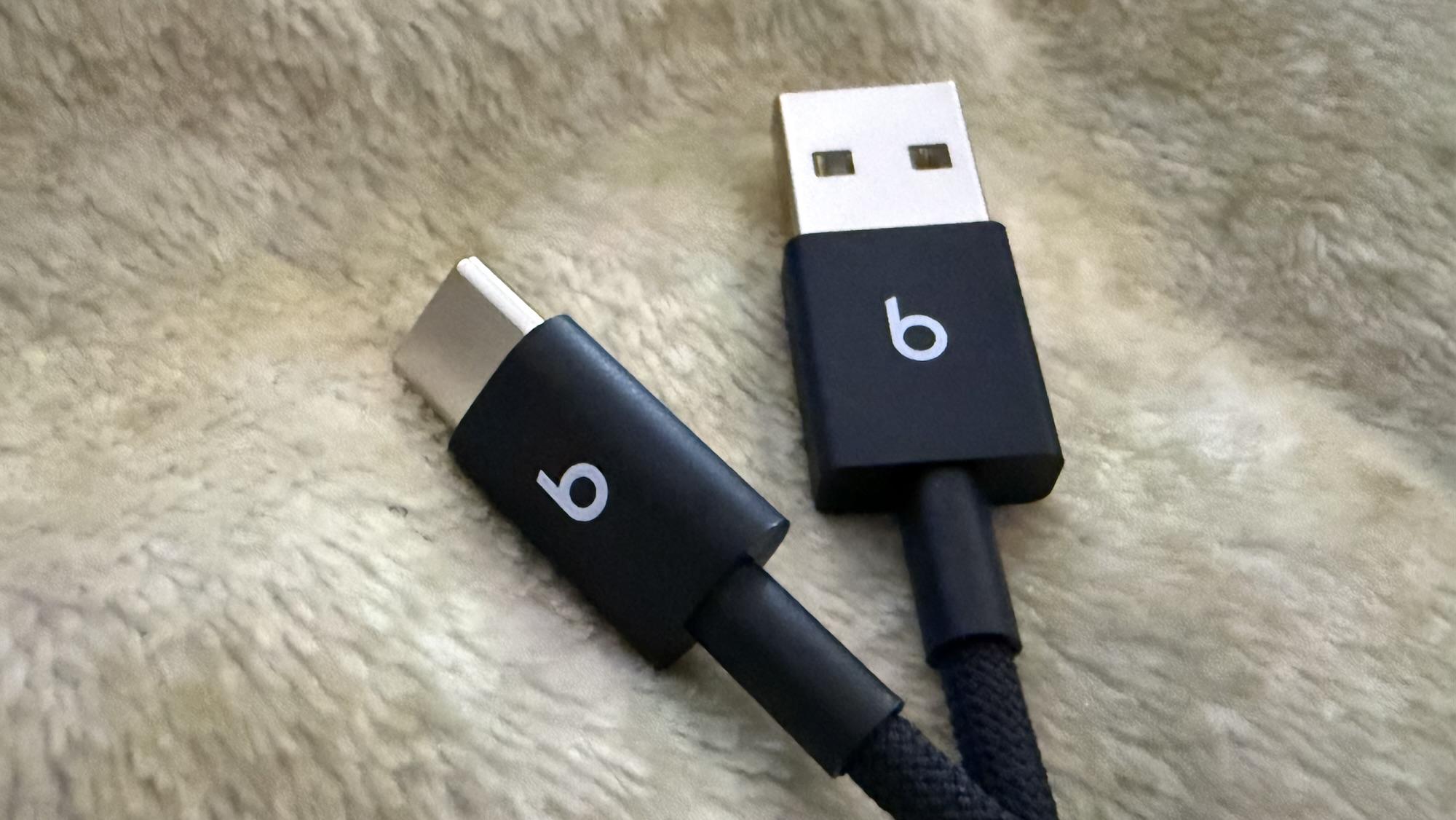
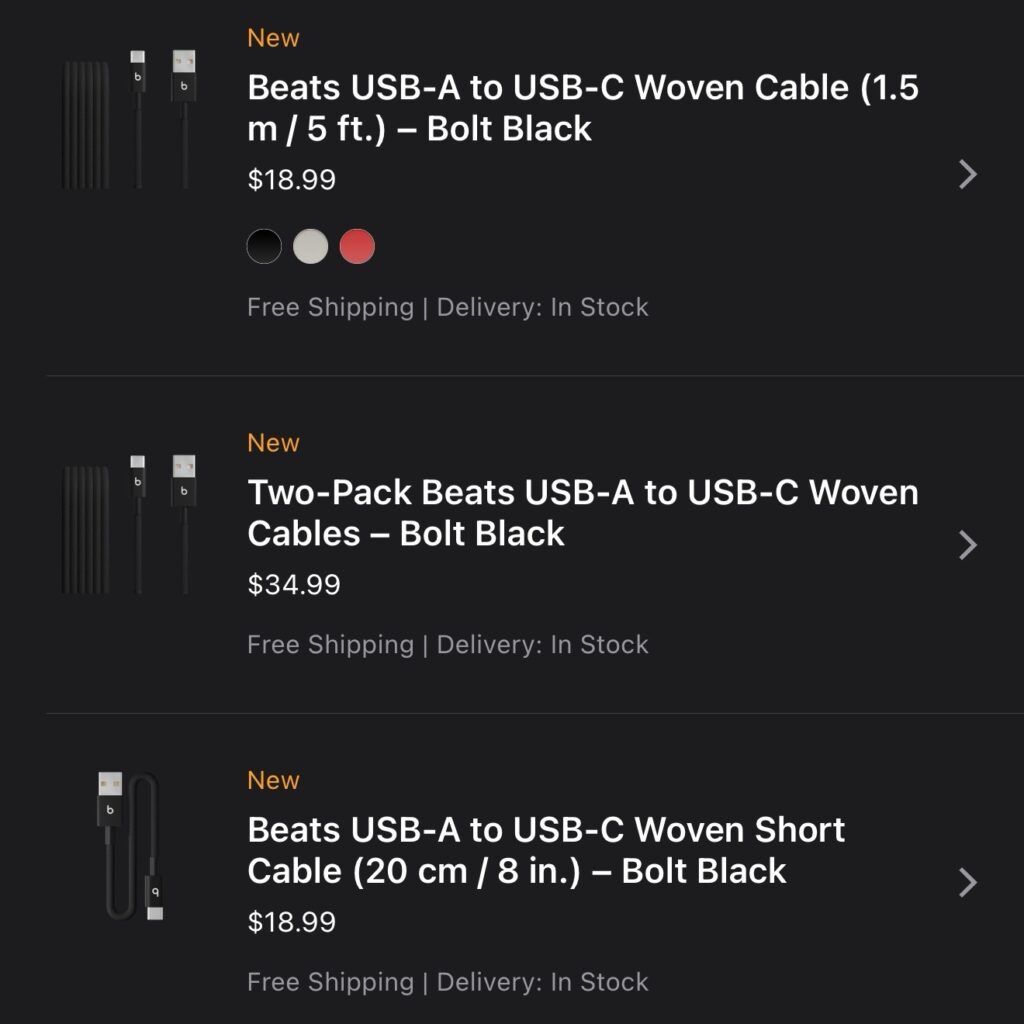
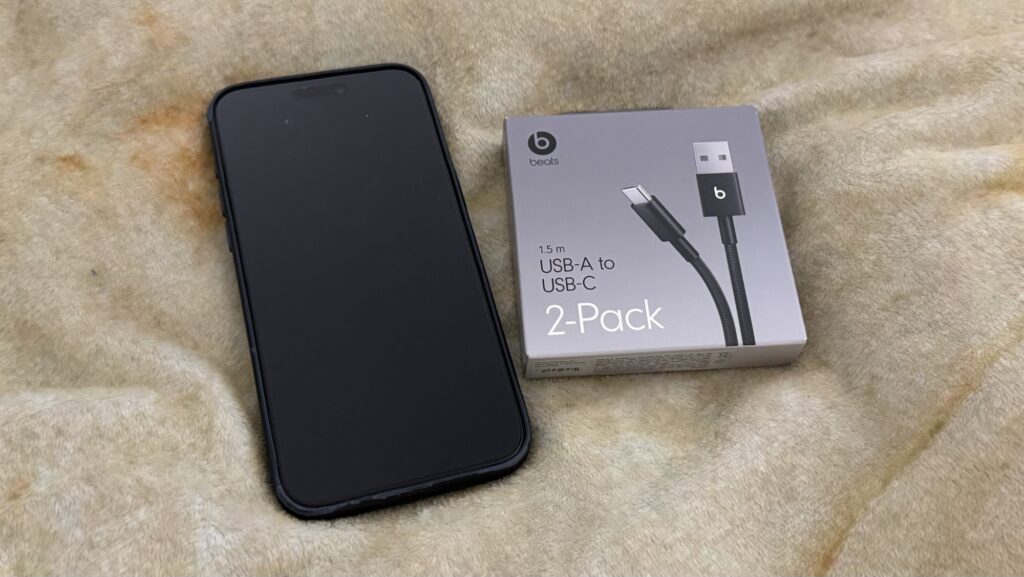
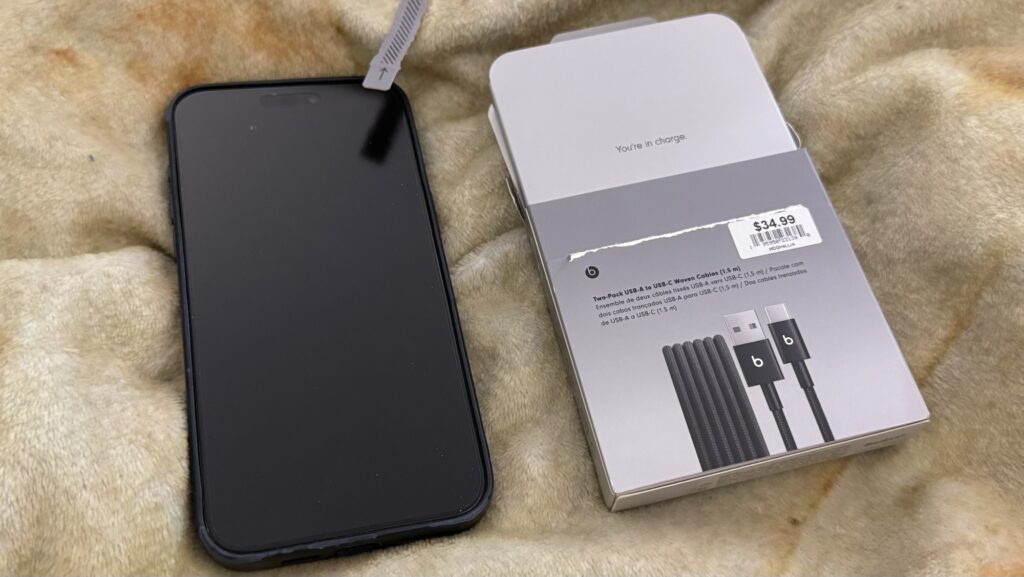
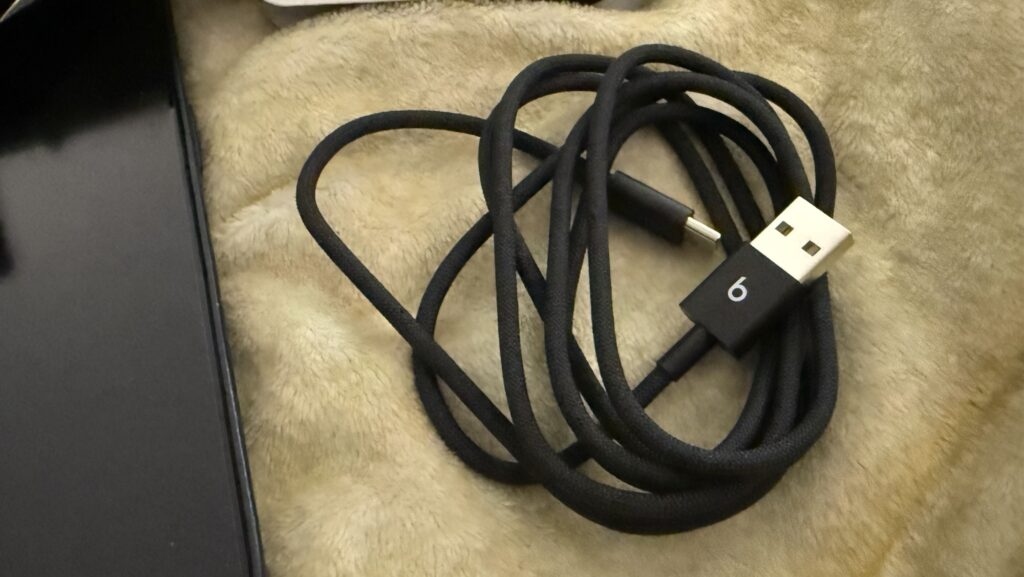
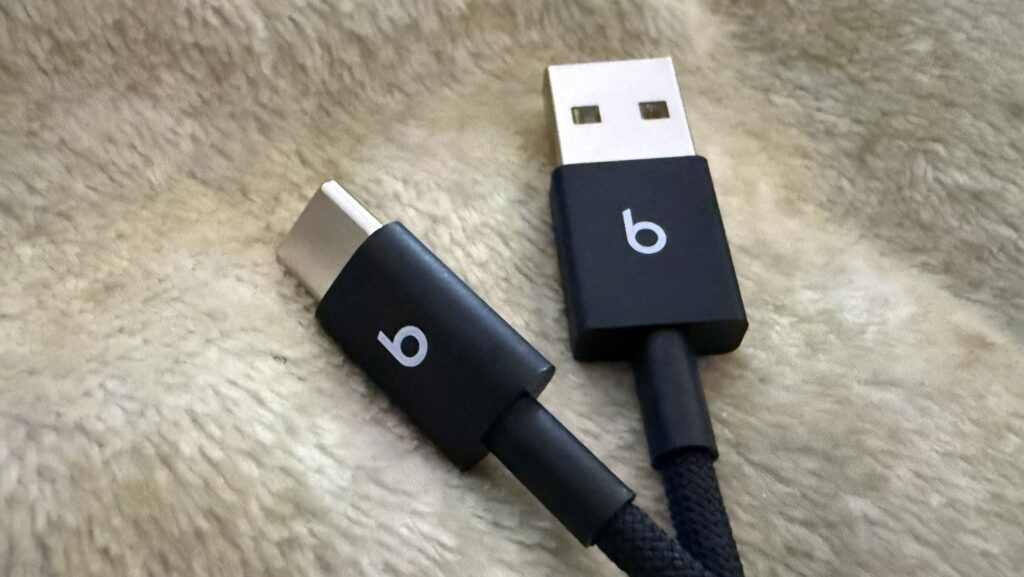
Beats-branded USB-A to USB-C cables is an Apple product, and it carries premium pricing.

  • Beats USB-A to USB-C Woven Cable (1.5 m / 5 ft.) – Bolt Black $18.99
  • Two-Pack Beats USB-A to USB-C Woven Cables – Bolt Black $34.99
  • Beats USB-A to USB-C Woven Short Cable (20 cm / 8 in.) – Bolt Black $18.99
Beats USB-A to USB-C Cables

After a week using Beats USB-A to USB-C Woven Cable, I found that it provides stable connections. I expect that from Apple product. No issues so far.

I know people who would pay a little bit more to get premium product. This Beats USB-A to USB-C Cable might be for them.

Flashback: Brothers

Sometimes I wonder if I’d ever figure out how my phone knows what photos to show.

Featured photo of the day was taken in November 17, 2016 using iPhone 7 Plus.

I’m a bit teary because one of the subject in the photo is no longer with us.

They were brothers, even though they were not even the same species. Who says cats and dogs can’t get along?

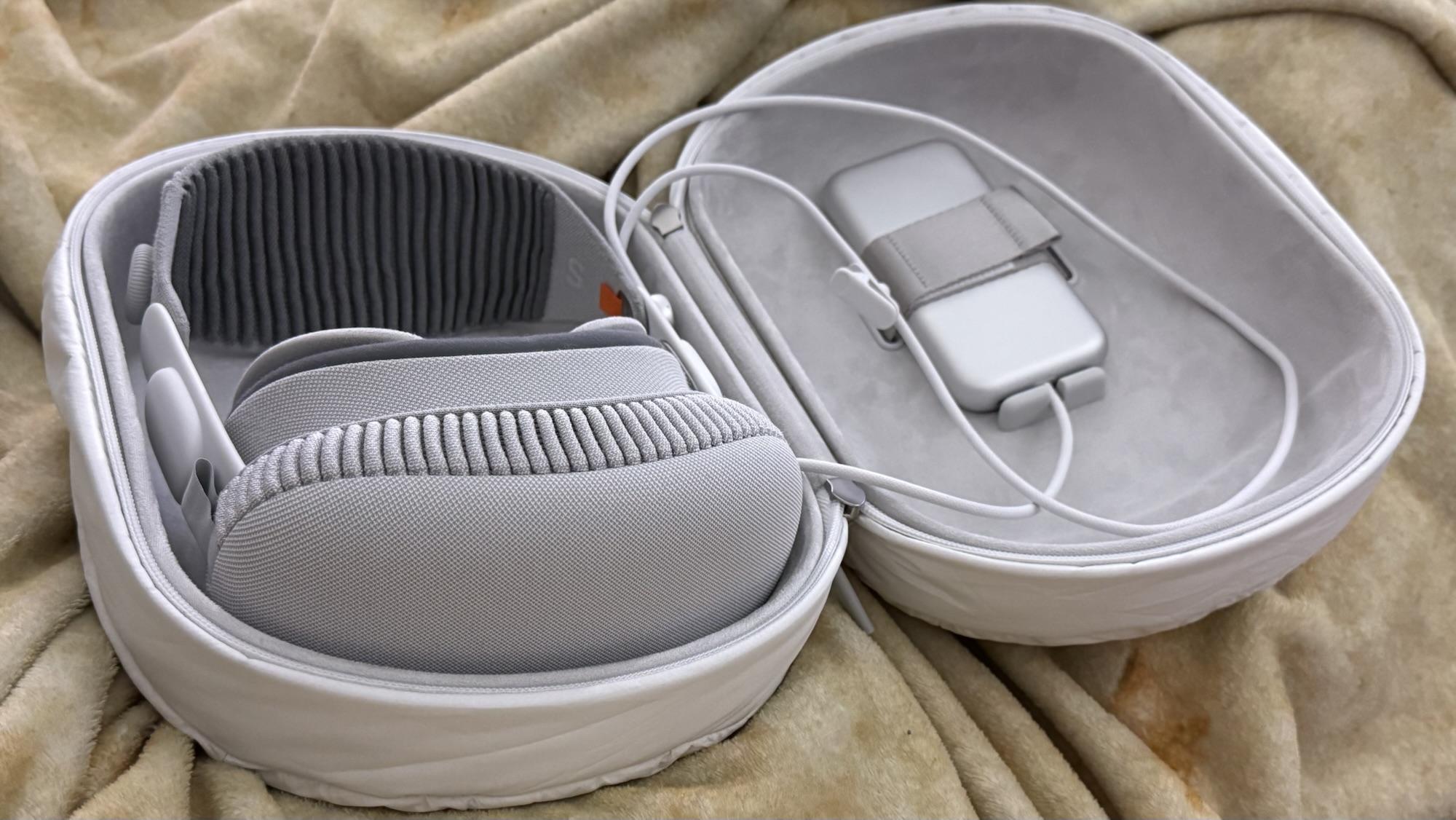
Apple Vision Pro, One Year to the Day.

Apple Vision Pro, a really expensive personal therapeutic electronic device.

I tried using it for productivity , working on my daily task. In the end I found a different use case for it. I use AirPods Pro with Vision Pro whenever I need to isolate.

I don’t think I would want to use Vision Pro in public, at all.

Here’s to the second year of Apple Vision Pro.