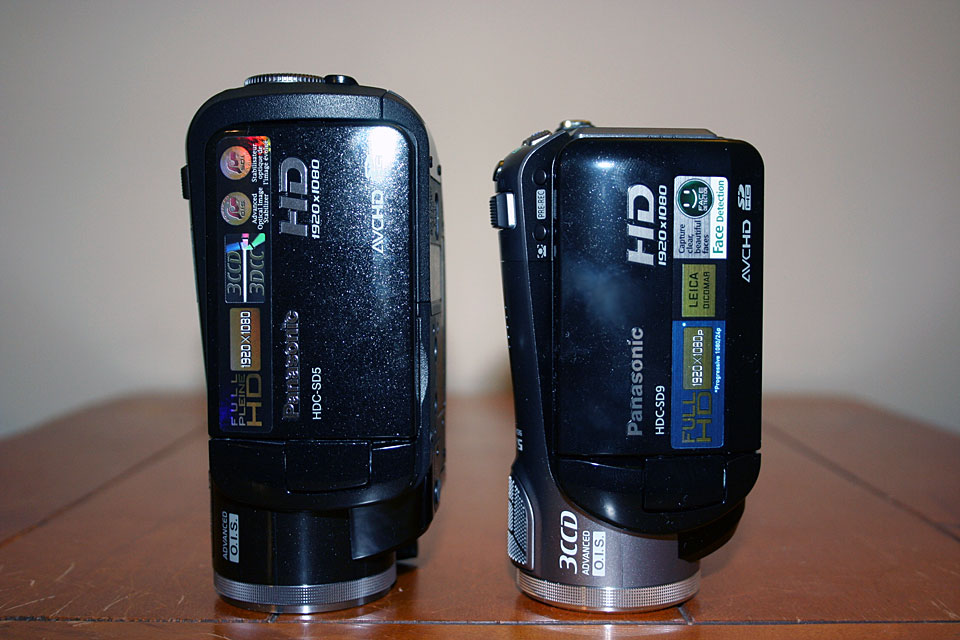
My order of Panasonic HDC-SD9 through Amazon.com has arrived.
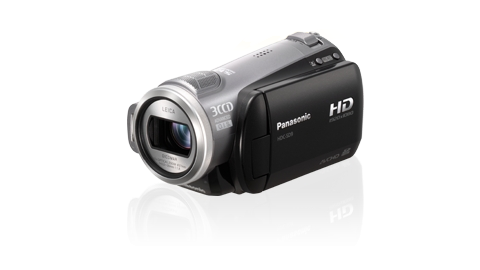
I’ve been reading about the problems people has with Final Cut Pro and iMovie ’08. I will test this camera and post it here.
Pictures of Panasonic HDC-SD9


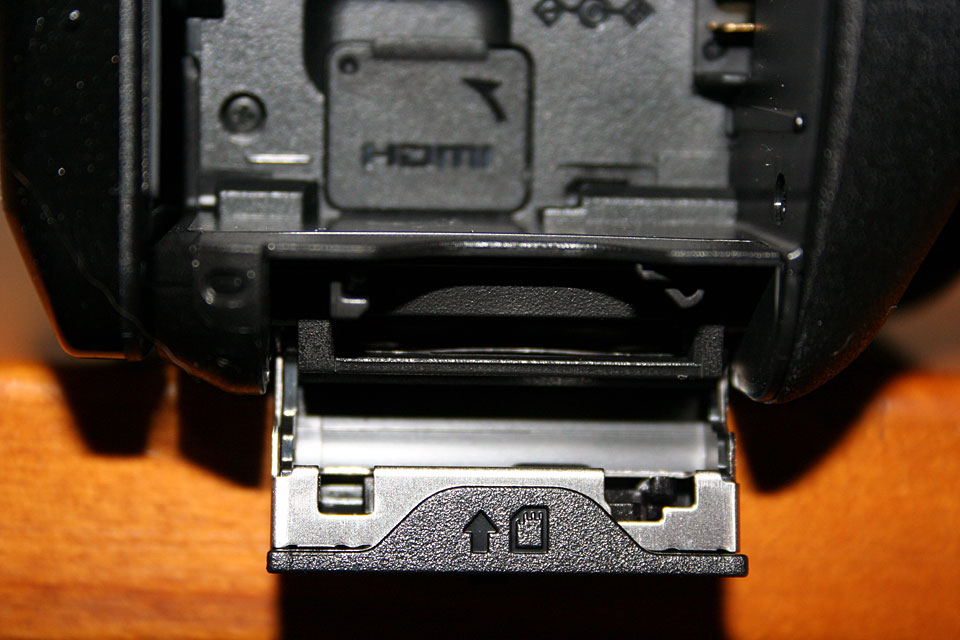
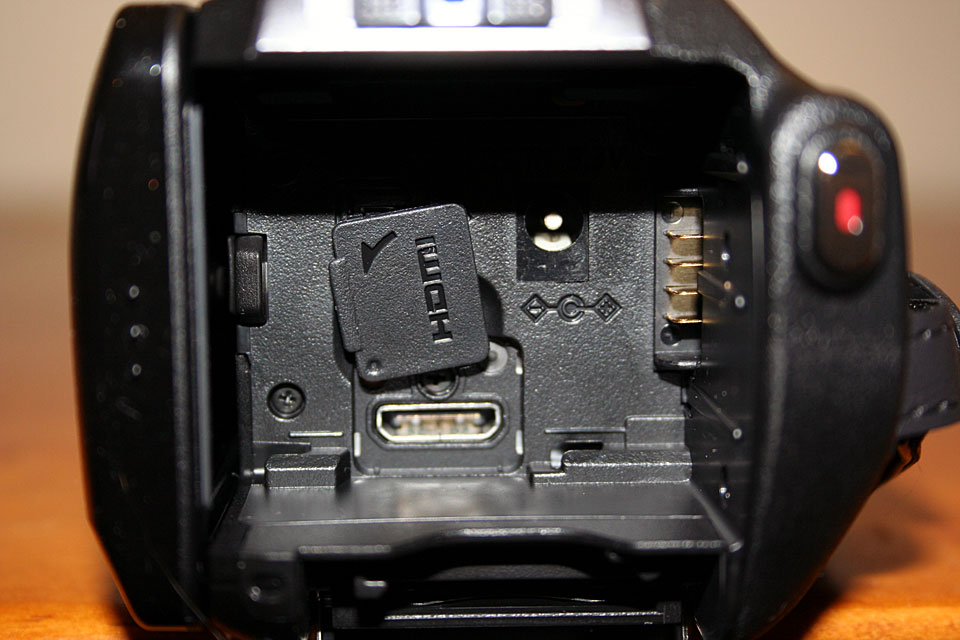

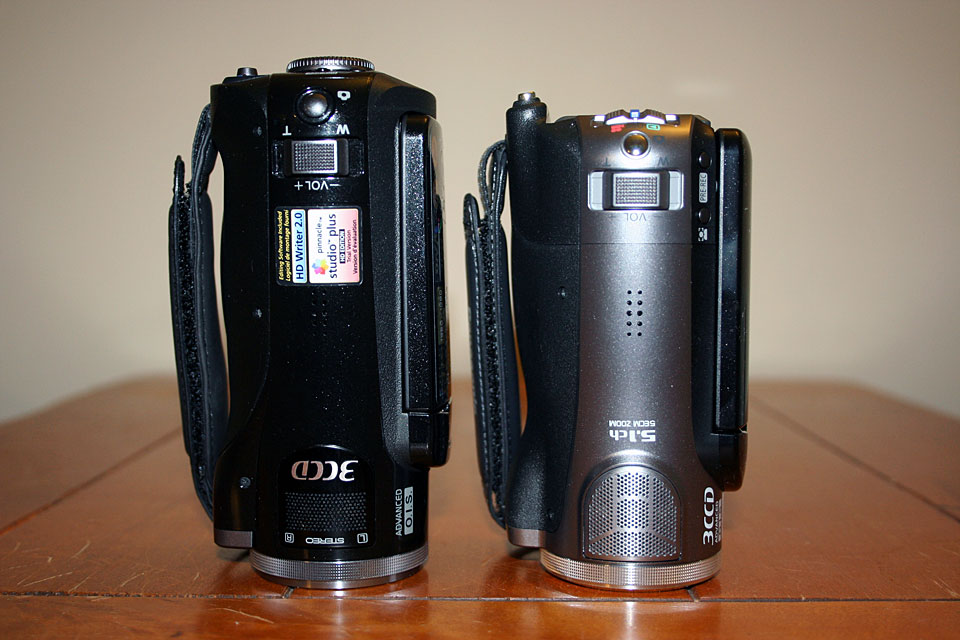


Celebrating 20 years of Nonsense, Powered by Natural Intelligence.
My order of Panasonic HDC-SD9 through Amazon.com has arrived.
I’ve been reading about the problems people has with Final Cut Pro and iMovie ’08. I will test this camera and post it here.
Pictures of Panasonic HDC-SD9
Flock 1.1 is available for download.
Release notes for Flock 1.1
Flock 1.1 includes some very exciting improvements. Flock’s integration of Gmail and Yahoo! Mail makes it much easier to stay connected and share your discoveries with friends. Flock also lets you know when you have new messages waiting for you so you don’t miss a beat. Check it out and have fun with it.

Flock 1.1 is available for Linux, Mac and Windows.

Aperture 2.0.1 – 43.9MB
Aperture 2.0.1 addresses issues related to performance and overall stability. It also fixes a number of other minor issues. This update is recommended for all Aperture users. For more information, go to: http://support.apple.com/kb/HT1083
Apple ID and Aperture 2 Serial Number is required.
GarageBand 4.1.2 – 19.1MB
This update improves overall stability and addresses issues with the automation of software instrument parameters, FireWire and USB based audio devices and Magic GarageBand.
I am going to the Apple Store this coming Tuesday with Carrie to get her a new MacBook Pro. We still haven’t discussed which model she wants, it would be either the 2.4 GHz w/ 3MB L2 Cache or the 2.5GHz w/ 6MB L2 Cache 15-inch MacBook Pro.
I will update this post after we get the MacBook Pro.
I know I will get this new MacBook Pro too, but I will get it customized with 7200 RPM hard drive, and maybe a 2.6GHz Core 2 Duo Processor.
to be continued…….
One question came to mind as Steve Jobs described Time Capsule back on MacWorld San Francisco 2008. What does “sever grade” hard drive mean?
As Time Capsule becomes available in Apple Store and shipped to customers, informations are coming in. One user by the name of “nakedmac” opened up a Time Capsule and posted the pictures on Flickr. It’s a 1 Terabyte Time Capsule and equipped with a Hitachi Deskstar Hard Drive. Many questions if this particular hard drive a a “server grade” hard drive.
I picked up a 500GB Time Capsule at the Apple Store on Friday, February 29th. I found out that this particular Time Capsule is equipped with Seagate Barracuda® ES SATA 3.0Gb/s 500-GB Hard Drive, model number ST3500630NS. According to the specs, it is a server grade hard drive.
My friend pre-ordered a 500GB Time Capsule, and it is currently being shipped directly from Shanghai, China. I’ll find out what model of hard drive comes with his Time Capsule.
I did not open up the Time Capsule. I use Airport Utility 5.2.2 to find out the hard drive model.

Using AirPort Utility 5.3, the hard drive model number will not be displayed.

Time Capsule comes with AirPort Utility 5.3, while the latest version that comes with Mac OS X 10.5.2 is AirPort Utility 5.2.2.
Apple most likely will bring AirPort Utility to the same version on the next Leopard update.
Apple AirPort Utility is also available for Windows XP/Vista. (screenshots coming soon)
UPDATE:
I would love to post the AirPort Utility 5.3 installer here, but I don’t want to be served with Cease & Desist letter by Apple.


Airport Utility for Windows


