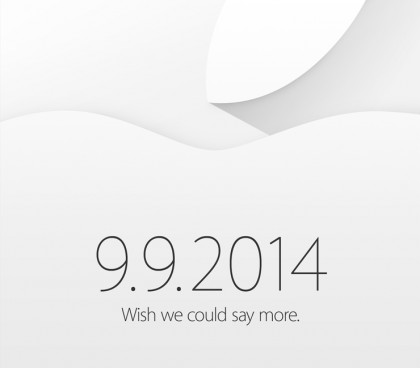
Save the date. Apple has sent the invites to September 9, 2014 special event, subtitled: “We wish we could say more.”
The Bearded One, a.k.a. Jim Dalrymple posted the graphics of the invitation on The Loop.
Apple is expected to unveil the next iPhones and some other things. As always, anything that John Gruber blurted out also becomes news.
I asked firstnameatappledotcom regarding the event; and I paraphrase:
“We’re sending the usual employees to China again, and they will be back on September 8, 2014.”
Starting in February 2014, key Apple employees in charge with productions spent about two weeks out of every month overseeing production in Foxconn China factory. Sometimes between April and May, a critical design issue of a new product was found. Apple engineers were tasked to tackle this high priority issue.
Sometimes in July, 2014, Apple was reportedly created a new division that works exclusively with iOS device. It is unclear what iOS device this division is responsible for.
Comes September 9, 2014, we all will see the new products from Apple.