Bad Religion upcoming “True North” album is available on YouTube in its entirety, courtesy of Bad Religion and Epitaph Records.
“True North” hits the street on January 22, 2013.


Celebrating 20 years of Nonsense, Powered by Natural Intelligence.
Bad Religion upcoming “True North” album is available on YouTube in its entirety, courtesy of Bad Religion and Epitaph Records.
“True North” hits the street on January 22, 2013.
This photo could have been taken in Apple Headquarter.

This picture has not been altered. other than color correction and cropping.
Wall Street Journal suspiciously omitted the 65 Millions figure off its latest hit-piece on Apple. Tech-sites quickly jumped on the news without using the salt shakers. Sadly tech-journalism is prone to circular logic.
Remember what the tech journalists said about “the next iPhone” back in March 2012?
NBCNews – Will the next iPhone be simply named ‘iPhone’?
Then these so called tech journalists seem to think that the next iPhone after iPhone 4S would be called “The new iPhone” or simply iPhone.
Note: Forgive us for linking to Gizmodo and CNET.
A lot less people are being critical of what the mainstream press say. There’s a sickening notion of:
If Wall Street Journal published it, then it must be true.”
Wall Street Journal has been wrong on many occasions. Every year since the first introductions of the iPhone in 2007, the rumor of “smaller” iPhone lives on. Whoever made this news up are laughing their asses off, rolling on the floor every time someone reported it.
The current state of tech journalism is far from what it was intended to be. Now it is all about page hits, exclusives and first to report. There are those who know what tech companies are planning and they are not talking. Those who are within Apple’s inner circle are keeping their mouth shut about the next iPhone. Whether or not it would have been called “iPhone 5S” or “iPhone FU”, no one outside this circle know. Anything you read about the iPhone 5S coming this Spring is a complete fabrication of desperate tech journalist wannabes.
Remember, it only takes one to publish unsubstantiated story before the other pick them up and ran with it.I t is an incestuous tech journalism.
Here’s my reaction to Wall Street Journal article regarding Apple cutting down iPhone 5 order.
For some reasons I sense that Wall Street Journal is forgoing good writing in the name of page views.
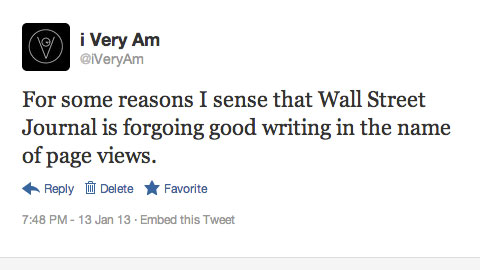
Immediately I sensed the bull-pie Wall Street Journal made.
BGR’s Tero Kuittinen felt the same way and said:
In what world did Apple expect to order components for 65 million iPhone 5 handsets in the seasonally soft March quarter?
Perhaps the weirdness of the math is why the current version of the WSJ article no longer cites the 65 million unit figure. Sometime between Sunday at 8:00 p.m. EST and Monday at 7:00 a.m., the Journal decided to drop the number from its article. But if the 65 million number is not right, is the estimate for halving March orders correct, either?
John Gruber also agrees:
The reports claiming 65 million displays for next quarter make little sense; the reports that claim component orders have been “halved” but without any specific numbers can’t be verified three months from now when Apple reports its actual iPhone sales for the coming quarter. In the meantime, of course, Apple’s stock took a beating today on these reports. If you don’t smell stock manipulation here, I have a bridge to sell you.
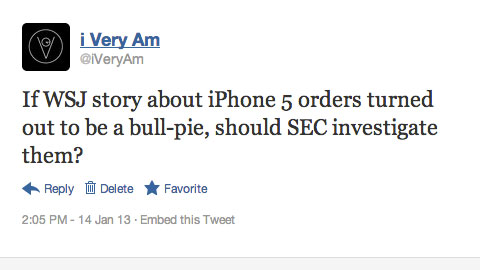
Then I also said:
If WSJ story about iPhone 5 orders turned out to be a bull-pie, should SEC investigate them?
Oracle releases Java 7 Update 11 to address vulnerability. If you do not need Java at all, it is advisable to uninstall it completely.
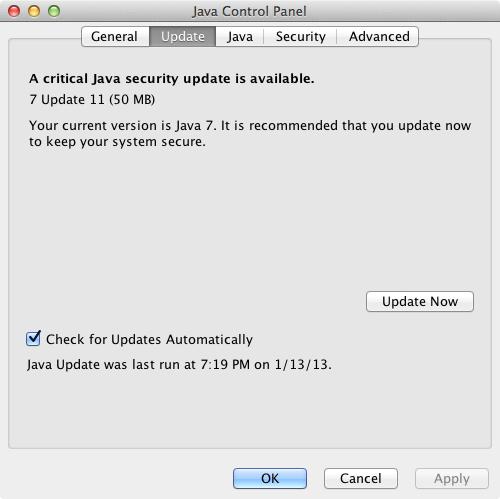
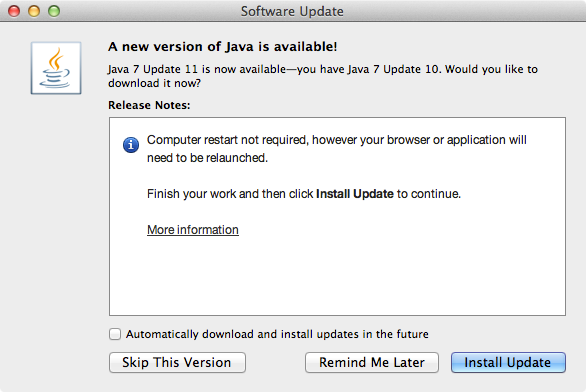
If the auto update failed, download Java 7 Update 11 manually.
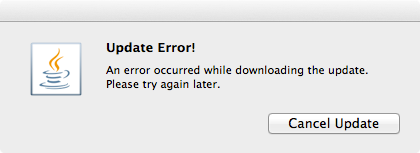
Current news about Java vulnerabilities have been the talk of both tech and mainstream press. The U.S. Department of Homeland Security issued a warning of this vulnerability on Thursday January 10, 2013. On Friday January 11, 2013 we received numbers of called from users that their computers were infected by malware on that day. Security softwares such as Malwarebytes Anti-Malware and Microsoft Security Essentials detected the presence of malicious Java codes in the computers.
Companies like Apple and Mozilla Foundation have been pro-actively blocked Java on their platform.
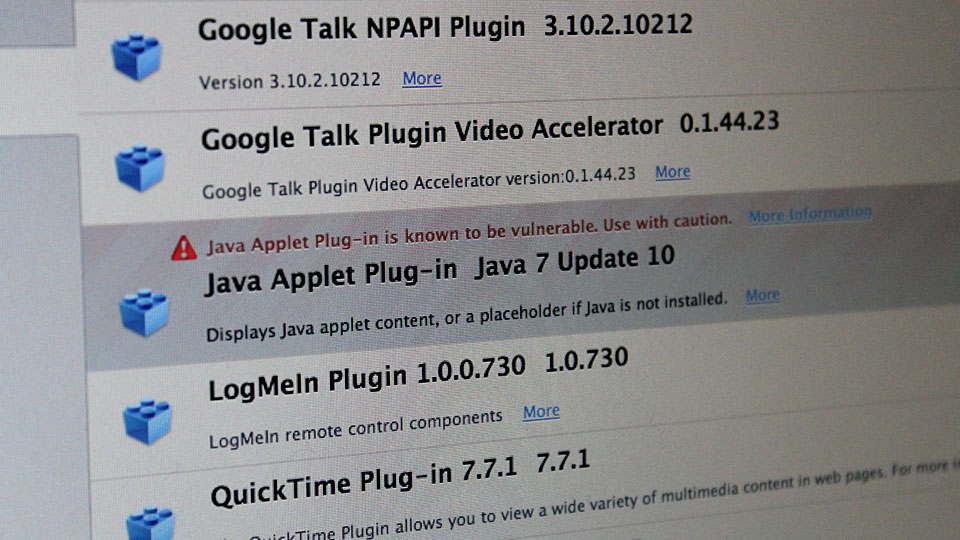
This is certainly not the first time Java has been exploited to deliver malware. Back in August 2012 similar outbreak of malware used Java vulnerability as point of entry. Oracle says that they are preparing an update to Java to address the vulnerability.
So, I have successfully removed the ransomware/malware form the infected computer.
Booting the computer up to Safe Mode or Safe Mode with Networking would still activate the malware. That’s because it replaces the registry entry for Windows Shell from “Explorer.exe” to something else. So, boot the computer to “Safe Mode with Command Prompt” and type “regedit.exe” at the command prompt.
In registry editor, go to:
HKEY_LOCAL_MACHINESOFTWAREMicrosoftWindows NTCurrentVersionWinlogon
In this particular case it was replaced with:
C:PROGRA~3dsgsdgdsgdsgw.bat

Delete the entry and replace it with:
Explorer.exe
Reboot the computer into “Safe Mode with Networking” and launch a web browser. Download, install and run the following programs if you haven’t already:
There are also other programs to scan and remove the malware.
Combofix detects that userinit.exe s also infected.
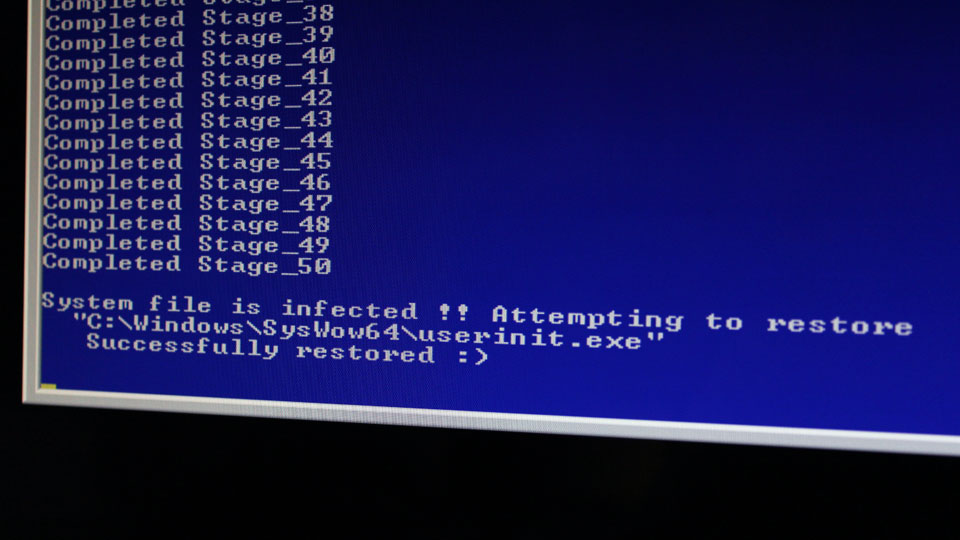
Microsoft Security Essentials also detected presence of Trojan:JS/Reveton.A, which was detected on January 11, 2013.

This computer was infected on Friday January 11, 2013, shortly after news about Java vulnerability was reported. After further investigations, I found that the infection happened through Java vulnerability. The infected computer had both Java 6 and 7 installed. Malwarebytes AntiMalware Free detected and removed the malicious Java module. Similar vulnerability was found back in August 2012.
Let’s take a look at the ransomware/malware.
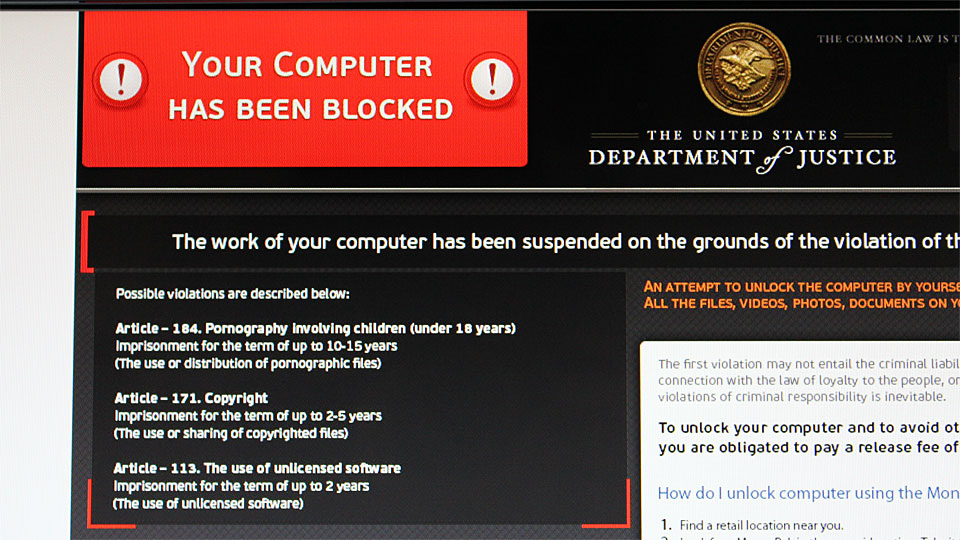
It takes over Windows User Interface (UI) and replaces windows shell with the threatening message purporting from United States Department of Justice: “YOUR COMPUTER HAS BEEN LOCKED”

The message says that the computer has been locked for one or more violations:
They are pretty much the same language used in other ransomware/malware purporting from FBI, Police Cybercrime Investigation Department, etc. Some people might fall for this.
The malware also tries to activate the computer camera, for the purpose of scaring the user. Even though the infected computer doesn’t have any cameras installed, the malware pretends that it is recording video of the user.

The malware demands $300 to be paid in MoneyPak so users can unlock the computer.

So convenient that the malware tells you where to get this MoneyPak.
Anyway, you need to disable Java from your browsers.
If you’re using Mozilla Firefox, follow the instruction here: How to turn off Java applets
If you’re using Google Chrome, go to:
Settings > Privacy > Content Settings > Plug-ins > select “Click to play”
Also go to chrome://plugins/ to manually disable Java if necessary. (type in chrome://plugins/ in the address bar / omnibox)
If you are using Safari, go to:
Preferences > Security > uncheck “Enable Java”
If you are using Internet Explorer, follow the instruction from Sophos.