Merry Christmas!
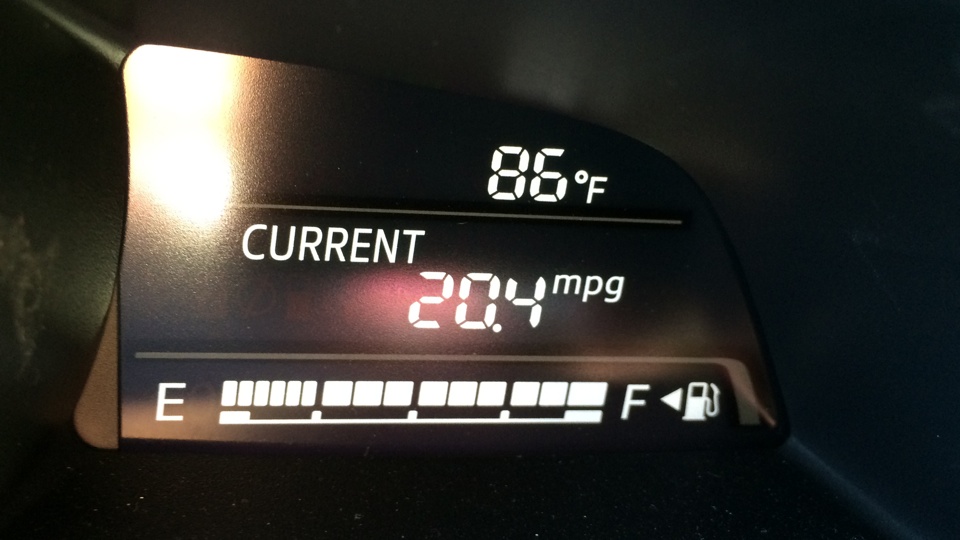
By the way, it was an 86°F Christmas Day in Long Beach, California.
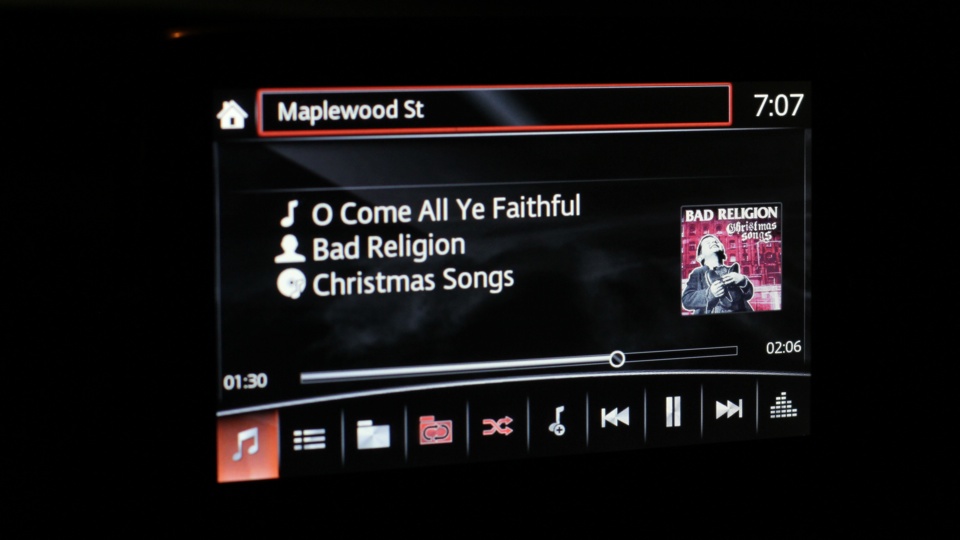
It is also appropriate to listen to Bad Religion‘s latest cash grab attempt titled “Christmas Songs“.

Celebrating 20 years of Nonsense, Powered by Natural Intelligence.
Merry Christmas!
By the way, it was an 86°F Christmas Day in Long Beach, California.
It is also appropriate to listen to Bad Religion‘s latest cash grab attempt titled “Christmas Songs“.
Some of the gifts had been opened and we’re having such great time watching Seinfeld episodes, especially “The Strike“; the one with Festivus.
For no reasons at all, here’s a photo of Rufus “UniCone” Cornelius T. Cat by the Christmas tree, complete with a ribbon.
Merry Christmas Eve!
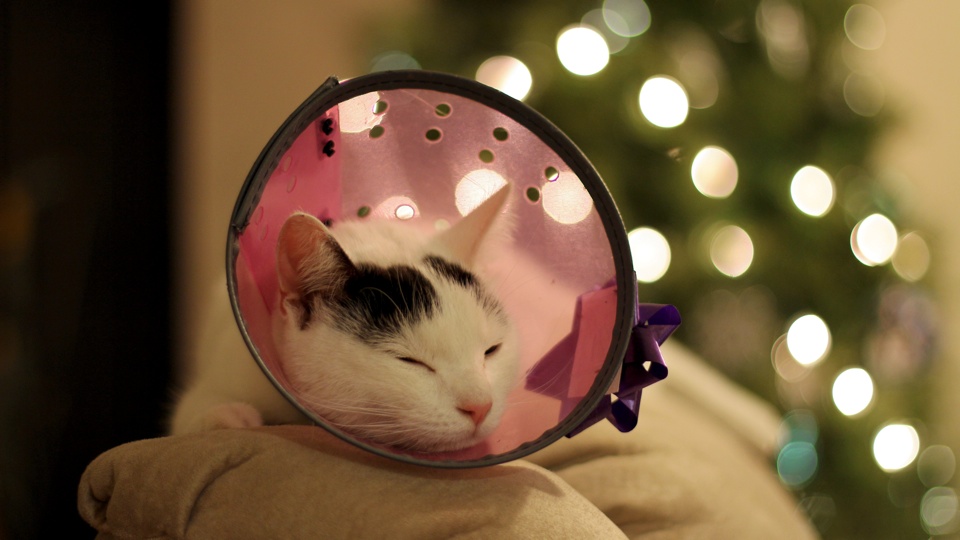
Taken with Canon EOS 60D and Canon EF 50mm f/1.4 USM Lens.
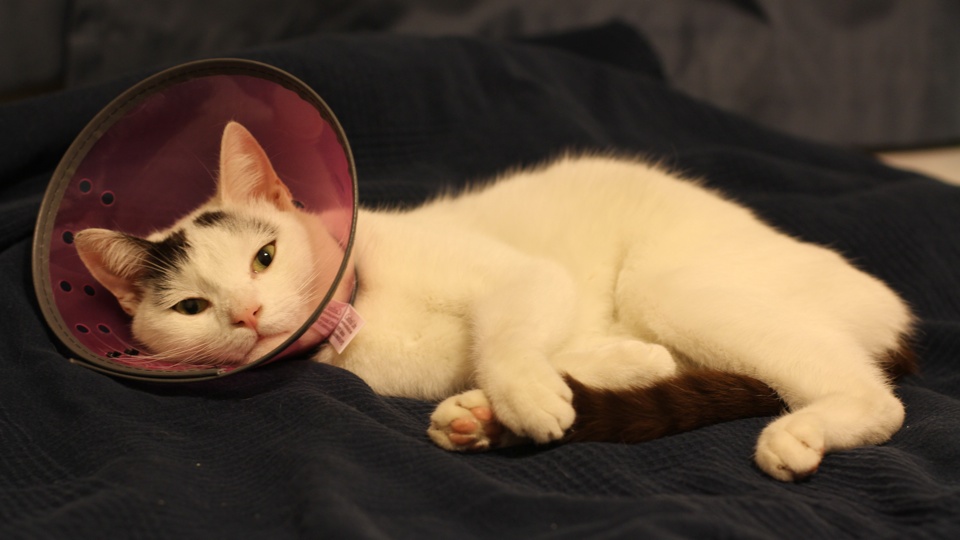
Rufus Cornelius T. Cat has a bad habit, he likes to chew on his own fur. So the UniCone is back.
Episode number fourty-one of Angry Birds Toons is now available for your viewing pleasure. “El Porkador!” is the title and it can be viewed on Angry Birds Apps or Toons.tv.

Next Week eipsode is titled “Hiccups”, so stay Tooned!
This cat means serious business when it comes to relaxing time.
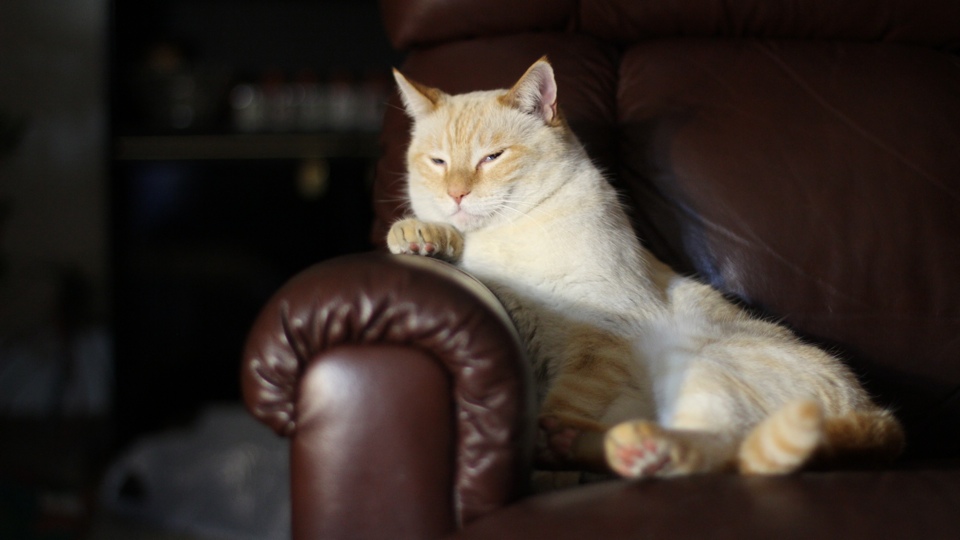
Taken with Canon EOS 60D and Canon EF 50mm f/1.4 USM Lens.
It’s Friday and there are some news, but I’m too lazy to read them. Here’s a picture of Rufus “Unicorn” Cornelius T. Cat and his best friend.
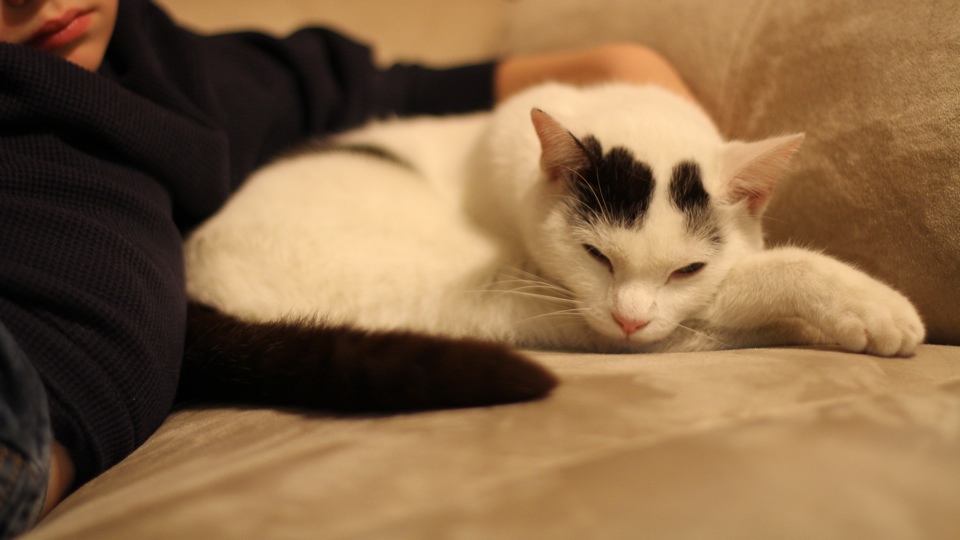
Taken with Canon EOS 60D and Canon EF 50mm f/1.4 USM Lens.
Just shortly after the new Mac Pro goes on sale, Apple is now quoting February 2014 shipping time.

I wonder how many Mac Pro they produce everyday in the good ol’ US of A?

How many can Foxconn assemble Mac Pro in a day?